Gestures
Touchscreens allow users to interact with the device by touching the display with their fingers and thumbs. Besides simple taps, most touch screens and mobile systems support gestures.
Gestures are physical movements that activate a specific control within the design.[1] Most gestures are hand movements but the term also includes shaking, tilting, or moving the device.
Some of the most common gestures and their respective actions include:
- Tapping — touching the surface briefly.
- Double-tapping — touching the surface with two quick motions (often to zoom in).
- Dragging — moving a finger along the surface without breaking contact.
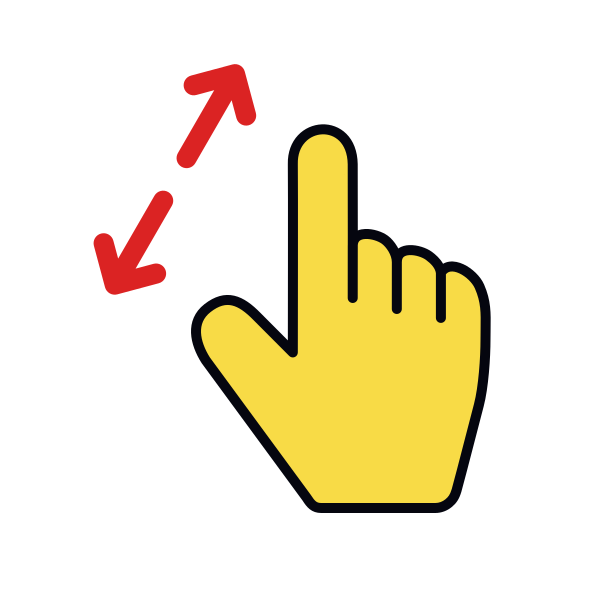
- Pinching and spreading — touching the surface with two fingers to move in (pinch) or out (spread).
- Pressing — touching the surface and holding.
- Flicking — scrolling quickly.
Offer shortcut gestures to supplement and not replace interface-based navigation and actions. For example, on Instagram, you can like the picture by either double-tapping it or pressing the Heart icon.
Pro Tip: Avoid assigning standard gestures to non-standard actions as this will only lead to confusion.
References
Top contributors