Keep interactions quick
While most other mobile device interactions may take users a few minutes, wearable interactions should be kept to a few seconds. How can you accomplish this?
- Minimize input. Typing on a smartphone can be tiresome, but typing on even smaller screens can become a nightmare. Provide predefined answers or allow voice input to avoid frustration.
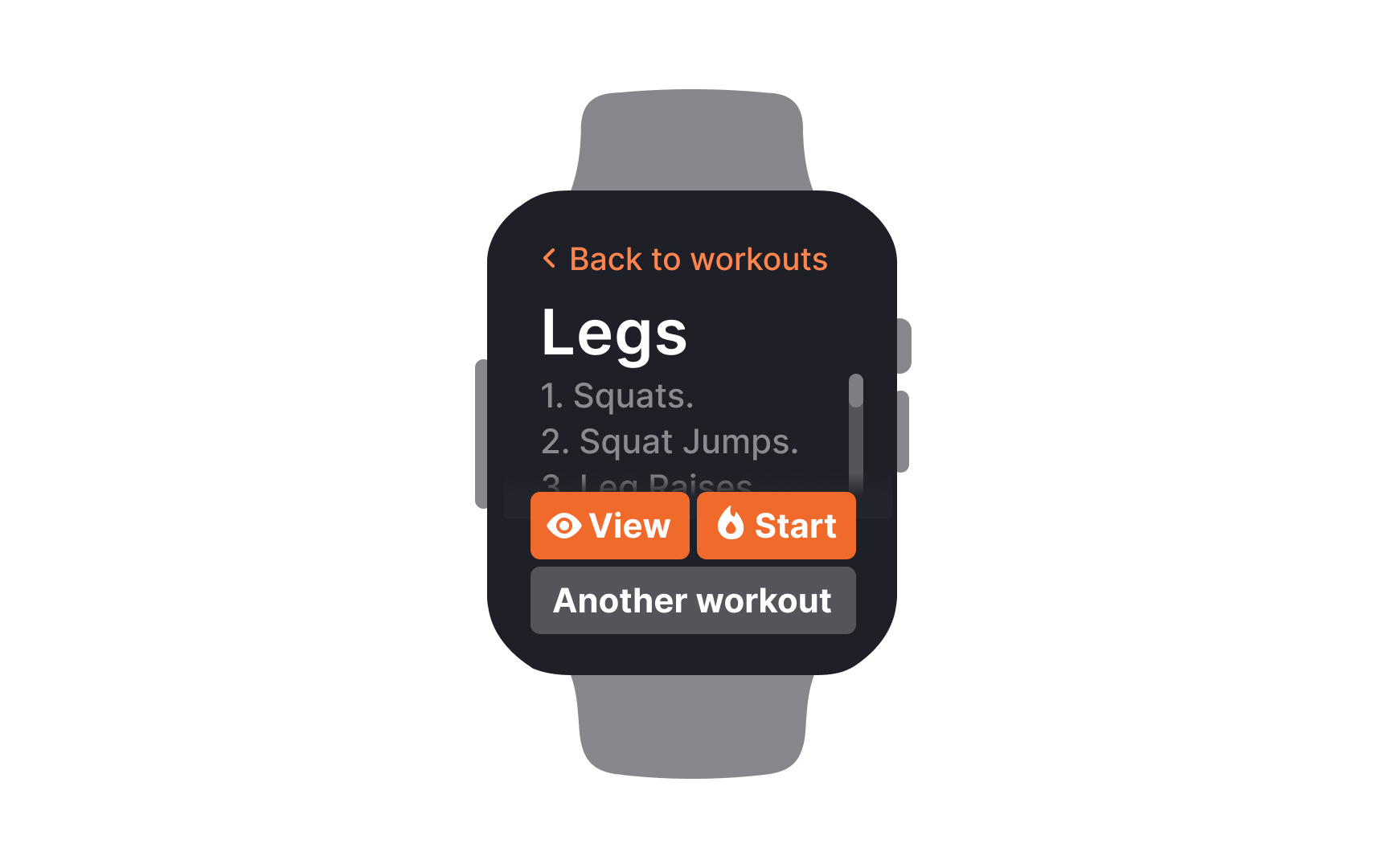
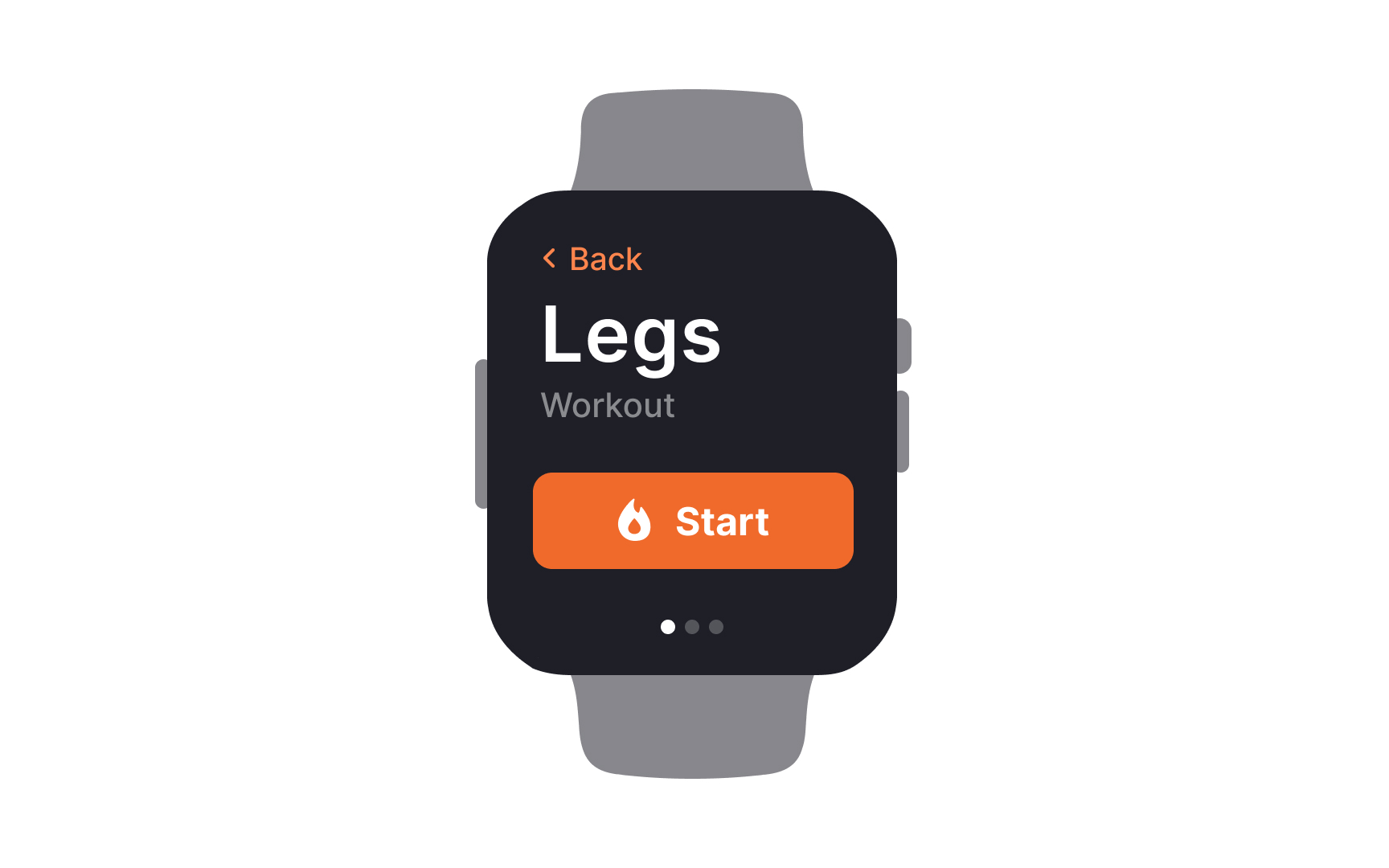
- Keep it to one action per screen. Don't distract users by offering them too many options on a tiny screen. One action is enough. And don't forget to make the primary button easy to spot.
- Don't force users to scroll. Whenever possible, keep the information short and avoid making users scroll. Alternatively, you can break content into several screens.
- Provide accessible touch target zones. Unlike smartphones, which users usually navigate using a thumb, smartwatches or fitness bracelets are mostly accessed with an index finger. Keeping this in mind, interactive elements should have the appropriate size and spacing between them on the screen.
- Use concise language. Stick to short and common words to deliver information and accompany text with relevant graphics (icons or graphs) if necessary. Users should need only one glance to grasp the content.