Device orientation
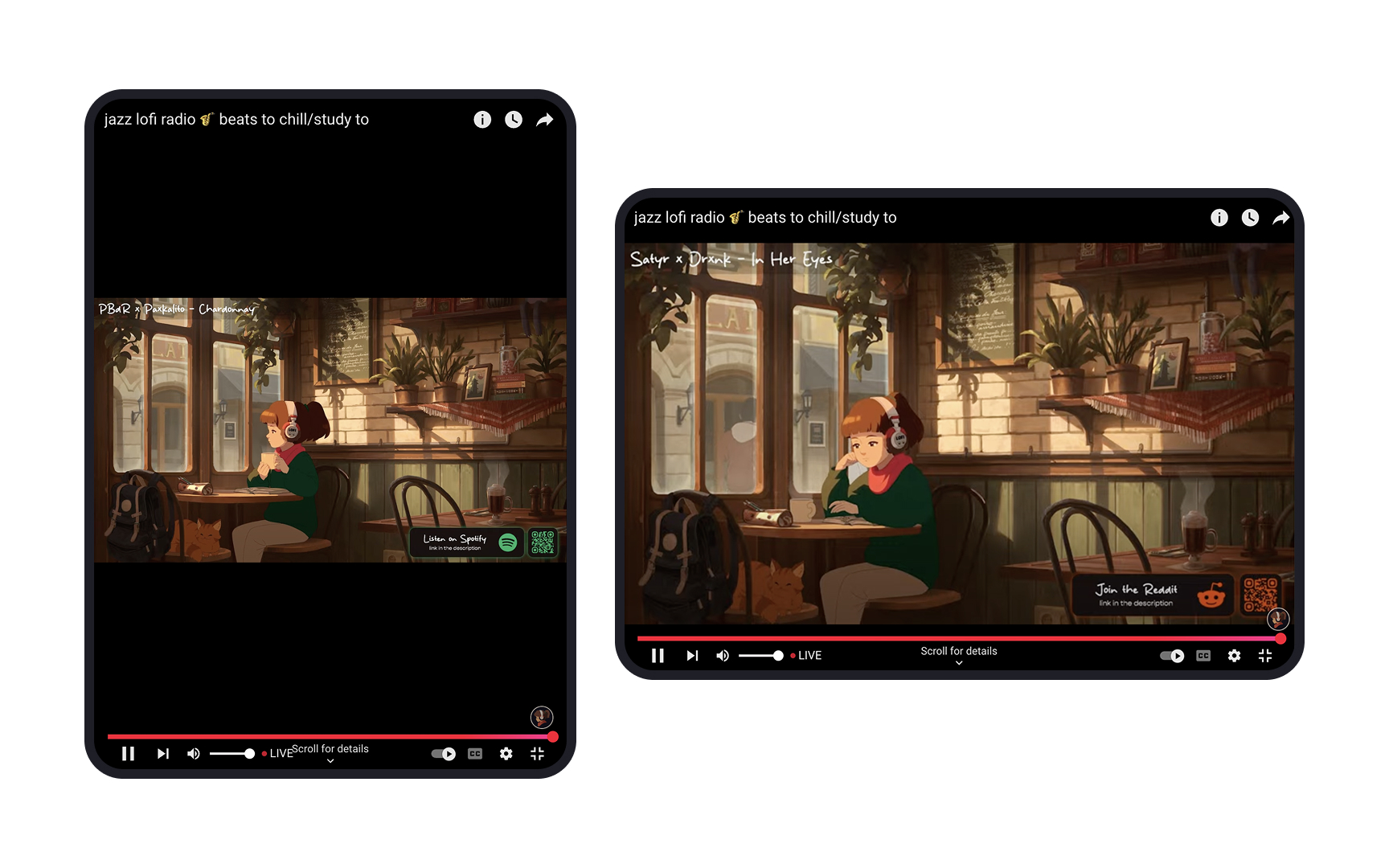
Every app has a default orientation. Usually, apps designed for Apple's iPad devices tend to have landscape orientation as the default, while Android devices tend toward portrait as default. Portrait orientation offers a more mobile-like experience whereas landscape orientation imitates the feel of using a desktop.
Identify the orientation in which your app is intended to be used — i.e., the default state — by your target audience by keeping your app goals and the target device’s OS in mind. From there, build on the design for the opposite orientation. For example, if your app is best suited for viewing in portrait mode, try to replicate the UI from the portrait design into your landscape design without too many changes.