Chunk categories within mega menus
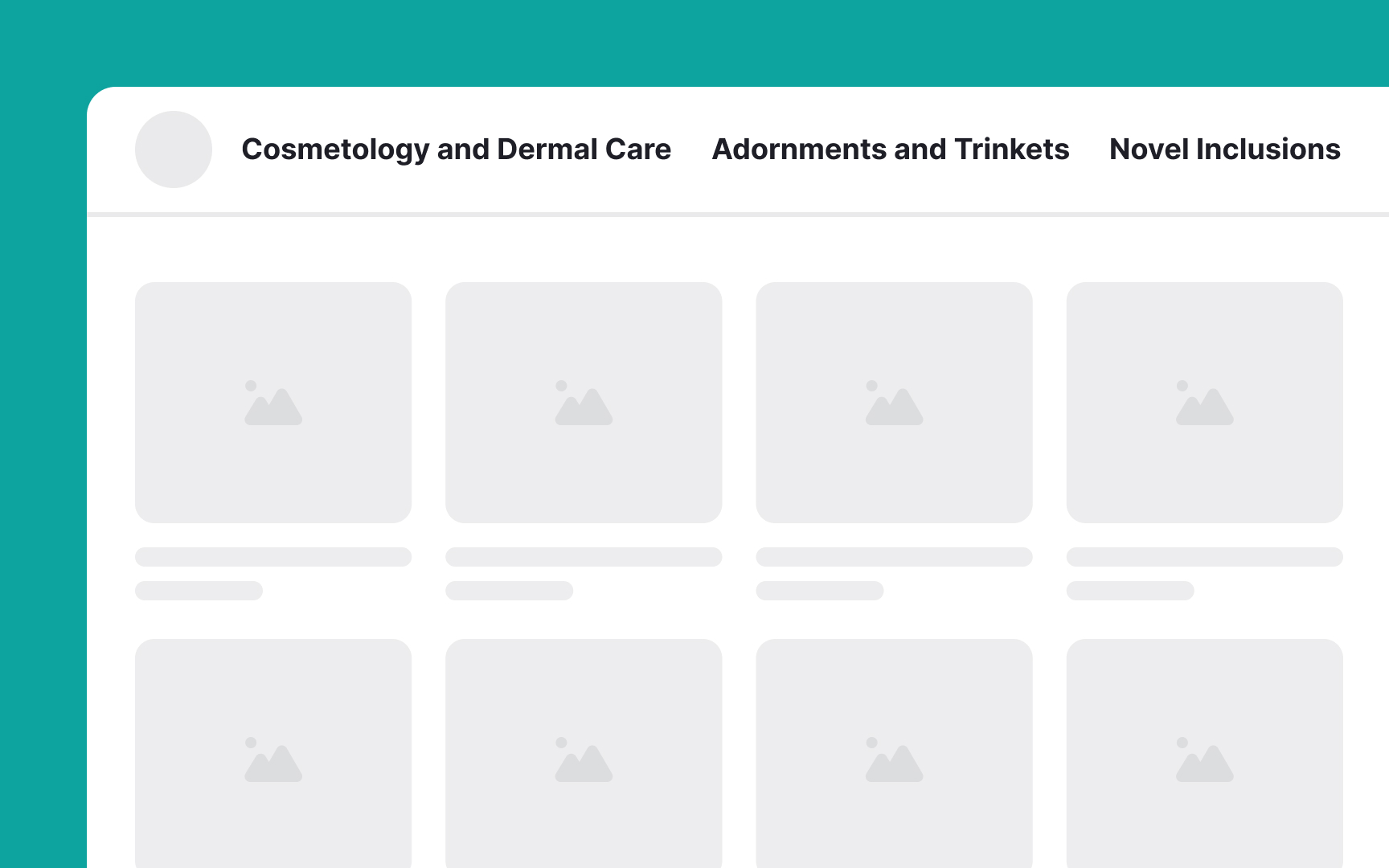
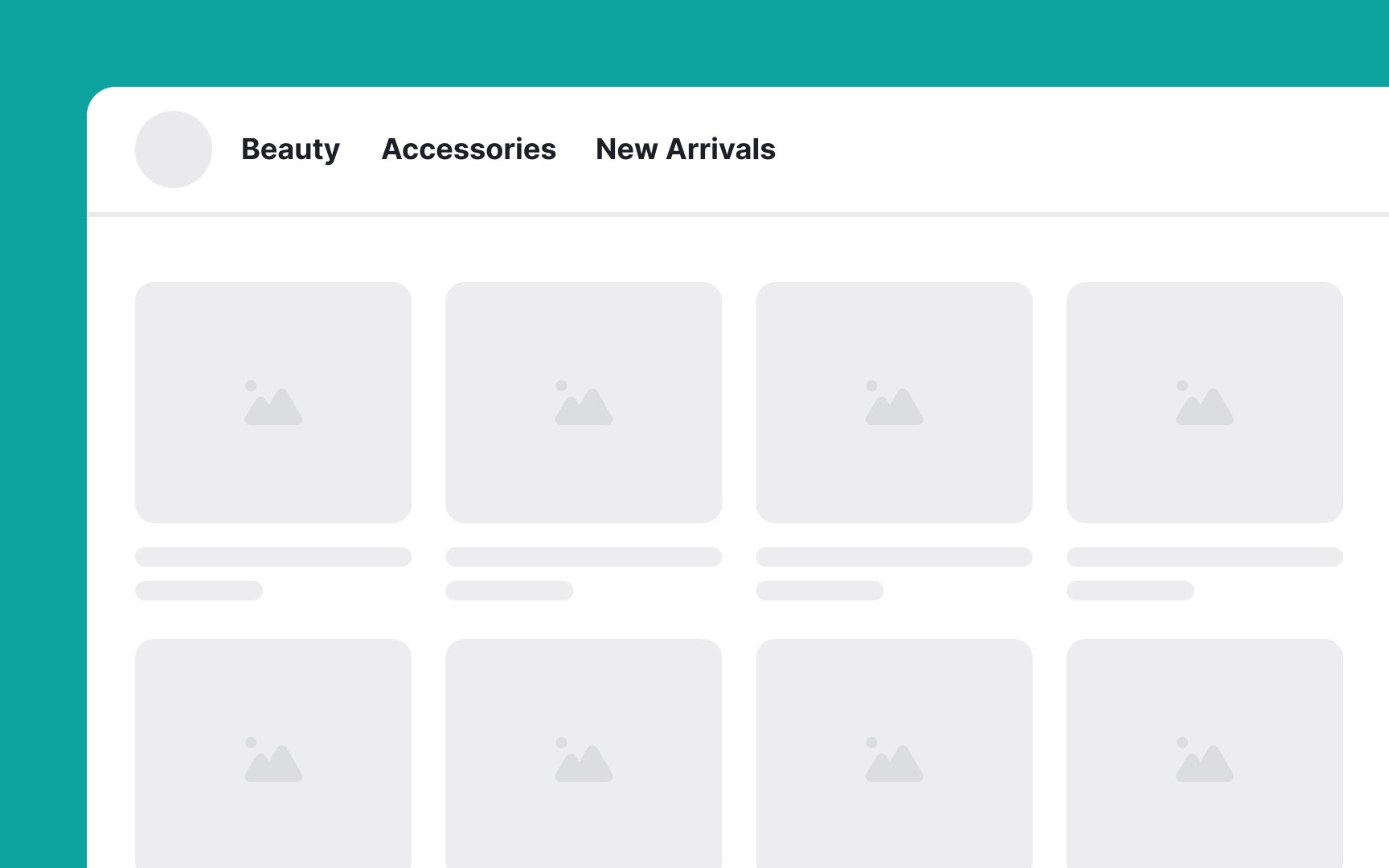
Here are the key grouping guidelines for mega menus:
- Chunk related options: Group similar items together based on user insights, such as findings from a card sorting study.
- Maintain medium granularity: Avoid both overly large groups that overwhelm users and excessively small groups that clutter the menu. For example, instead of having a single group for all "Electronics" or splitting it into too many subcategories, find a balance like "Mobile Devices," "Computers," and "Accessories."
- Use concise, descriptive labels: For example, use "Home Decor" instead of "Items to Decorate Your Home."
- Order groups logically: Arrange groups in a meaningful order, either by workflow or importance.
- Differentiate labels clearly: Avoid similar-sounding labels that could confuse users. For instance, instead of "Beginner Courses" and "Basic Courses," use "Beginner Courses" and "Introductory Courses."[1]