Show an error message if necessary
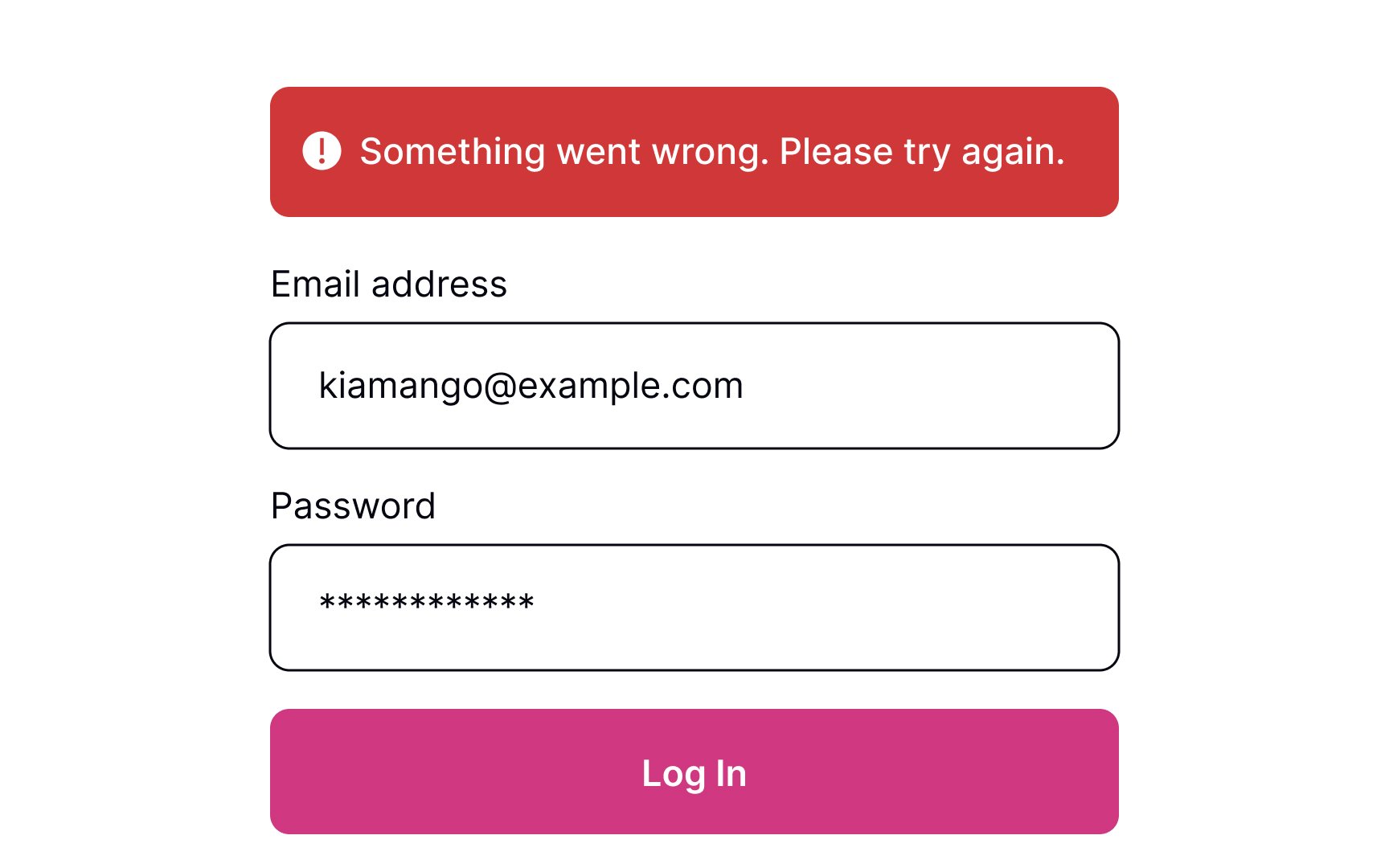
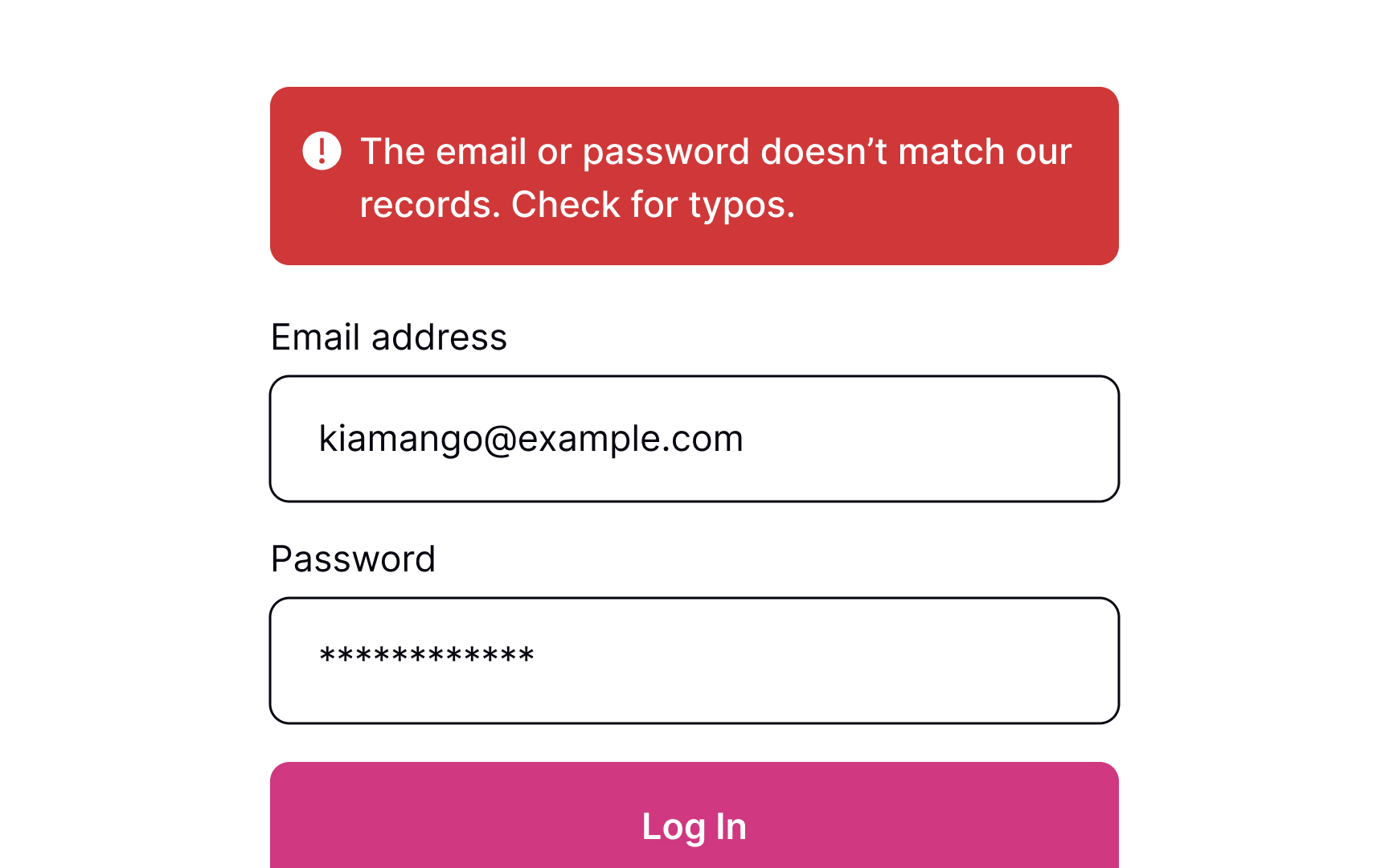
Sometimes, things don't work out. If the form can't be submitted due to invalid information or another error, let users know about it.
When users see that something went wrong, they may feel disappointed, irritated, and stressed. A formal, ambiguous, robotic message is the last thing they need to see. Good error messages should be polite, clear, and informative. Clearly explain to users what happened and provide advice on what they should do next.[1]
However, providing specific error details (e.g., whether the username or password is incorrect) can be a security risk. Display error messages like "Invalid username or password" to prevent revealing information that could aid attackers.
Pro Tip: Avoid using technical terms to explain what caused an error. Act like a human and use simple words that users can relate to.