When to autosave
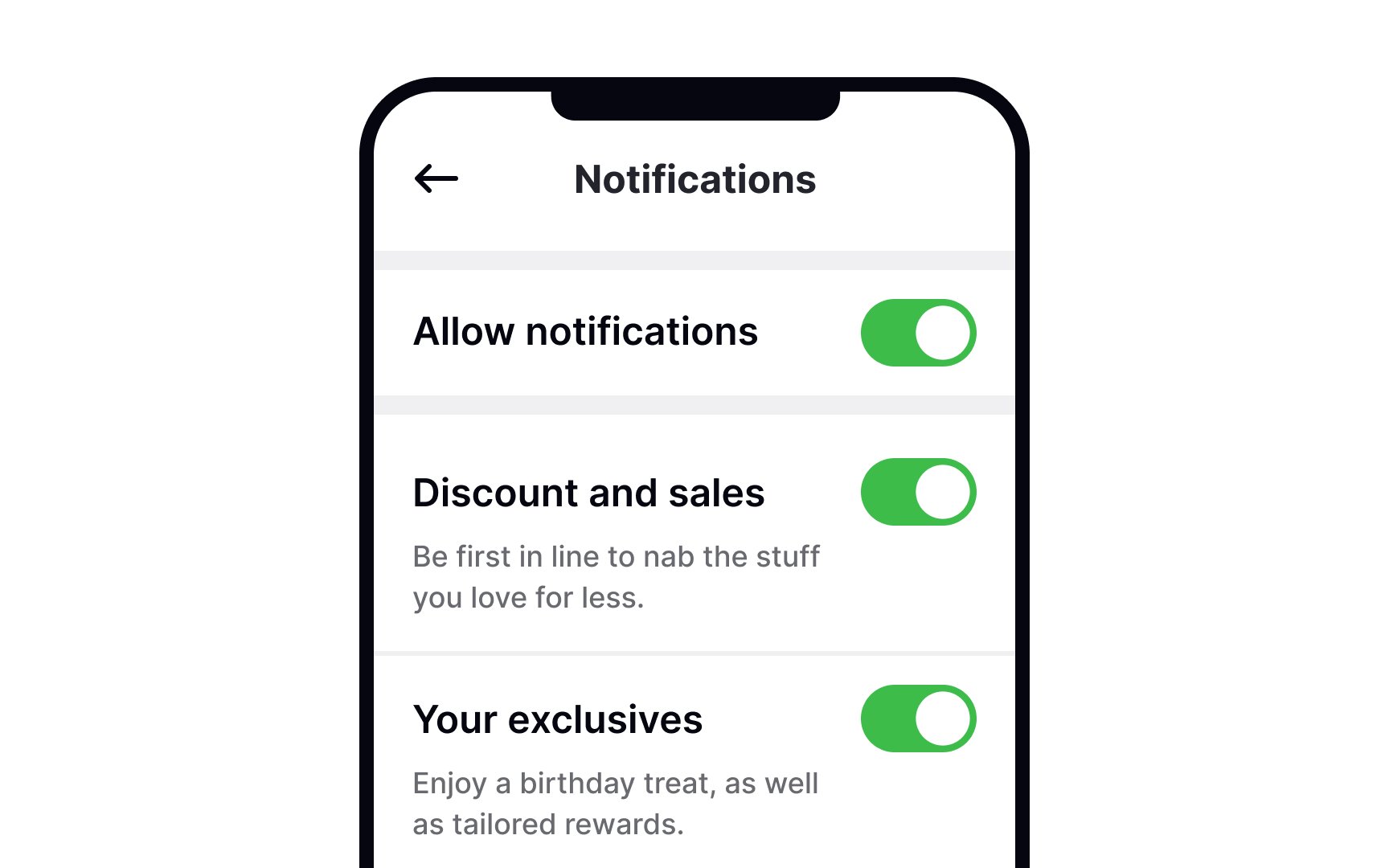
Autosave is now common in many products. When done right, it reduces effort and speeds things up. Autosave works best for simple settings that are easy to undo, such as toggles and checkboxes. Each change is a complete action. For example, in an email settings page, a checkbox like “Receive weekly summary emails” can be saved the moment the user checks or unchecks it. The action is complete in one click, the change takes effect immediately, and reversing it is just another click.
Users can switch something on or off without checking other fields. The result is immediate and clear. Because of this, instant saving feels normal. Users expect the change to apply as soon as they interact with the control.
Still, autosave should not remove user control. A Save Changes button gives users reassurance and a clear way to confirm updates, especially when they want to be deliberate.
Platform habits also matter. macOS users are familiar with autosave and expect changes to persist right away. Windows users are more used to explicit Save or Apply actions. Designing with these expectations in mind helps avoid confusion.
Top contributors