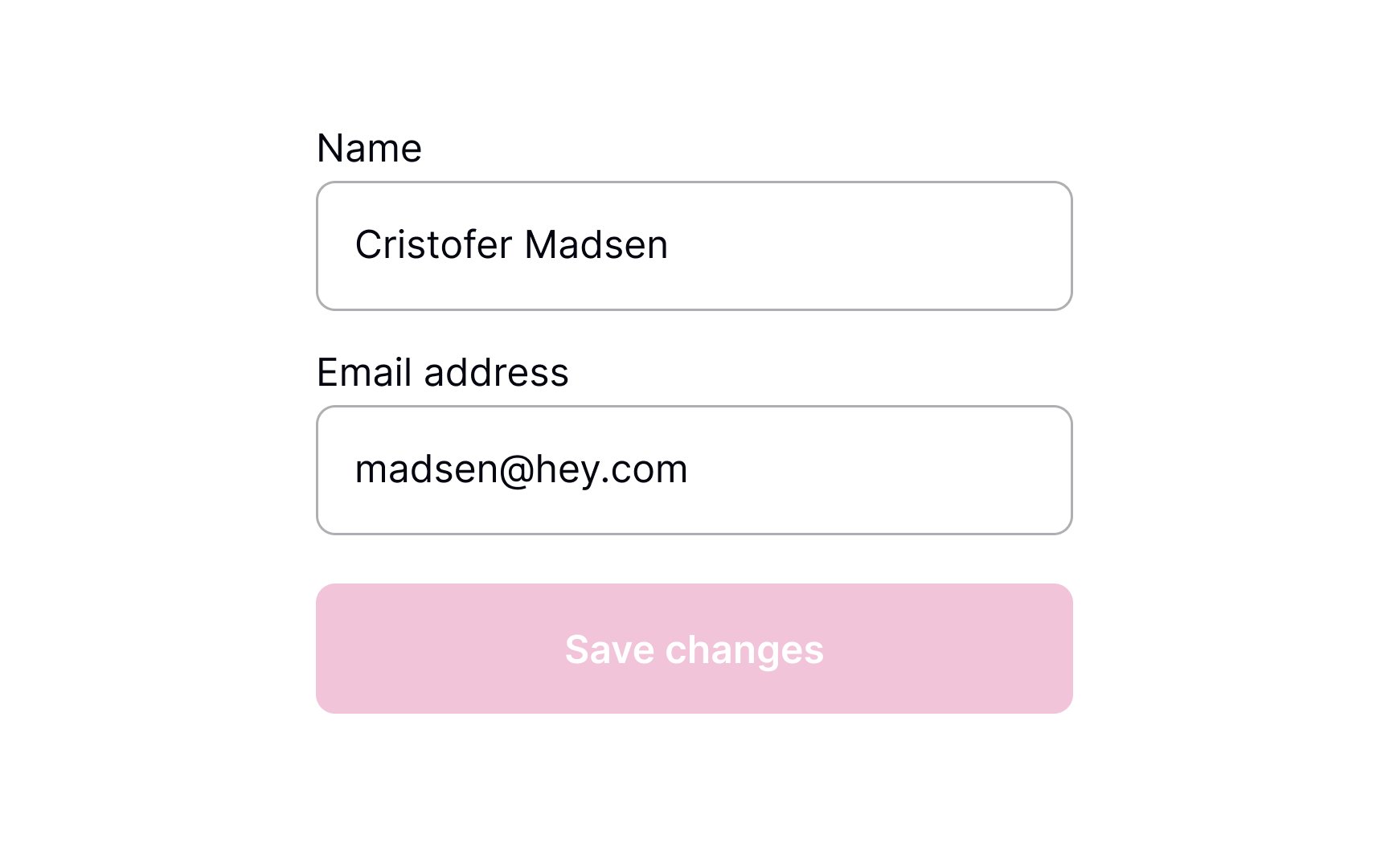
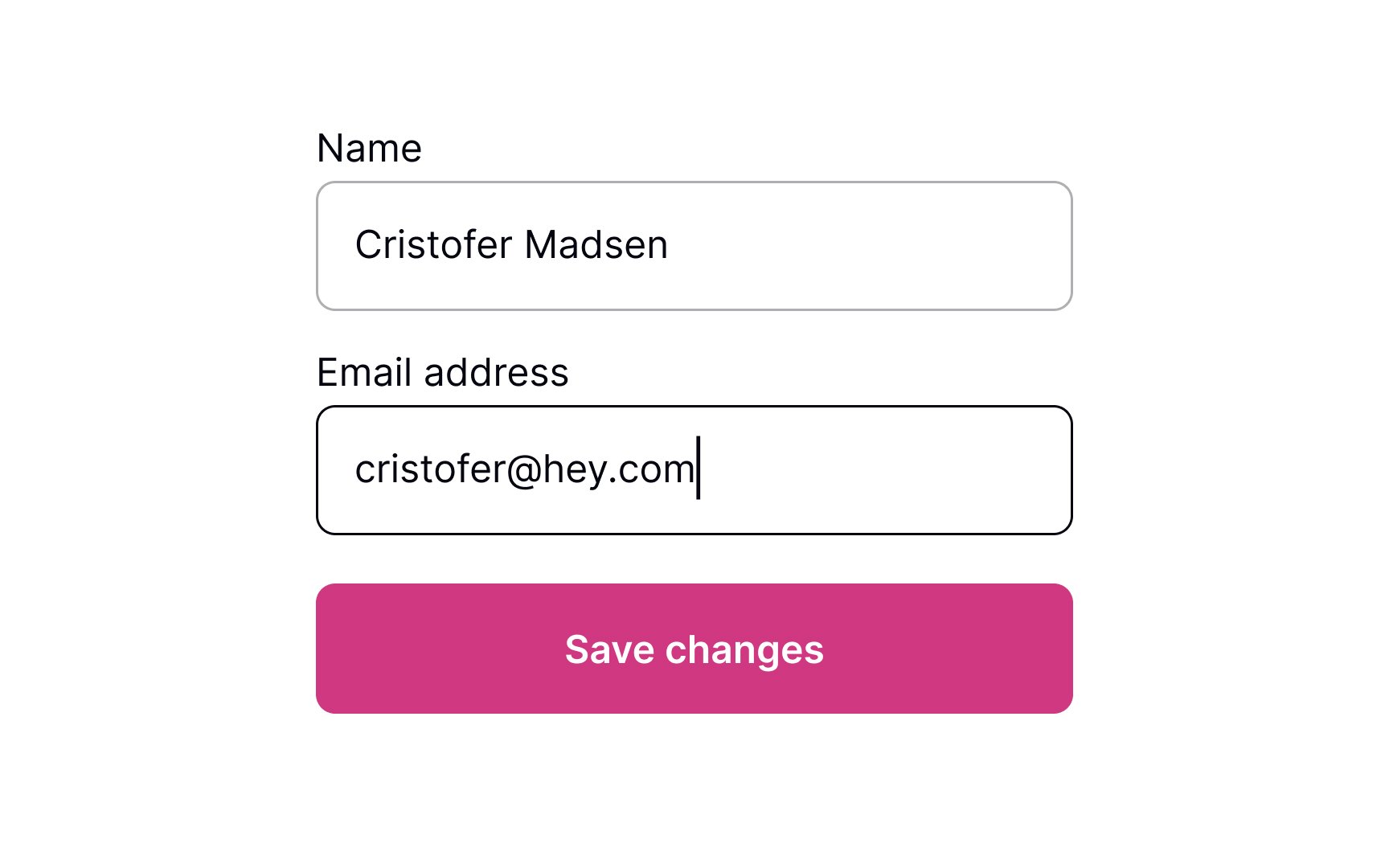
Switch to active state once a change is made
Users who understand what's going on in the system feel more confident and trust it more.[1] This is especially important while they're making changes.
The state of the Save Changes button is a good way to communicate system feedback. Display the button as disabled before changes are applied. When information is modified, change the button state to active in order to bring it to users' attention. This will communicate to them that changes have been made and are waiting to be saved.