Show the action to save changes
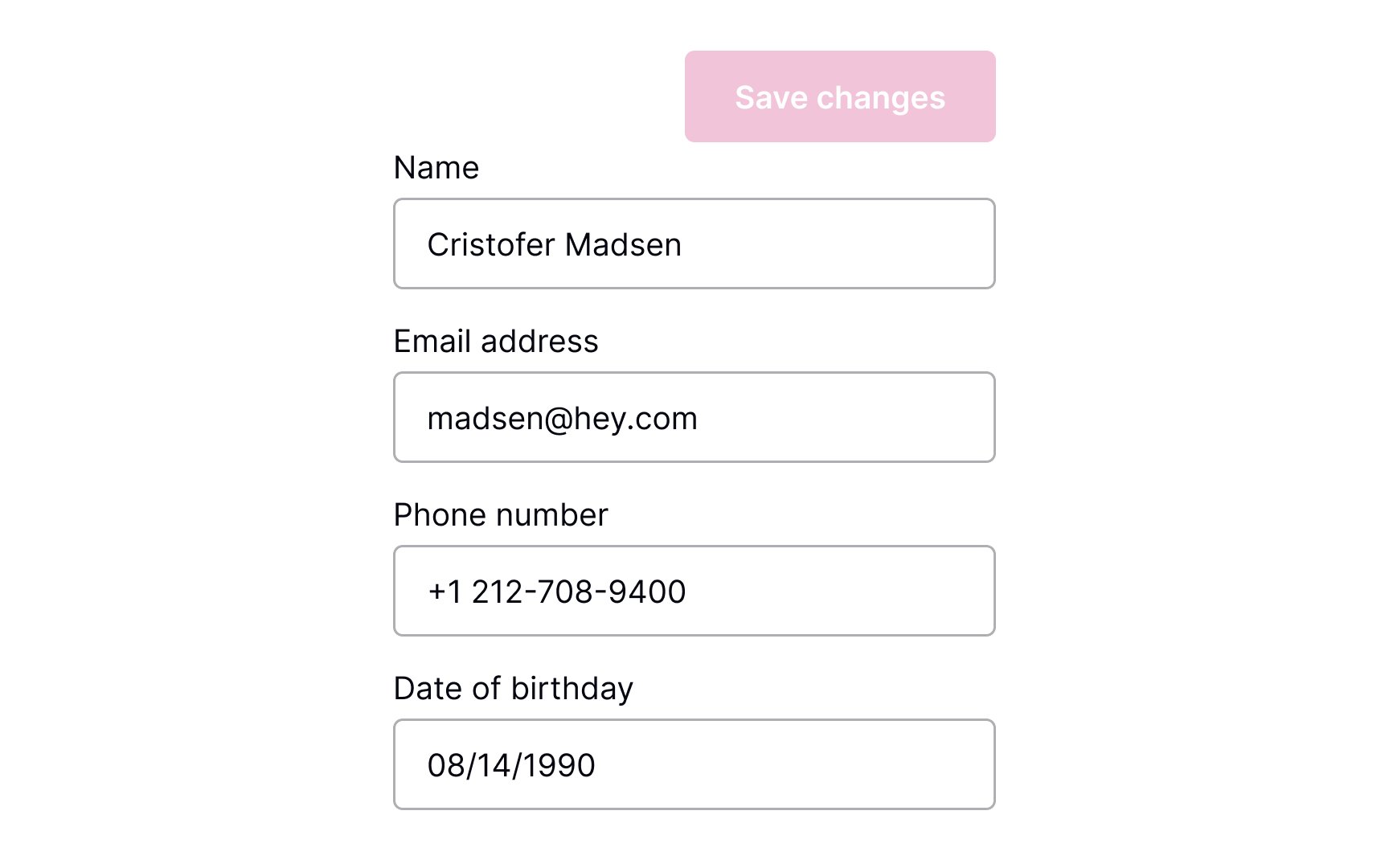
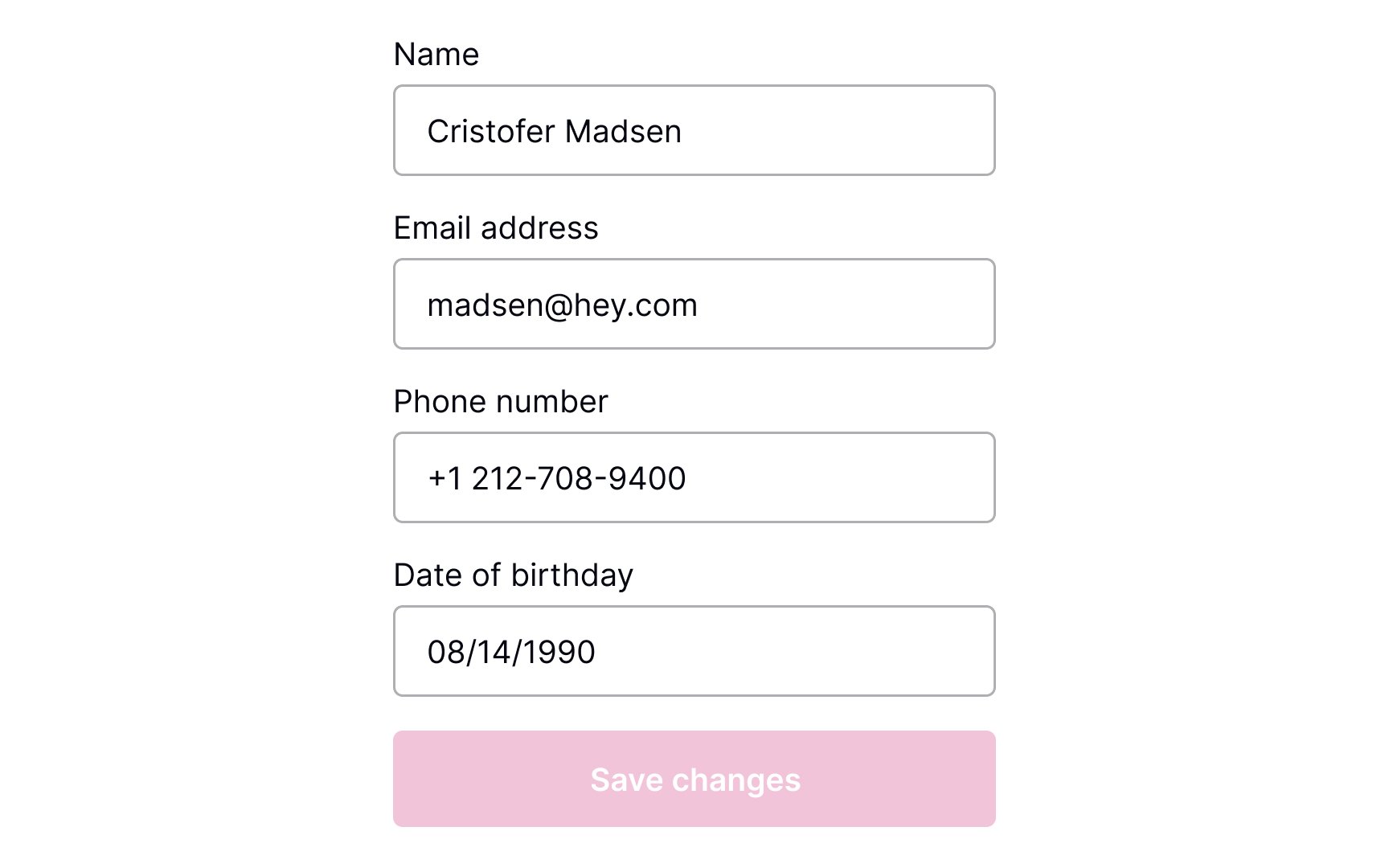
Buttons are the most common tool to confirm and save changes. Make sure they're highly visible.
Where should the Save Changes button be placed? As users scan the content, their eyes move from the top half of the screen toward the bottom. When the content ends, they look for a call to action — so place the CTA button at the end of the content.
For browsers, make sure that the button is above the fold. Another option is to place the button right below the end of all the editable content. In apps, you can make the button stick to the bottom of the screen so that it's always visible.[1]