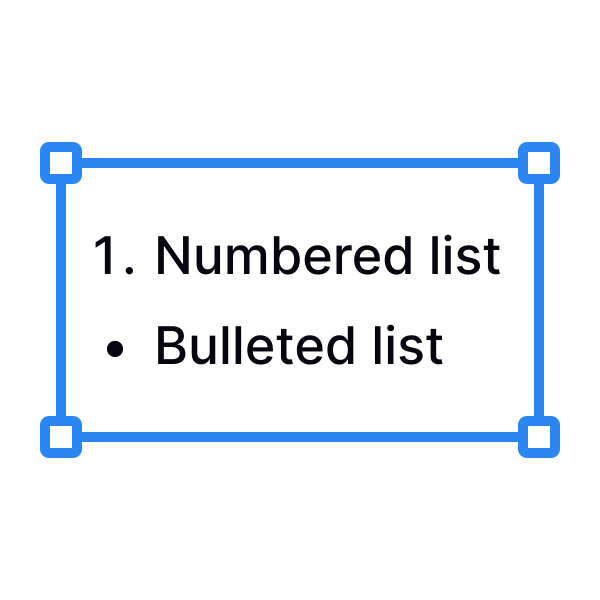
Text effects in a list
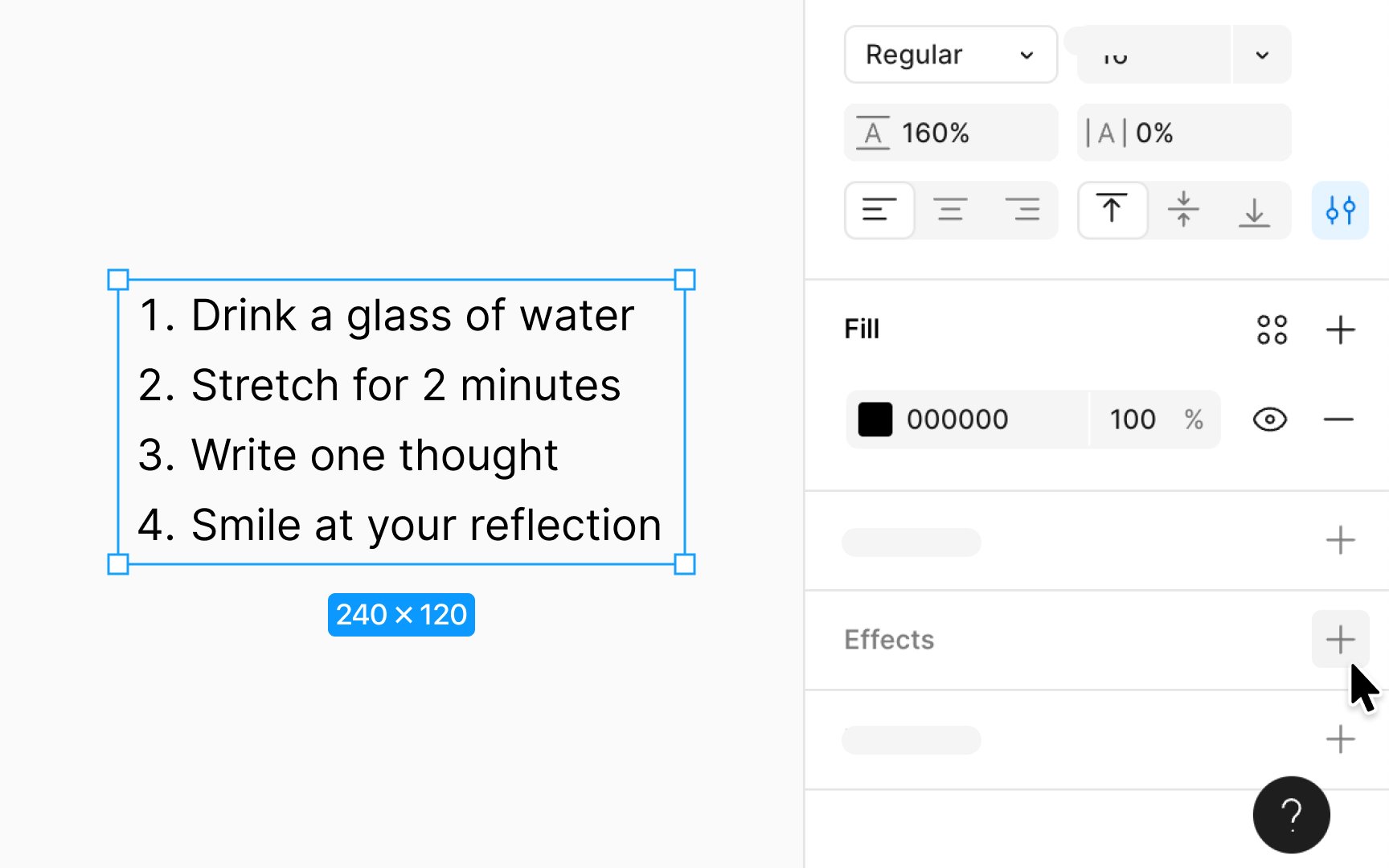
When you apply effects to text within a list, these effects impact the entire selected text layer, containing both the text and any associated bullets or numbers. This ensures that any visual enhancements, such as shadows or blurs, are uniformly applied across all elements of the list, maintaining a cohesive look.
To add a text effect to your list, go to the Effects section of the Design panel and choose from options like Inner shadow, Drop shadow, Layer blur, and Background blur.
If you wish to remove any applied text effects from the list, just select the text you want to modify and click next to the applied effect in the Design panel’s Effects section.