Annotate conditional items
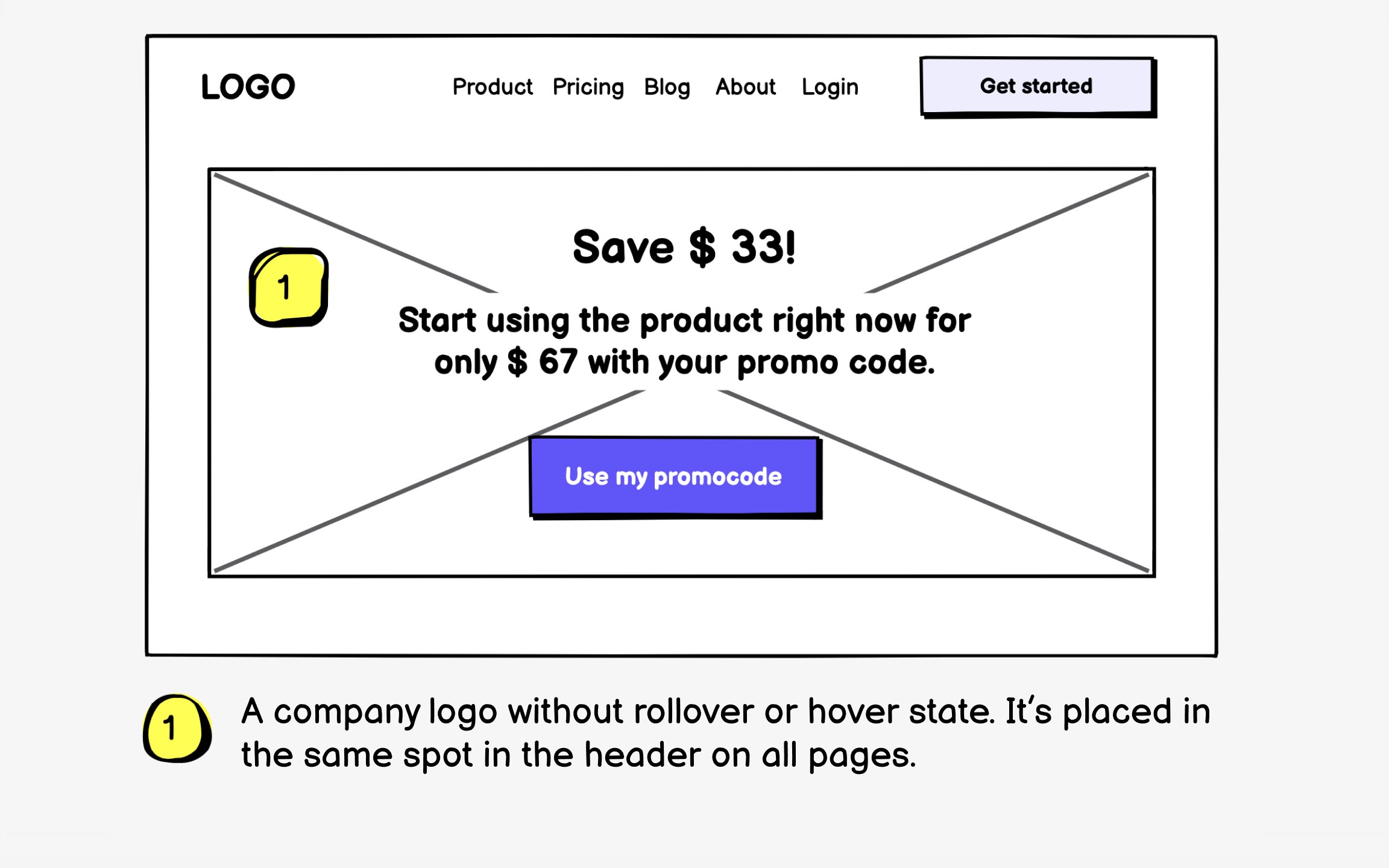
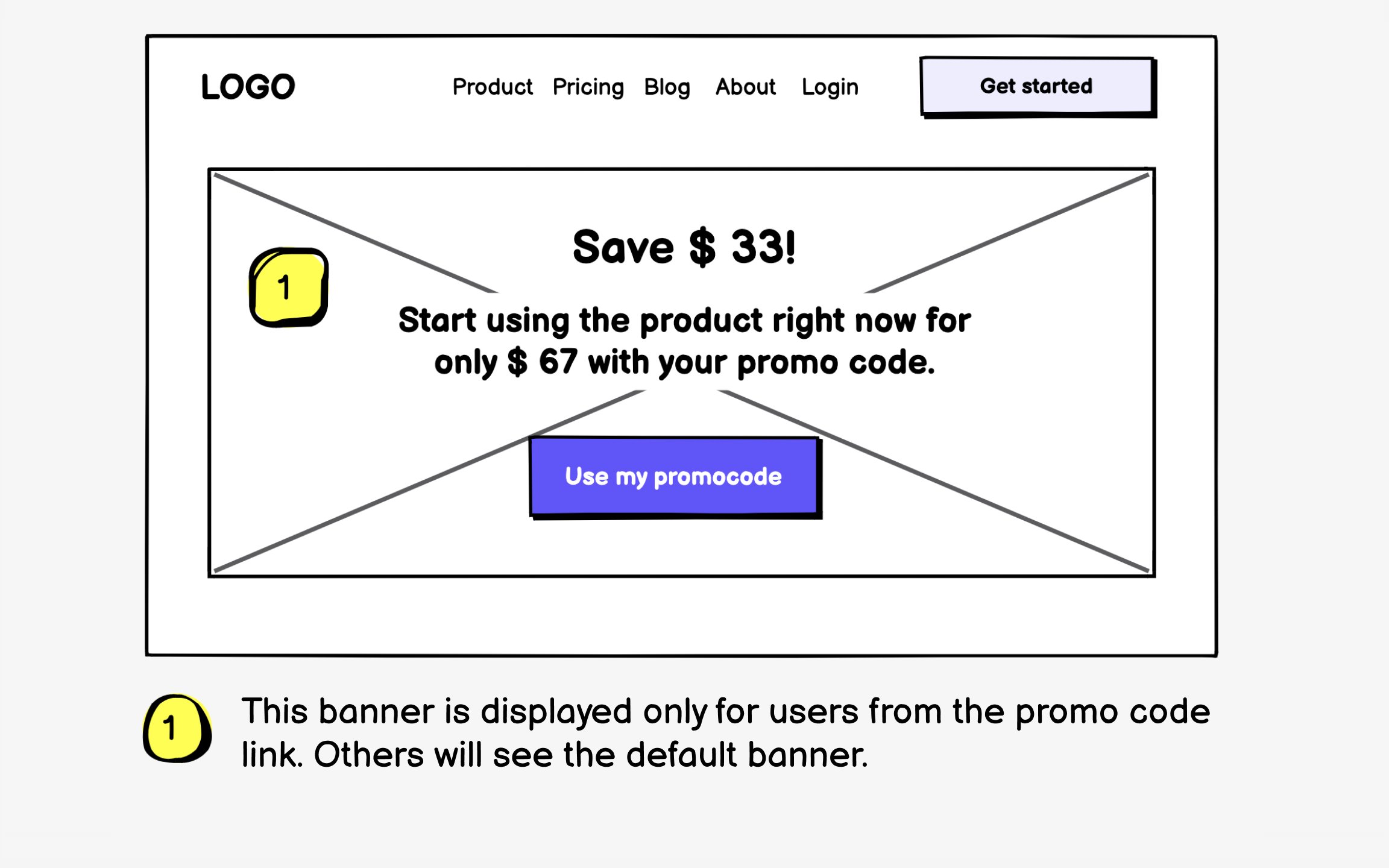
Conditional elements create the most confusion in wireframes because their very existence depends on invisible factors. That promotional banner might appear only for first-time visitors, during sale periods, or for users in specific regions. Without annotations, these conditions remain mysterious.
Document every condition that affects element visibility or behavior. Specify user types ("Shown only to logged-out users"), time constraints ("Displays December 1-25"), geographic limits ("US and Canada only"), or behavioral triggers ("Appears after 3 failed login attempts"). Include what happens when conditions aren't met.
Clear conditional annotations prevent scope creep and development confusion. They help teams understand the full complexity of seemingly simple features and plan appropriate testing scenarios. Most importantly, they ensure everyone implements the same logic.
Top contributors