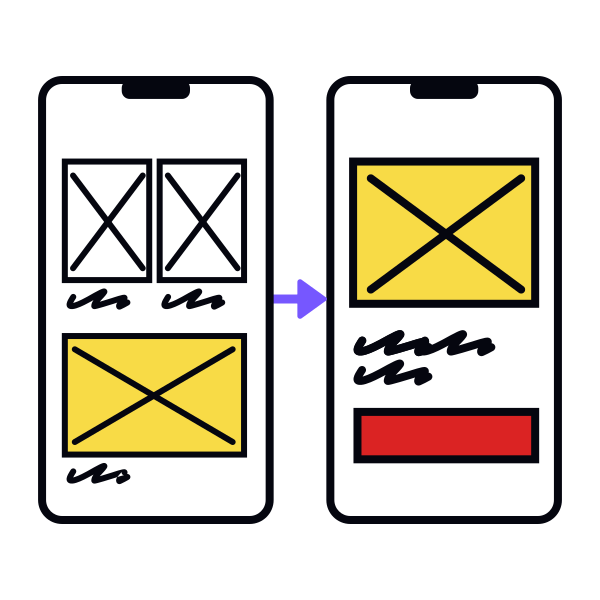
Step 3: Sketch out core screens

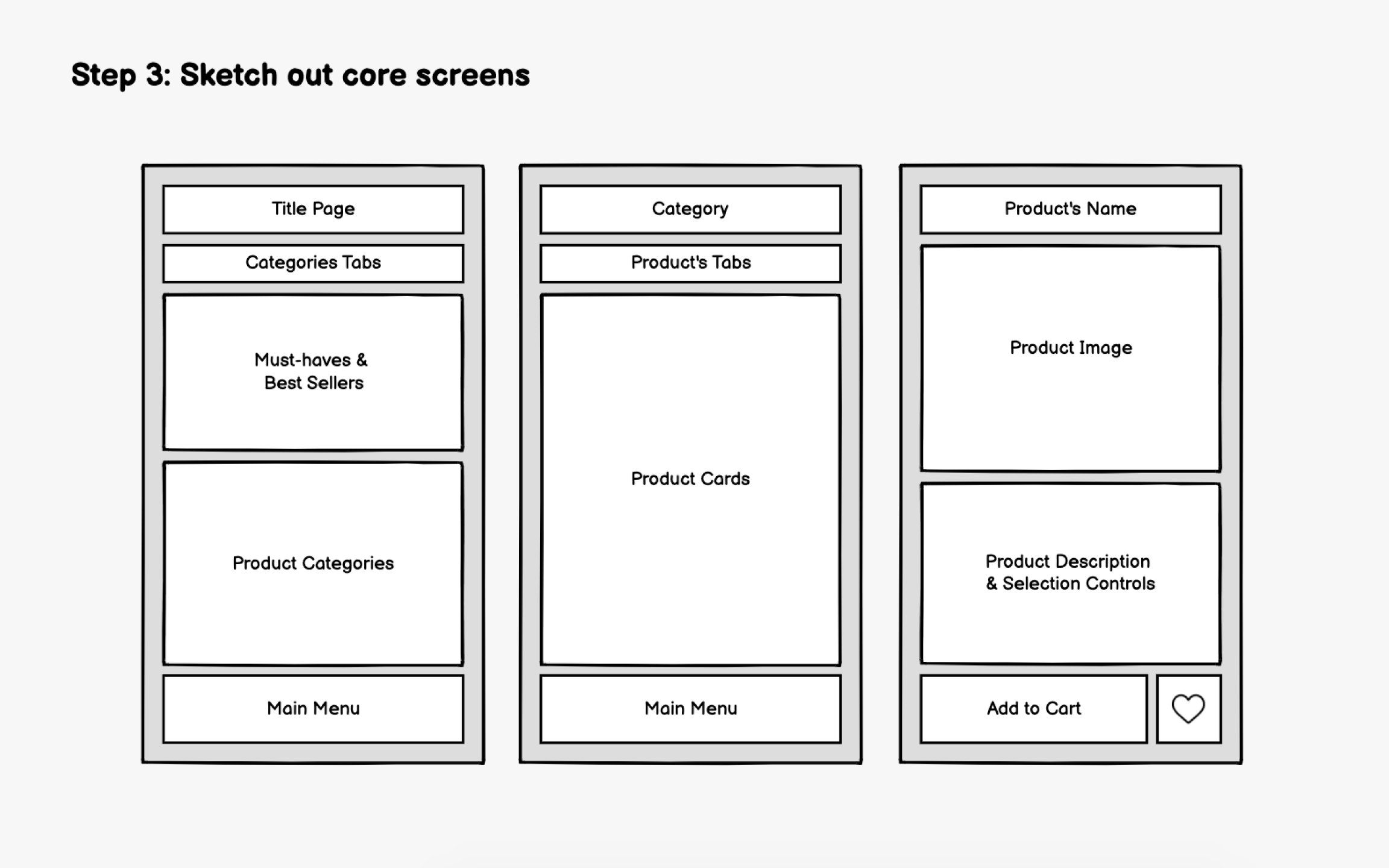
With your user flow defined, start generating ideas quickly. This stage is about quantity over quality. Explore as many layout approaches as possible without worrying about polish.
Pen and paper remain powerful here. Physical sketching lets you iterate faster than any digital tool and removes the temptation to perfect details too early. However, AI-powered tools like Uizard can now convert photos of hand-drawn sketches into digital wireframes, bridging analog exploration with digital iteration.
For every screen, keep asking:
- What's the purpose of this page?
- How does it help users achieve their goal?
- What's the single most important action here?
Create multiple versions of each core screen. Try different layouts for the same content. Move the primary action button around. Test what happens when the hero section shrinks. Get feedback from teammates early, even on rough sketches, as outside perspectives catch blind spots you'll miss.