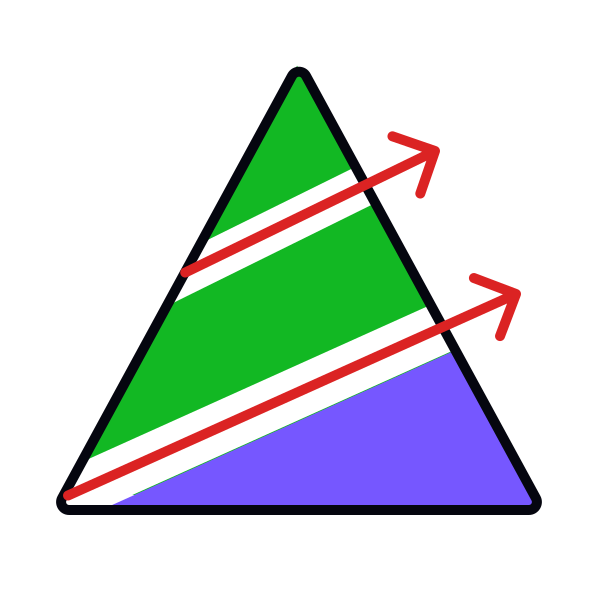
How to use close elements

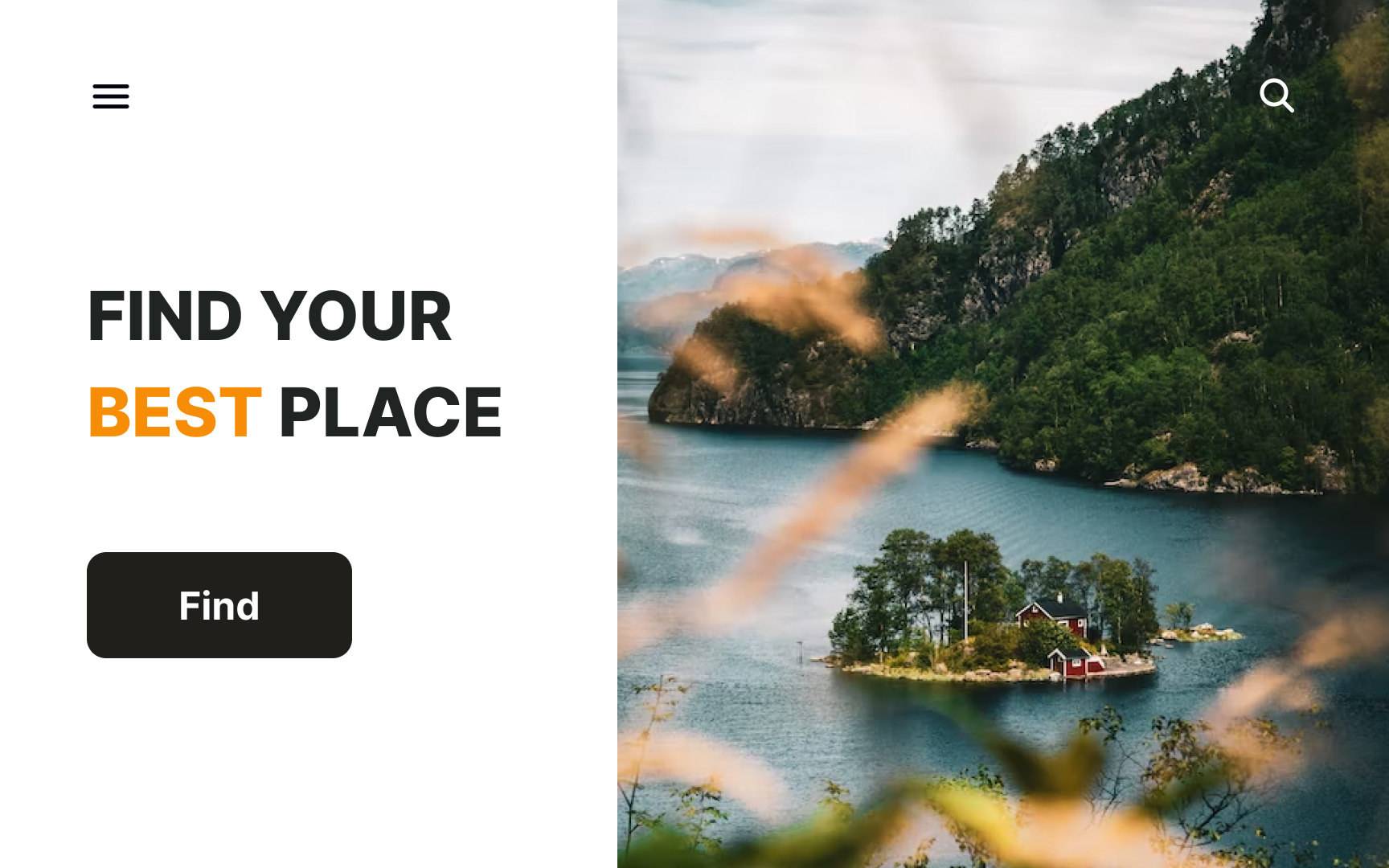
Consider the importance of your elements when deciding where to position them. If the text carries more meaning than the image, place it on the left to instantly grab the eye and appear closer to users.
We usually look at the left side more, and, as a result, better remember the information we see there. Don't waste this space by placing less important elements there.