Breaking down CSS Methods
Explore essential CSS methods and techniques to gain a deeper understanding of how to effectively manipulate and control the styling of web elements
Once you've had an intro to HTML and learned the basic CSS terminology, it's time to style your HTML document. But what is the preferred way of including CSS in your project? There are 3 options — inline styling, external, and internal stylesheet.
You'll develop an understanding of each option and prepare yourself for the roadblocks that might appear while applying CSS. You'll also get familiar with concepts like cascade, inheritance, and specificity and learn how they can resolve a CSS conflict.
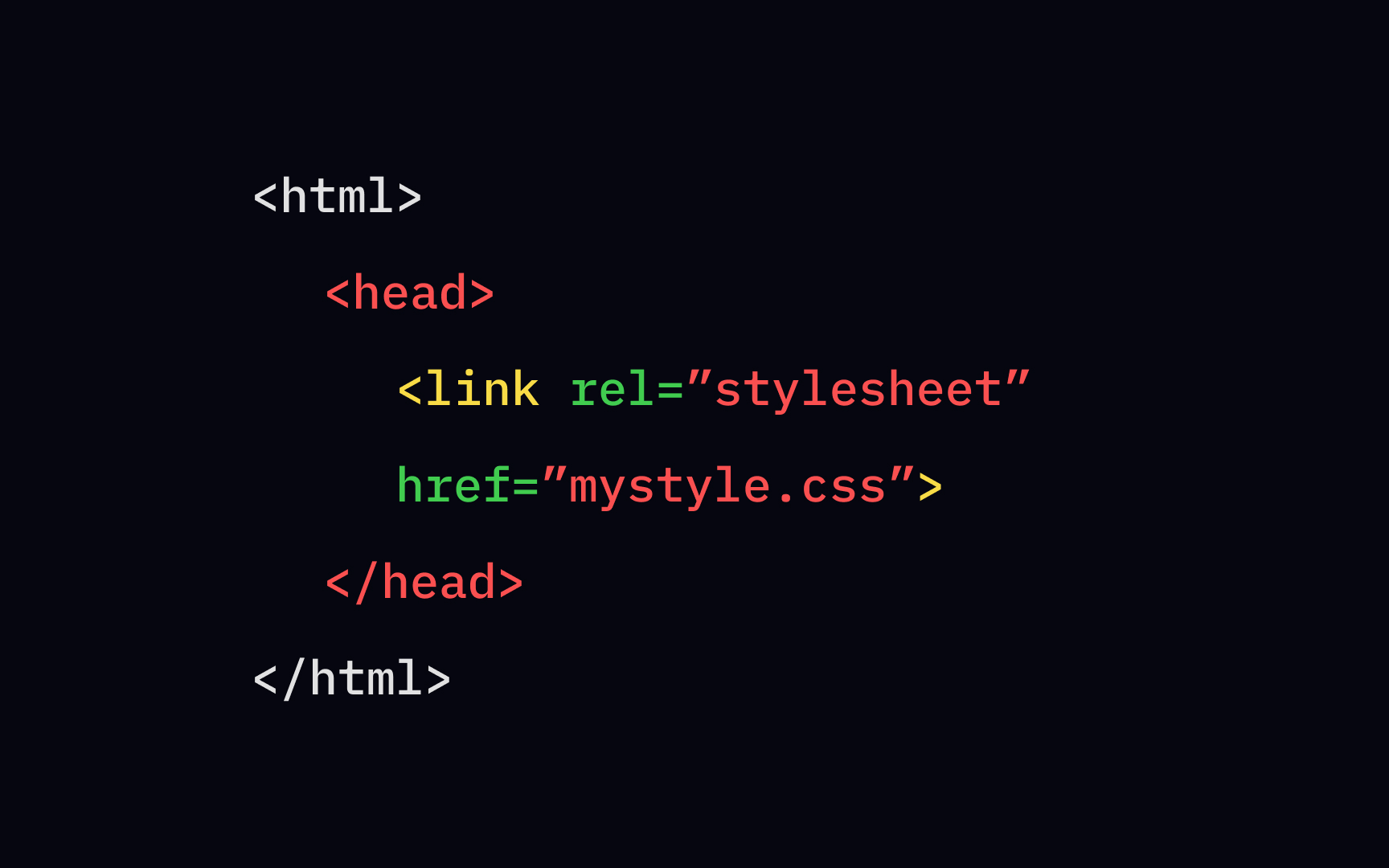
There are 3 ways to apply <link> element, and the <href> attribute should reference a file on your file system. We need to do that to locate the CSS code; otherwise, the page won't have any styling.
The <link> element can also include the type attribute that defines the file format that you link to. In the case of the CSS file, its value should be set to text/css. What is the rel attribute for? It specifies the relationship between the current document and the linked CSS file. Since you're referring to a stylesheet, the value should be, right, the stylesheet.
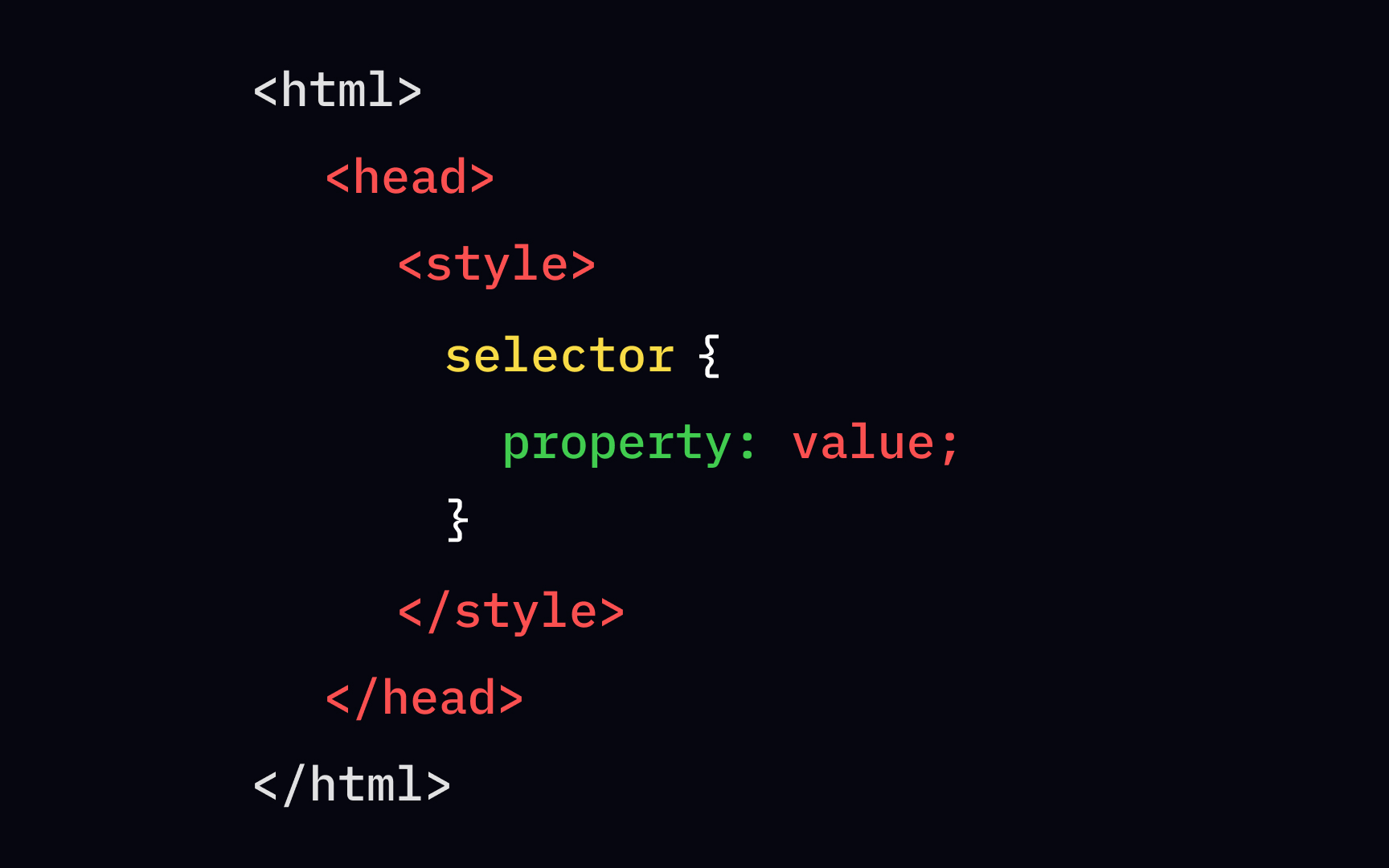
As the name suggests, an internal stylesheet sits inside the <head> section. You write down all styling rules inside the <style> element, which requires closing.
This type of applied style is pretty rare and works only if you need to add some unique properties to a single
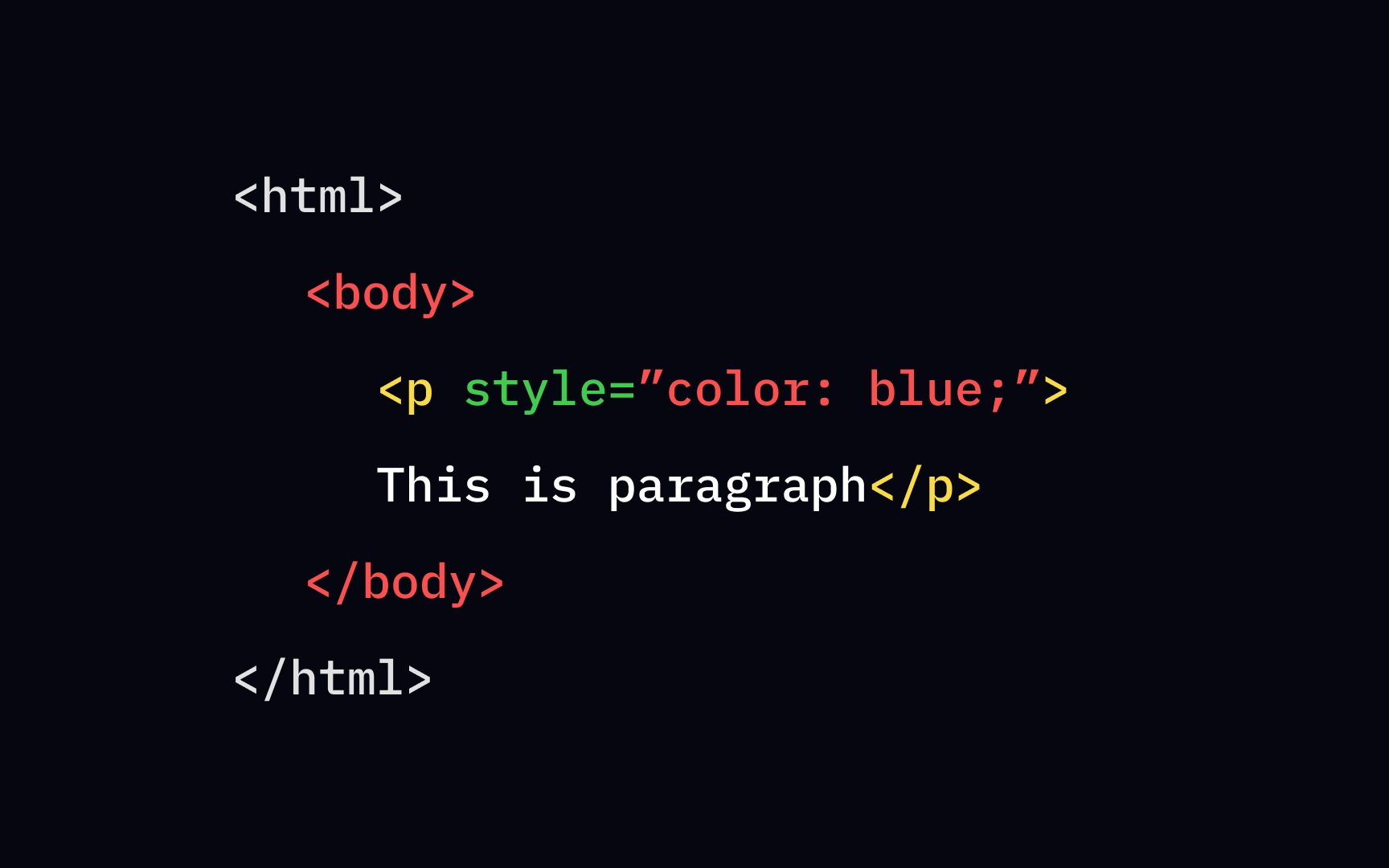
To style a specific style attribute directly to the opening tag, like <p> or <h1>. This method is called inline styling. After you mention all styles using color or font-size ;).
Inline styling should be your last resort. It messes up with HTML and content, making it harder to read and update. The only time it's justified to use inline styling is having access only to the HTML body.
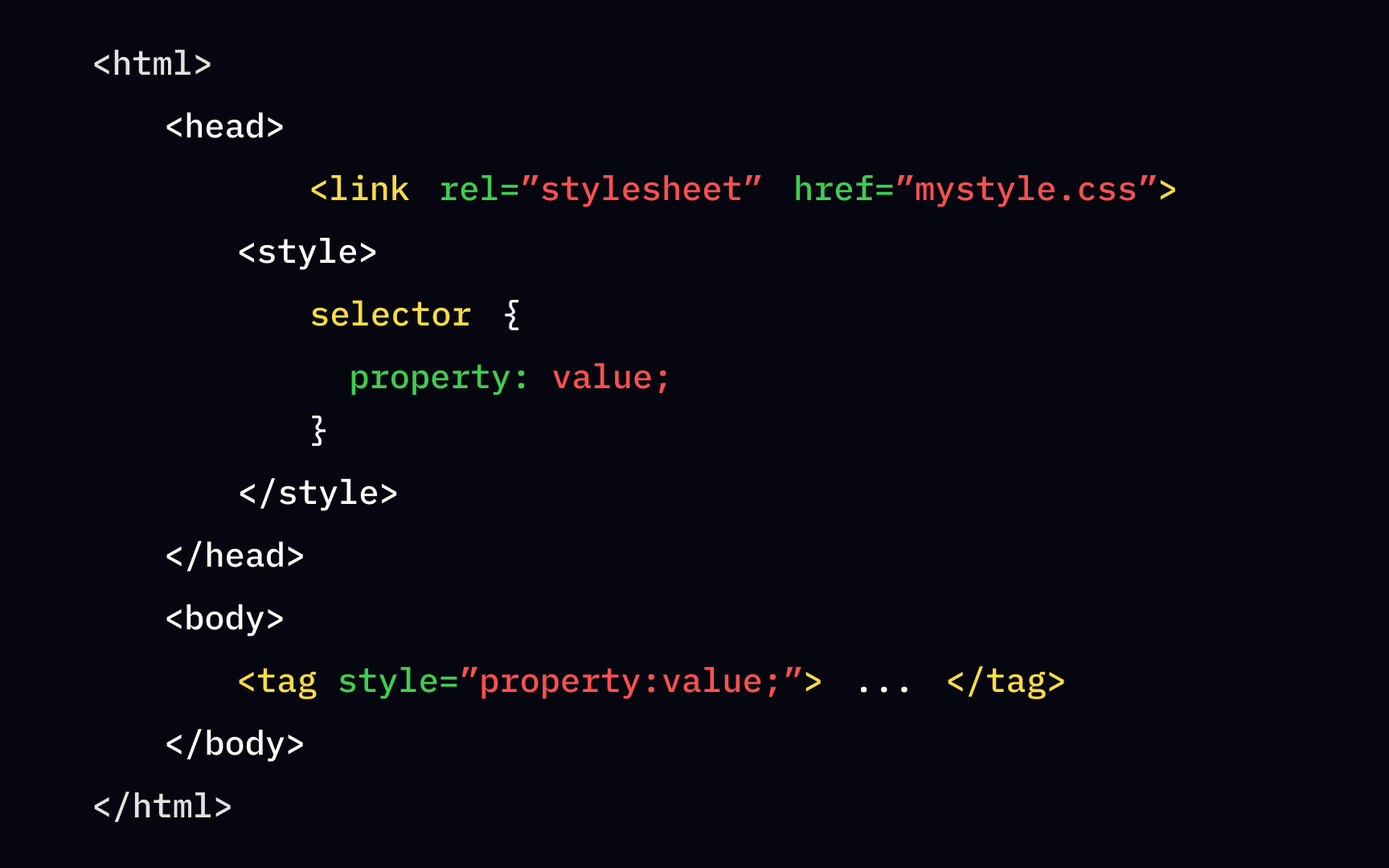
While shopping, you must have been in a situation when you and the other customer reached for the same product. Do you remember who stepped back and let the other get the "prize"? Likewise, a similar conflict occurs when multiple style rules are applied to one element. Since the order matters, which style wins the "battle"?
The cascading order sets priorities like this:
- Inline styling
- Internal stylesheet
- External stylesheet
- Browser defaults
The inline styling usually goes inside the <body> section, so it's always the last and has a higher priority. The internal styling overrides the external as it usually comes after the external. In other words, the closer the style is to the element or selector, the higher priority it has.
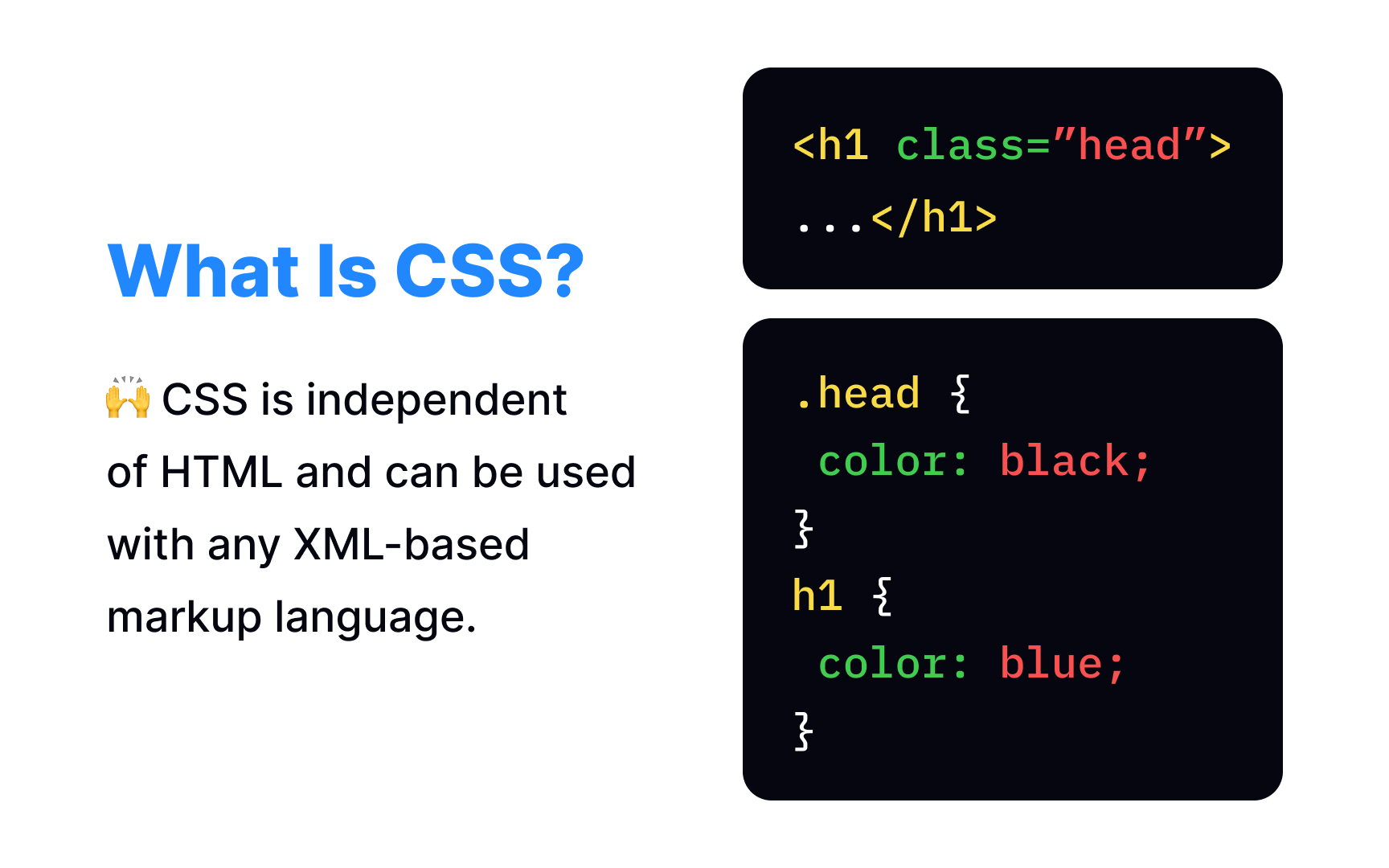
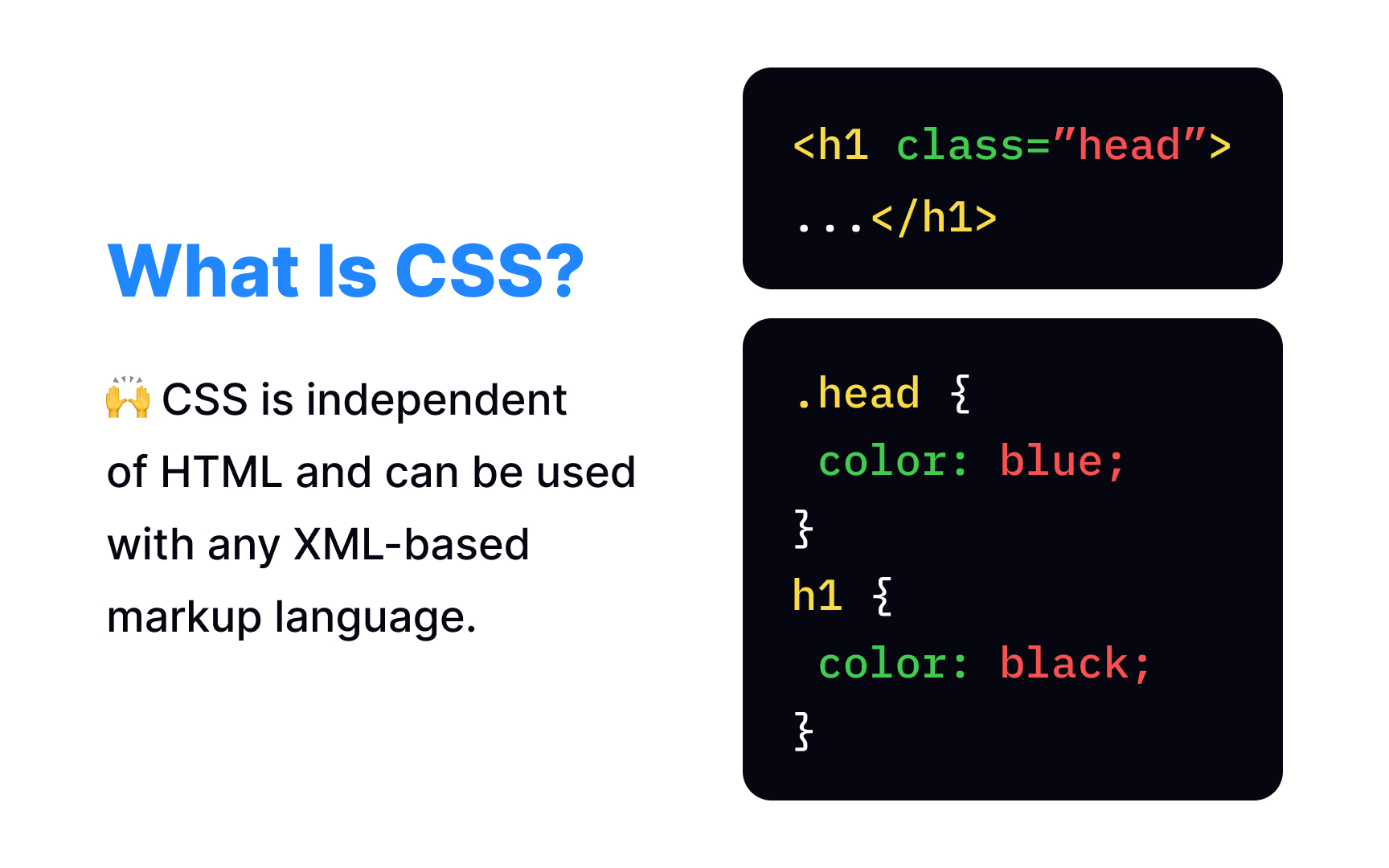
Specificity is a
What kind of sandwich should you make? From the CSS perspective, the browser selects the most specific rule, and it overrides other less detailed rules. That means the chef should add extra tomatoes without thinking twice.
Each selector has its own place in the specificity ranking system:
- Inline styling always has a higher priority
- Id selectors are always more specific than universal and attribute ones
- Contextual selectors are always more specific than a single element selector
- Class selectors always win over any number of element selectors. That's why the headline from the example is blue and not black.
You can read more about ranking rules and learn the formula for calculating specificity on W3Schools.[1]
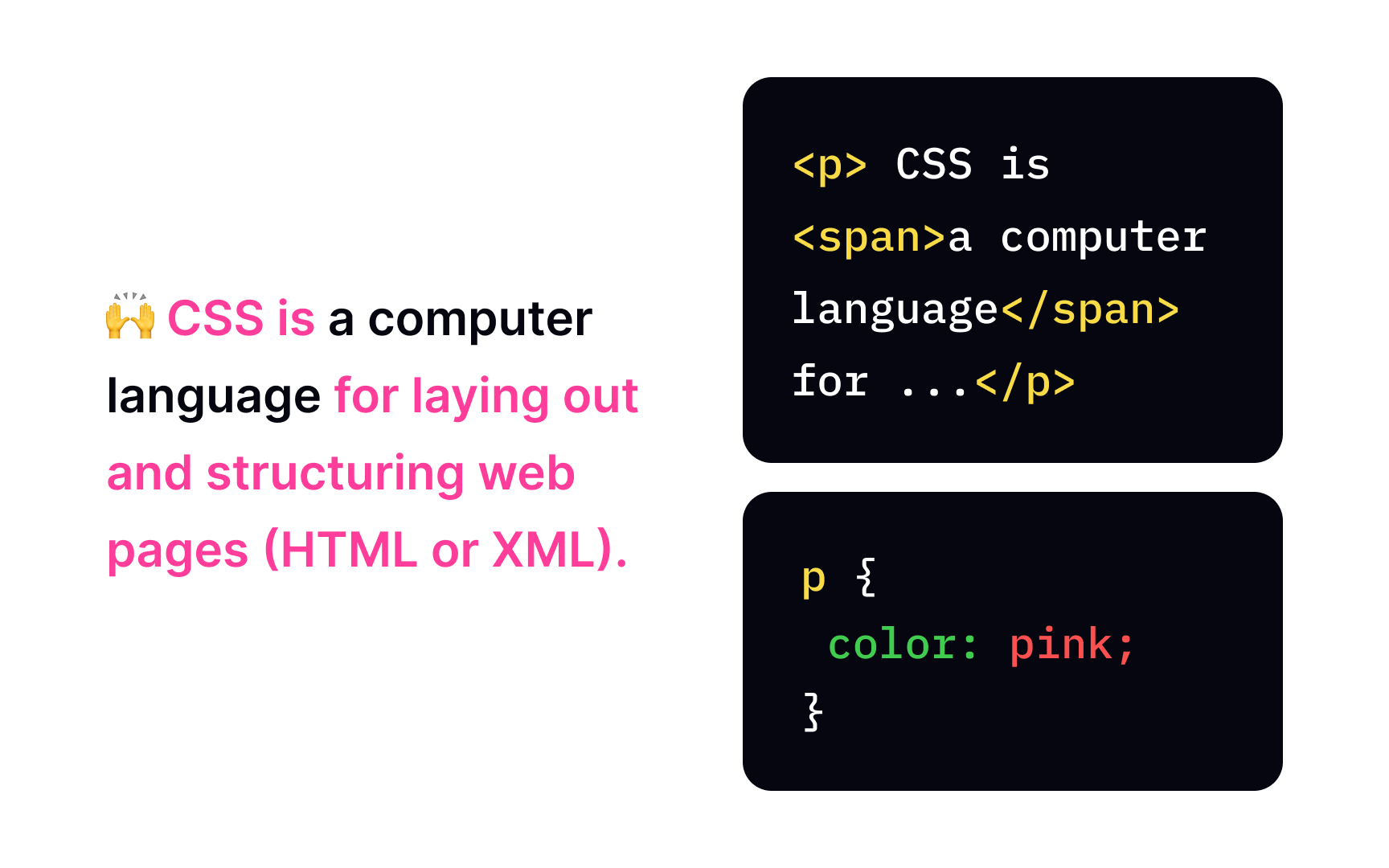
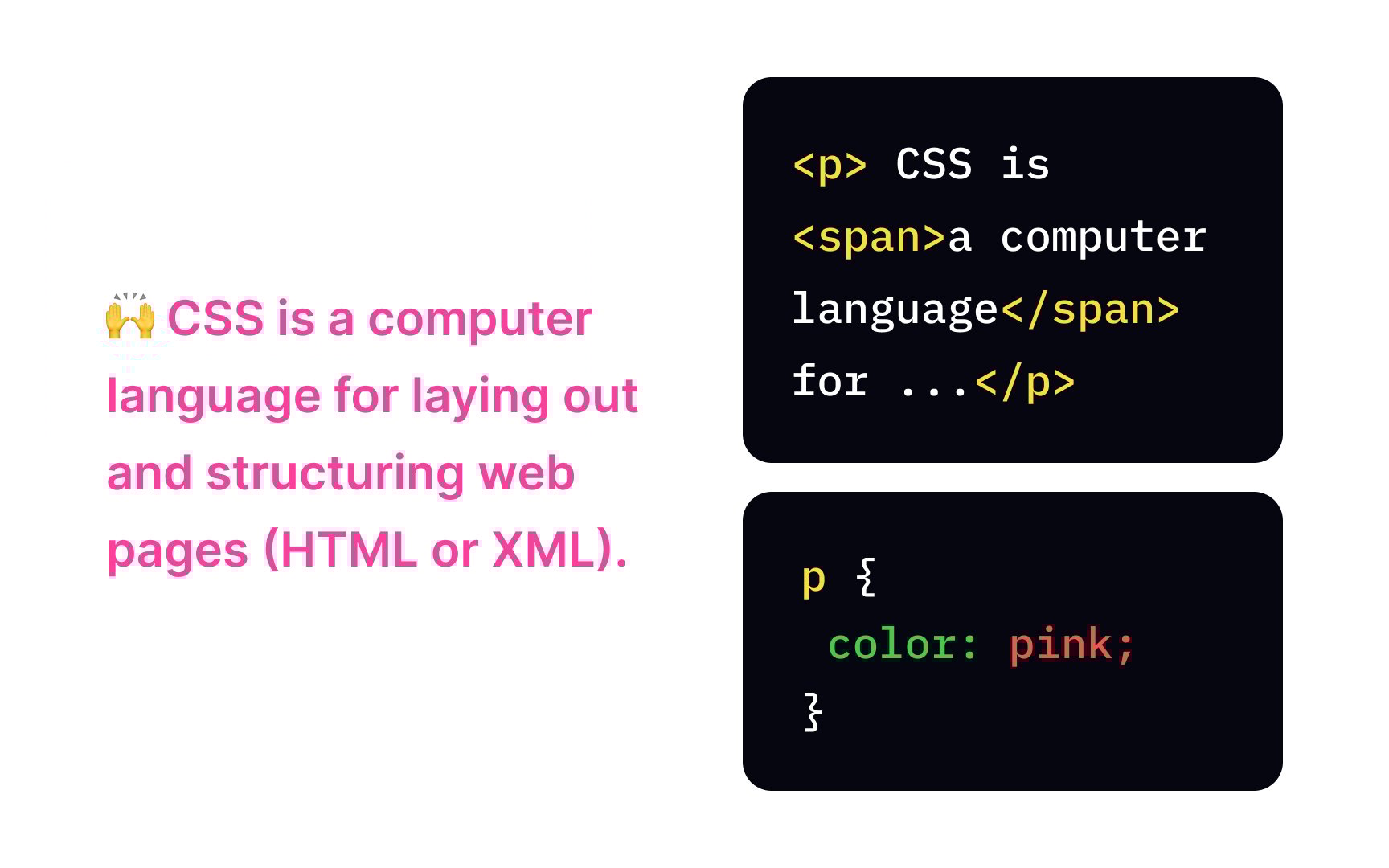
In the real world, inheritance means that kids inherit some parents' features and some don't. Likewise, child elements may inherit
You may feel overwhelmed with all these rules — which properties can inherit and which can't, but you'll start getting it by learning CSS more closely.
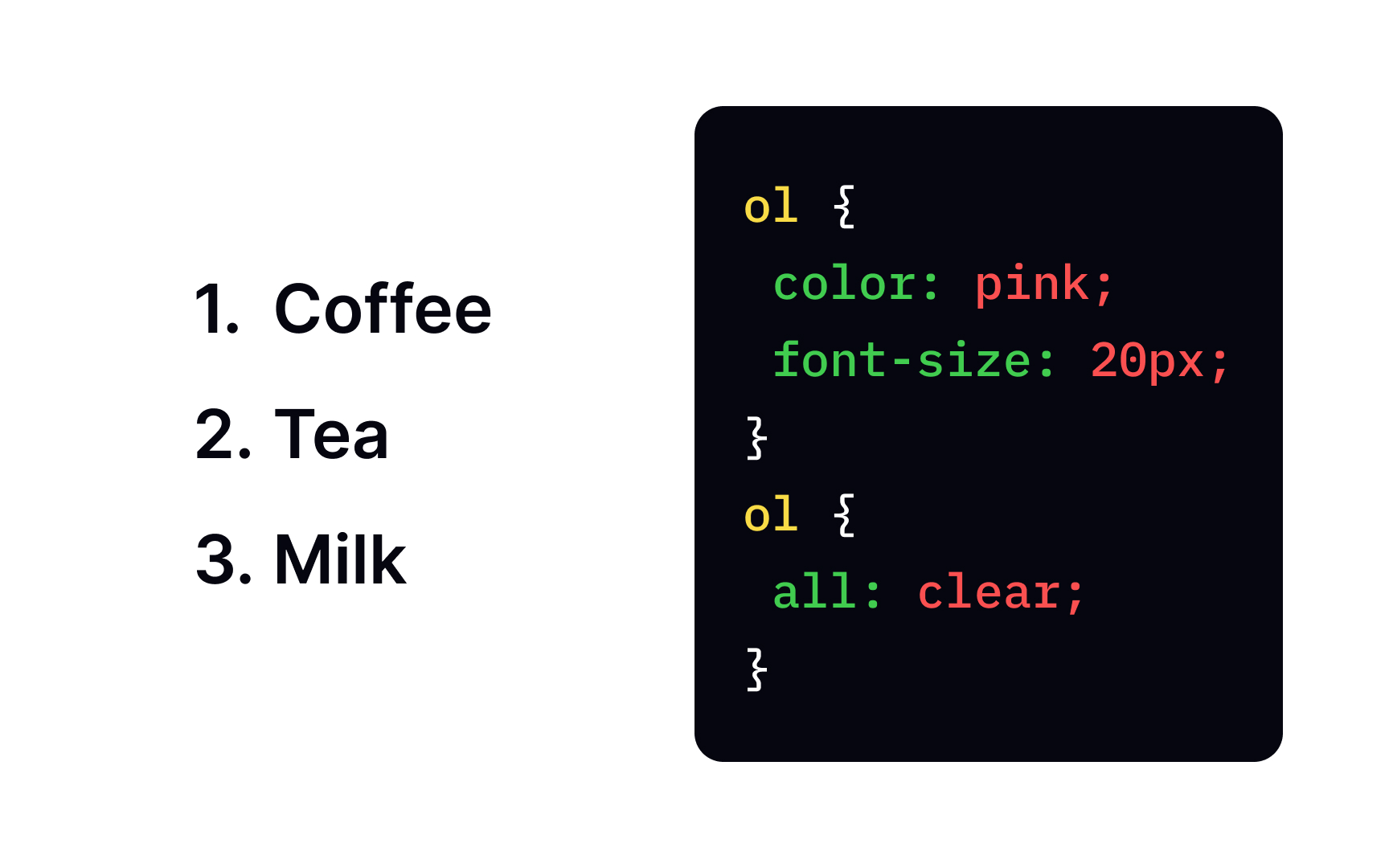
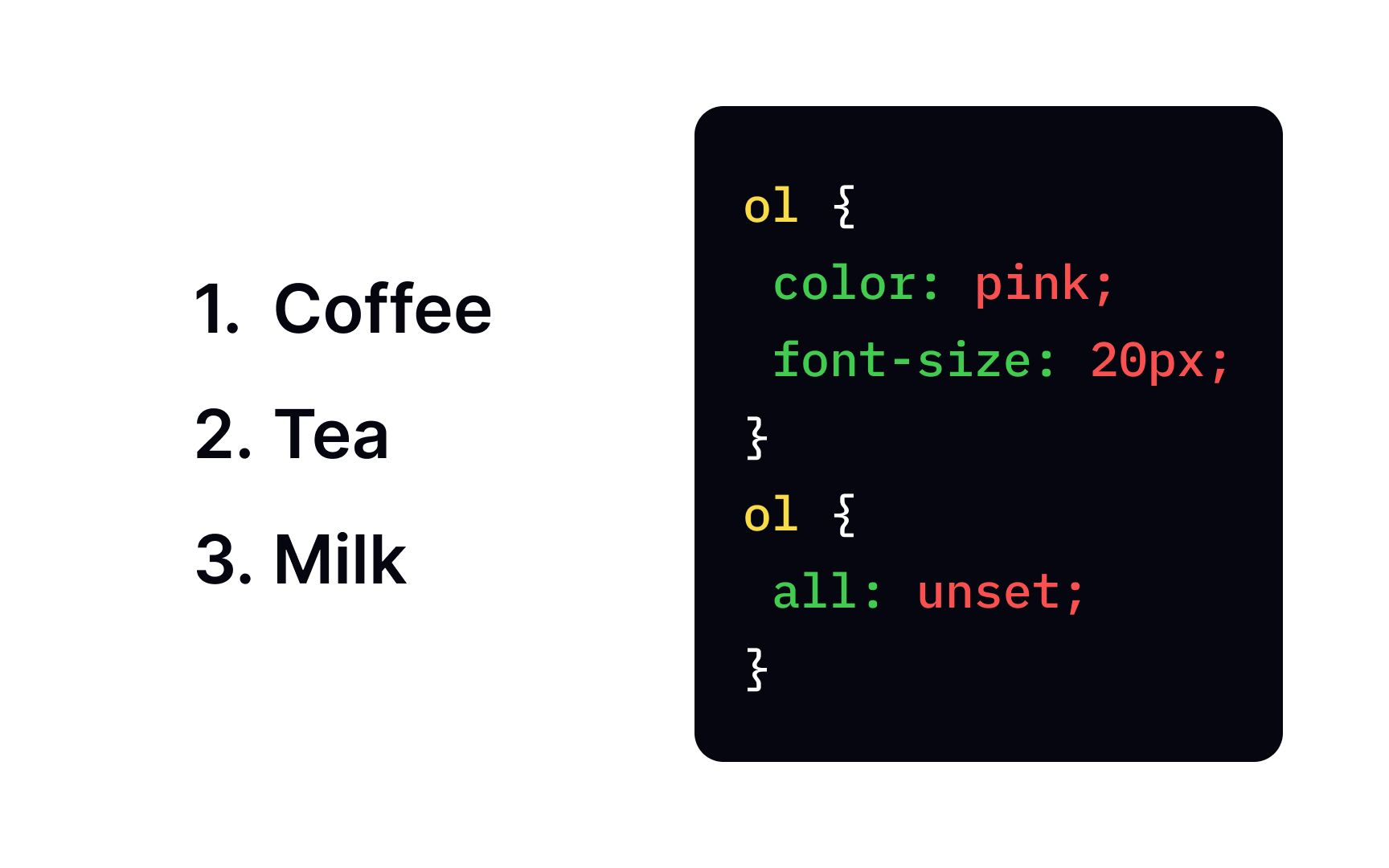
Sometimes, users need to wipe existing styles and start from a clean baseline. That’s exactly what the all
The all property supports 3 values, each with a slightly different behavior:
- initial: Resets all affected properties to their default values defined by CSS. It ignores both the element’s previous styles and anything coming from its parent.
- inherit: Forces all affected properties to take their values from the parent element, even for properties that don’t normally inherit.
- unset: Acts as a smart reset. If a property normally inherits, it behaves like
inherit. If it doesn’t, it falls back toinitial.
This makes all especially useful when users want predictable resets without manually checking how each property behaves.
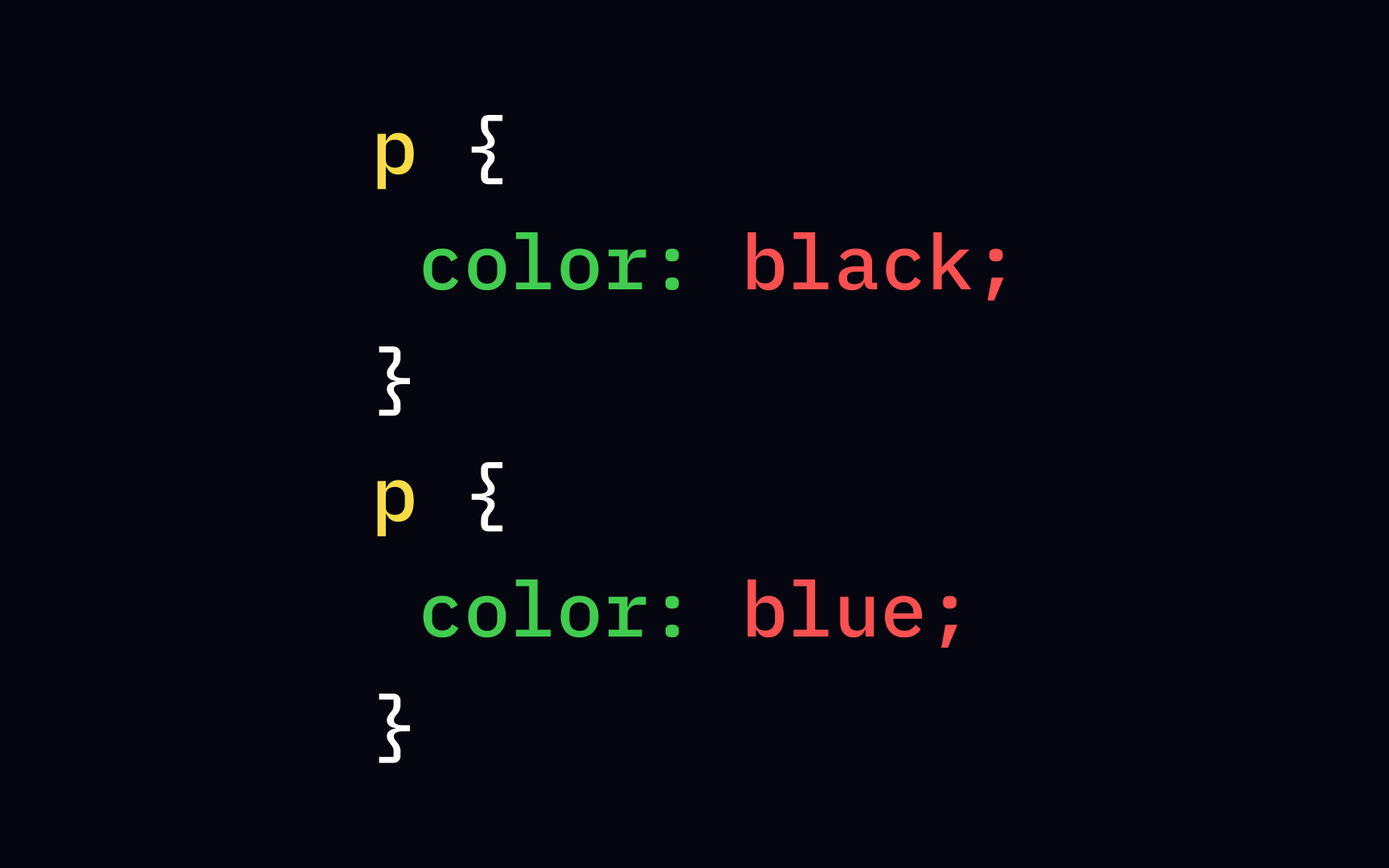
The cascading order means that
When
This is a good reminder that when specificity is equal, order alone can change the final result.
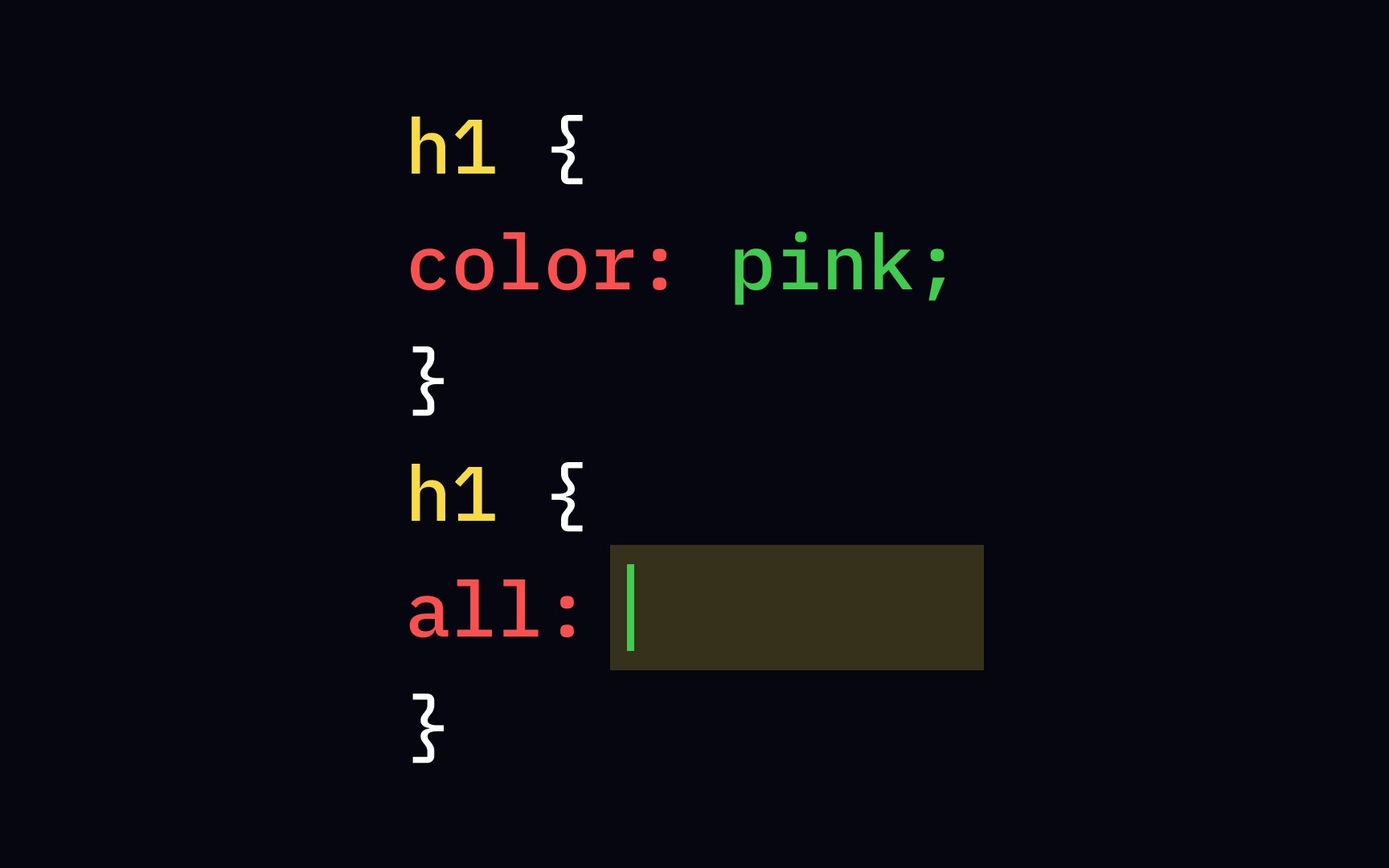
The correct answer is unset. This value resets a initial, which always resets to the browser’s default, unset may inherit styles from the parent if they exist. In the example, unset removes the pink
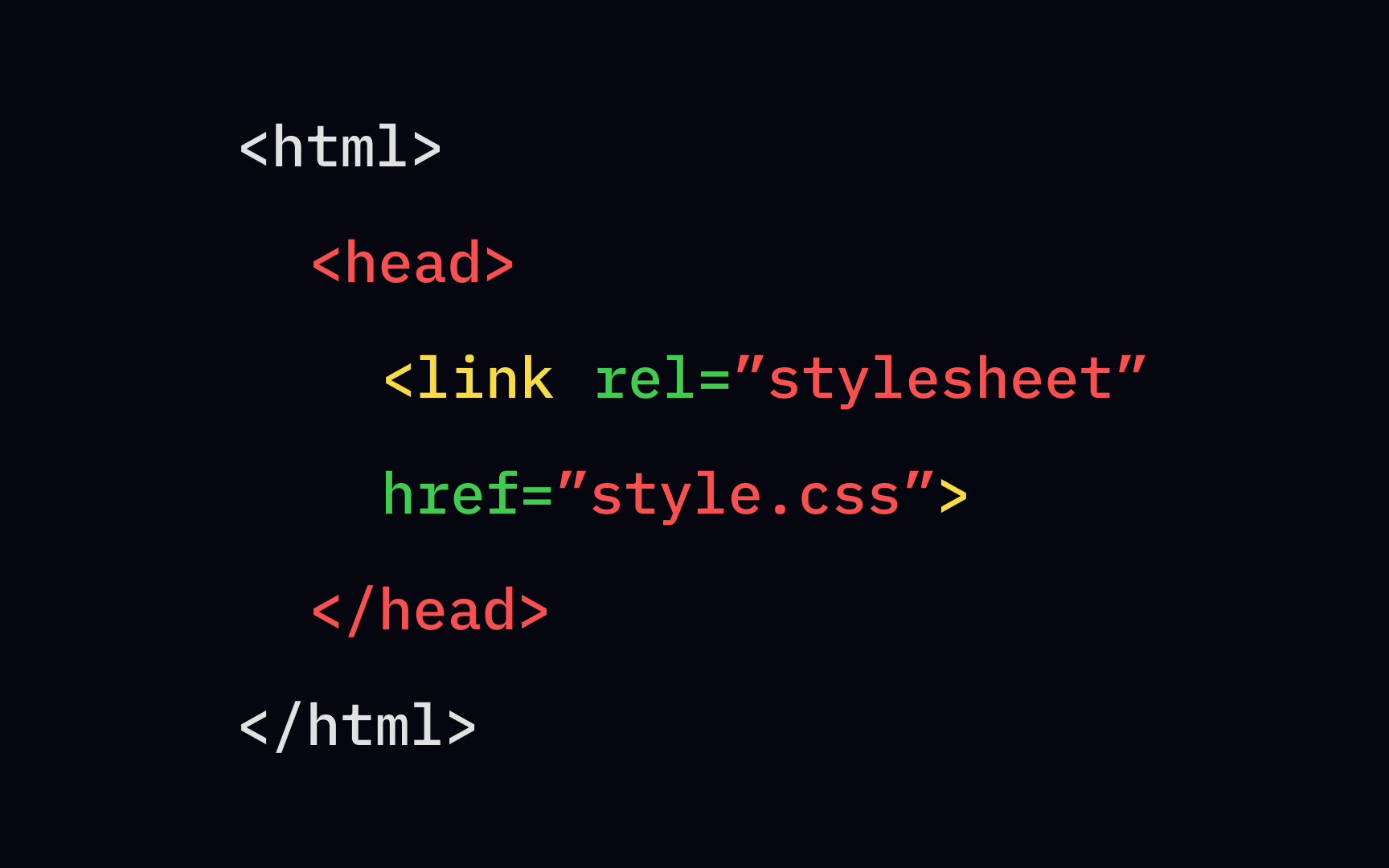
To include an external .<link> element and place it inside the head section. One of the main benefits of this method to style your
A CSS preprocessor is a scripting language that acts as an extension of the default CSS ability. It allows you to use more complex programming concepts (operations, functions, etc.) while writing your regular CSS syntax and not repeating the code.
There are several CSS preprocessors available, the oldest and most popular being Sass and Less. Each of these CSS preprocessors is unique to its kind. While there’s a learning curve to getting started, when mastered, they can help you cut down the development time and power up the regular CSS capabilities.[2]
References
- CSS Preprocessor Explained: Ultimate Guide for Beginners | Web Design, UI/UX, Branding, and App Development Blog
Top contributors






Topics
From Course

Share


Similar lessons
Basics of HTML Attributes
Guide to CSS Selectors