CSS position property with the absolute value
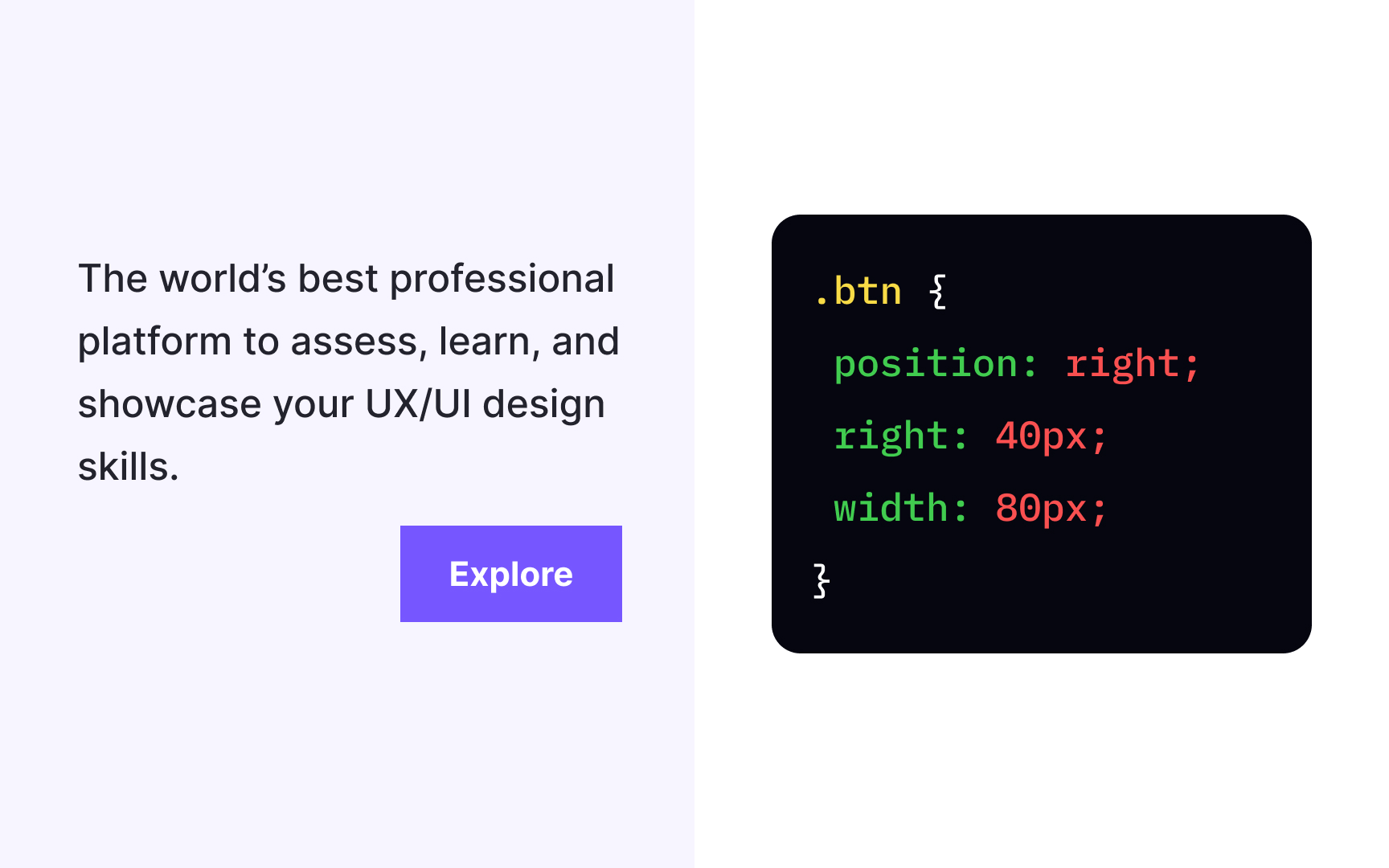
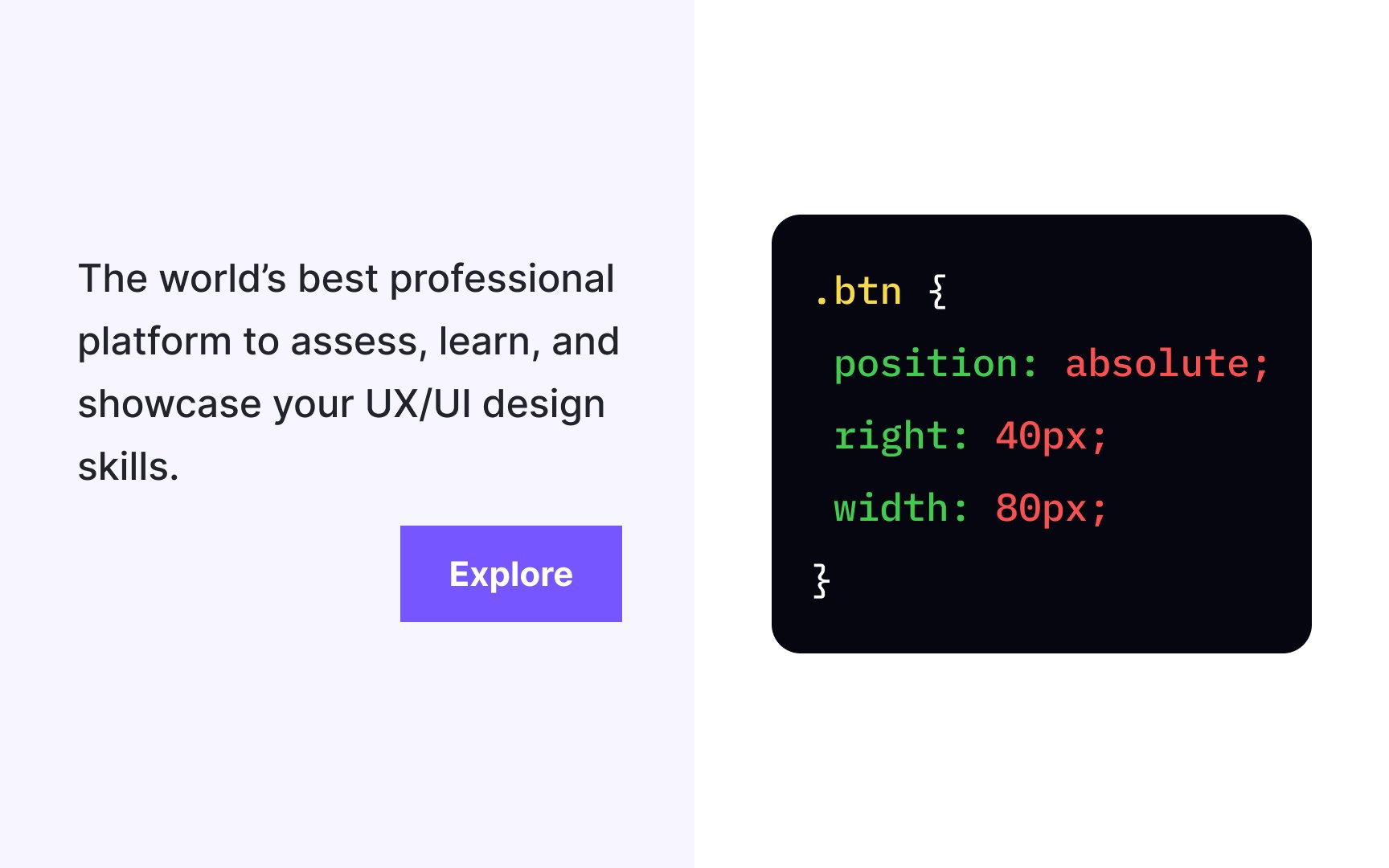
The position: absolute; declaration allows us to modify the position of an element. It removes the element from the document flow so that other elements behave like absolutely positioned elements don't exist and affect them, even when they touch.
The element takes the position relative to its closest positioned parent element, but you can set the element's offsets to specify its position. In the example, a button has the offset property declaration of right: 40px;, positioning it precisely 40px from the right of the document. As you resize the browser, the button will stay in its place no matter what.
Pro Tip: The absolute position also guarantees the element will scroll with the rest of the content when users scroll a page.