Place destructive actions away from other actions
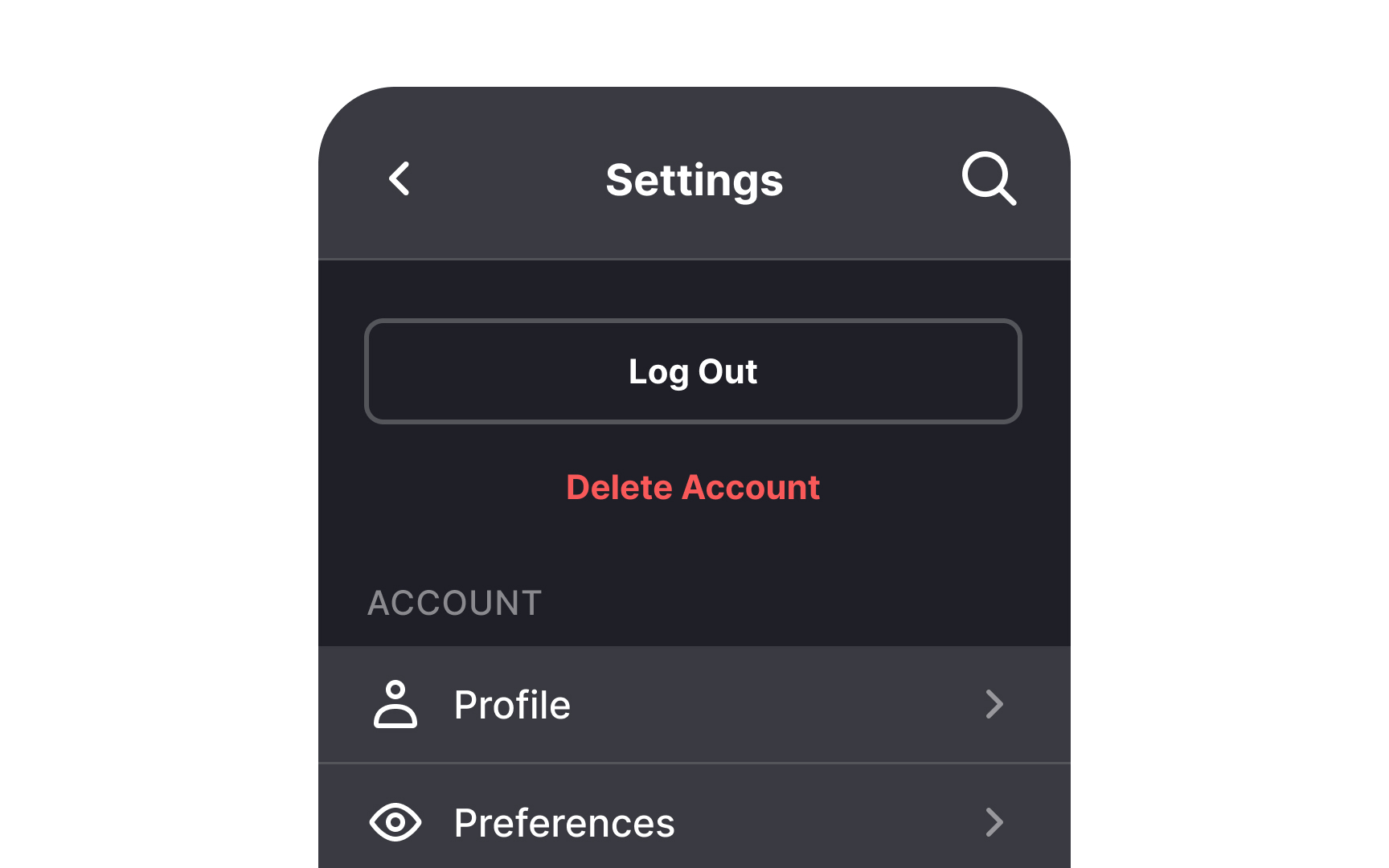
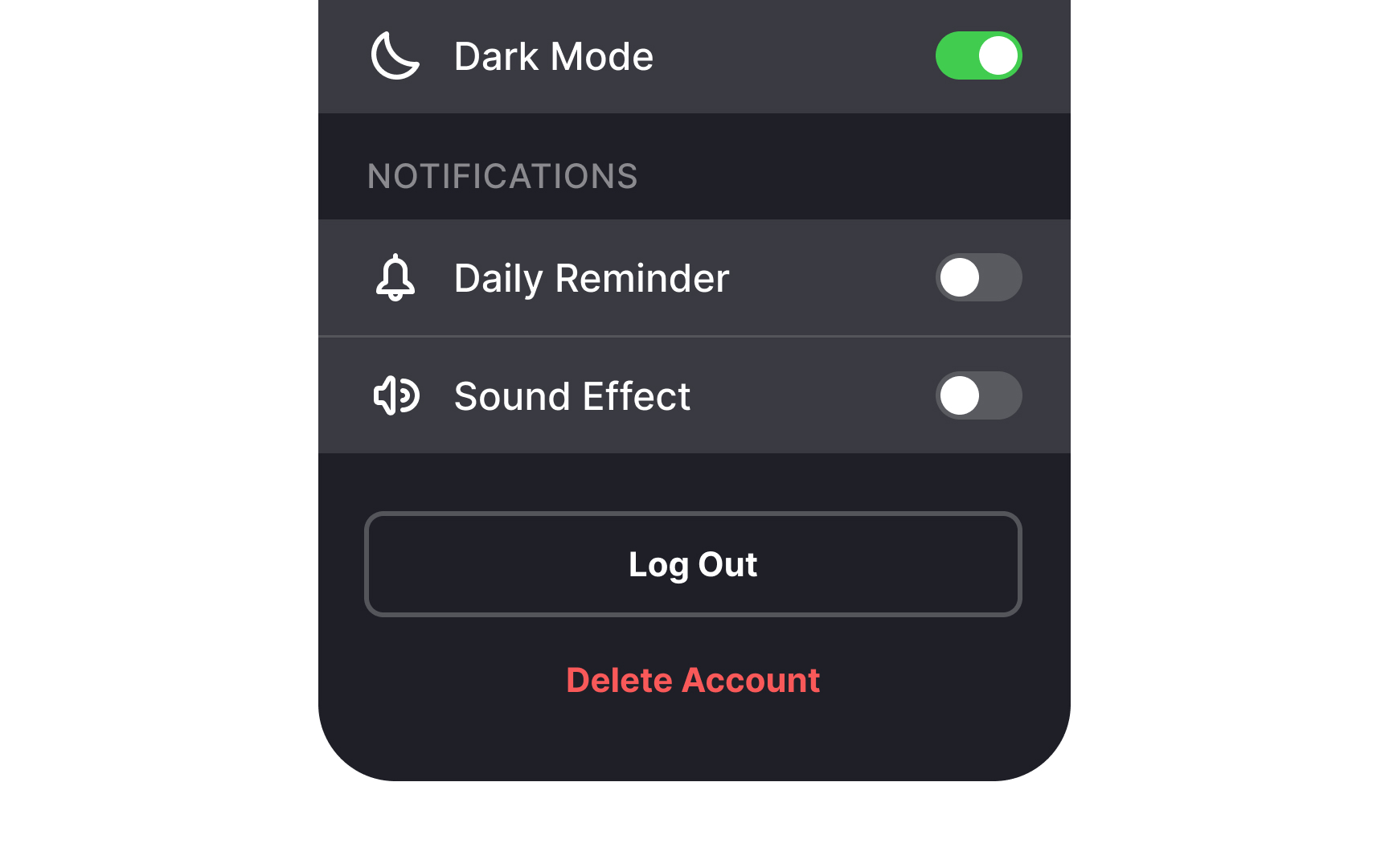
Place destructive actions like logging out or removing the account at the bottom. The rationale is simple — if you want to keep your users around for longer, don't make the exit the first thing they see.
Another concern is that users can accidentally click on destructive action buttons and make a mistake they didn't intend to. Placing such buttons at the end of the list makes it less likely. Other means of preventing accidental clicks are setting destructive actions apart with color or separating them from other actions with extra white space.[1]
Pro Tip: Use a confirmation dialog for destructive actions to prevent data loss and user frustration.
References
- Dangerous UX: Consequential Options Close to Benign Options | Nielsen Norman Group