Form validation
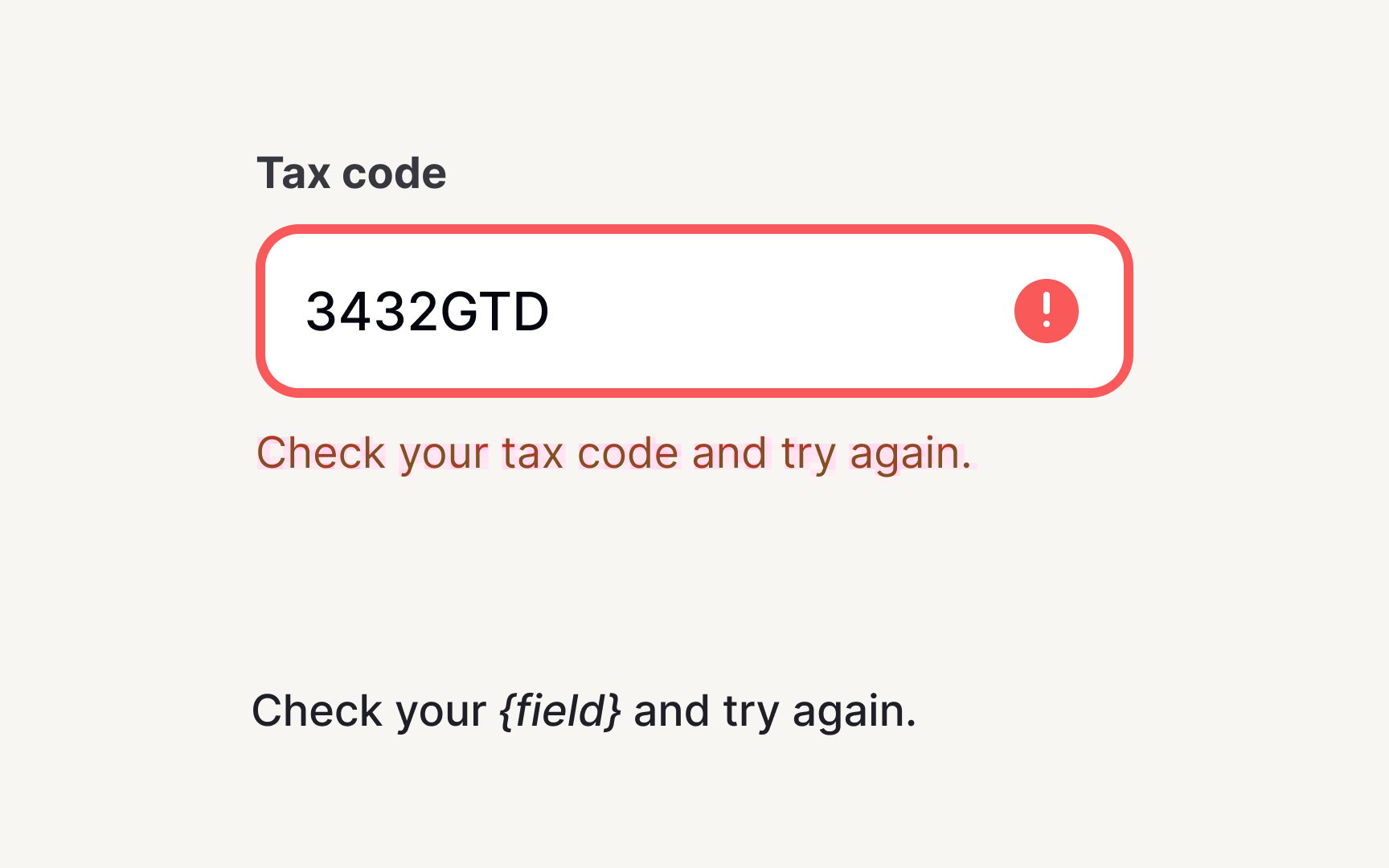
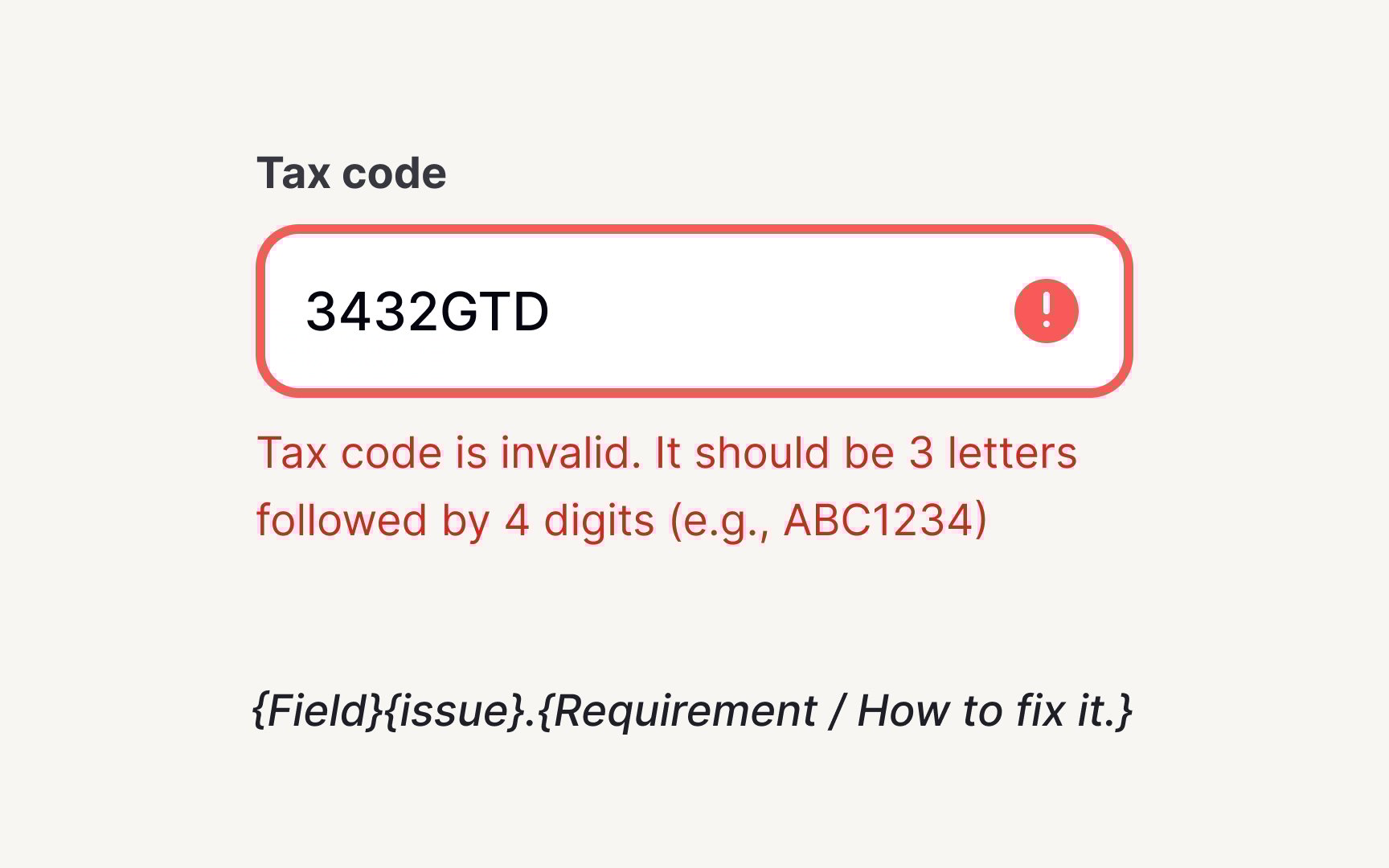
Form validation messages make or break the user experience. Without content standards, users encounter a frustrating mix where one field says "Invalid format" while another provides helpful guidance like "Phone number must include area code (e.g., 555-123-4567)." This inconsistency forces users to guess what went wrong and how to fix it. Effective validation reduces drop-offs and lowers support costs while keeping users confident in the process.
Create validation templates that prevent and resolve errors. Build formulas for common issues: "{Field} must {requirement}" for format errors, "{Field} already {exists/taken}" for duplicates, "{Number} characters remaining" for limits. Each message should explain the problem and solution. Users shouldn't need to decode cryptic errors or hunt for requirements.
Document validation timing and placement. Real-time validation helps for formats (email, phone) but frustrates for fields users haven't finished typing. Place error messages next to the field they relate to — not in a banner they might miss. Create positive validation too, as confirming correct entries reduces anxiety.