Input accessories and toolbars
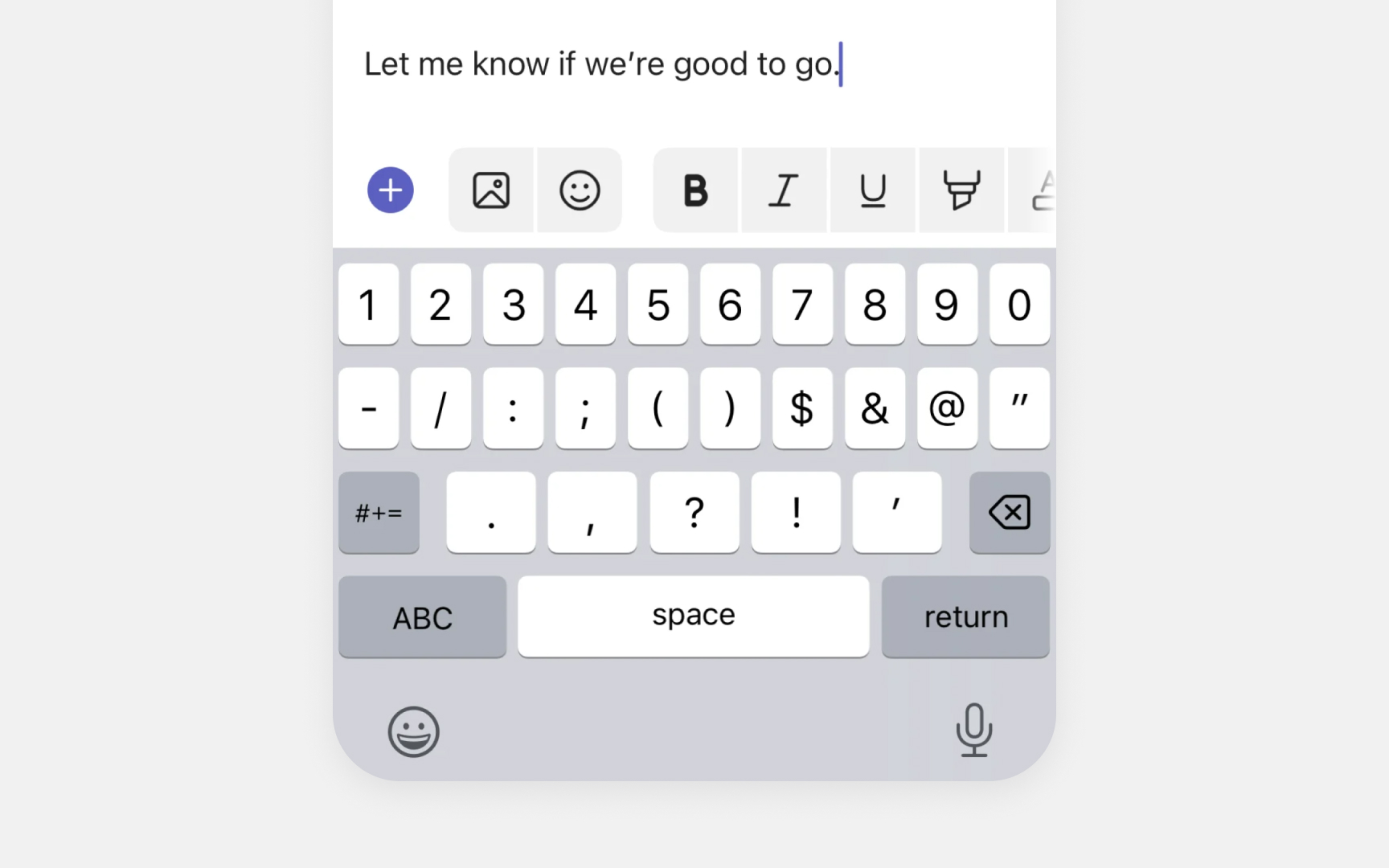
Input accessories are UI elements that appear above the iOS keyboard. They help users type faster and format text without switching between different screens or menus.
The most common input accessory is word prediction. iOS suggests up to three words that users might type next, based on what they're currently typing. These suggestions update in real-time and learn from typing patterns.
Apps can also show custom toolbars based on context. Text editors might display formatting options like bold and italics. Note-taking apps often include checklist and attachment tools. The accessory content should help users complete their current task efficiently.
Common input accessory patterns include:
- Word predictions. Shows likely next words as users type
- Quick corrections. Offers fixes for typos and common mistakes
- Formatting tools. Basic styling options for rich text editing
Pro Tip: Use iOS system fonts in input accessories — they match the keyboard's visual style.