Default states
Default settings shape the first-time experience. When you open a new iPhone, features like tap to wake, raise to wake, and auto-brightness are pre-enabled. These sensible defaults let users start using their device immediately while discovering additional options naturally. Good defaults balance convenience with privacy.
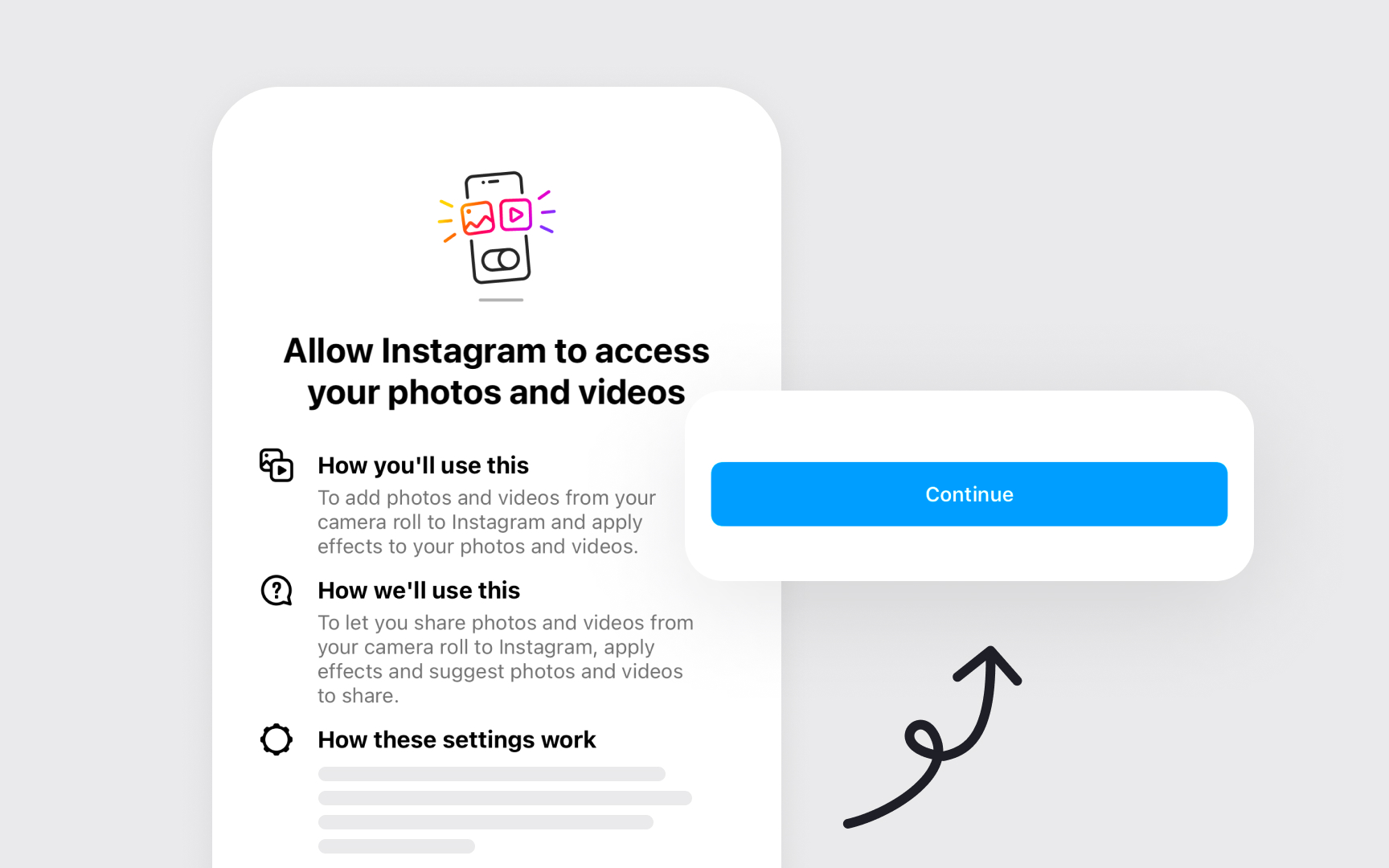
Instagram requests camera access only when you tap the "+" to create a story with clear context: "Allow camera access to create photos and videos.” These choices respect user control while guiding toward beneficial features.
System defaults adapt to user behavior. Face ID learns alternate appearances over time, text replacement adds frequently-used phrases, and keyboard suggestions improve with use. These smart defaults become more helpful while remaining predictable and adjustable.[1]
Pro Tip: Choose default settings that help most users start using your app immediately, rather than making them configure everything first.