Feedback and feedforward
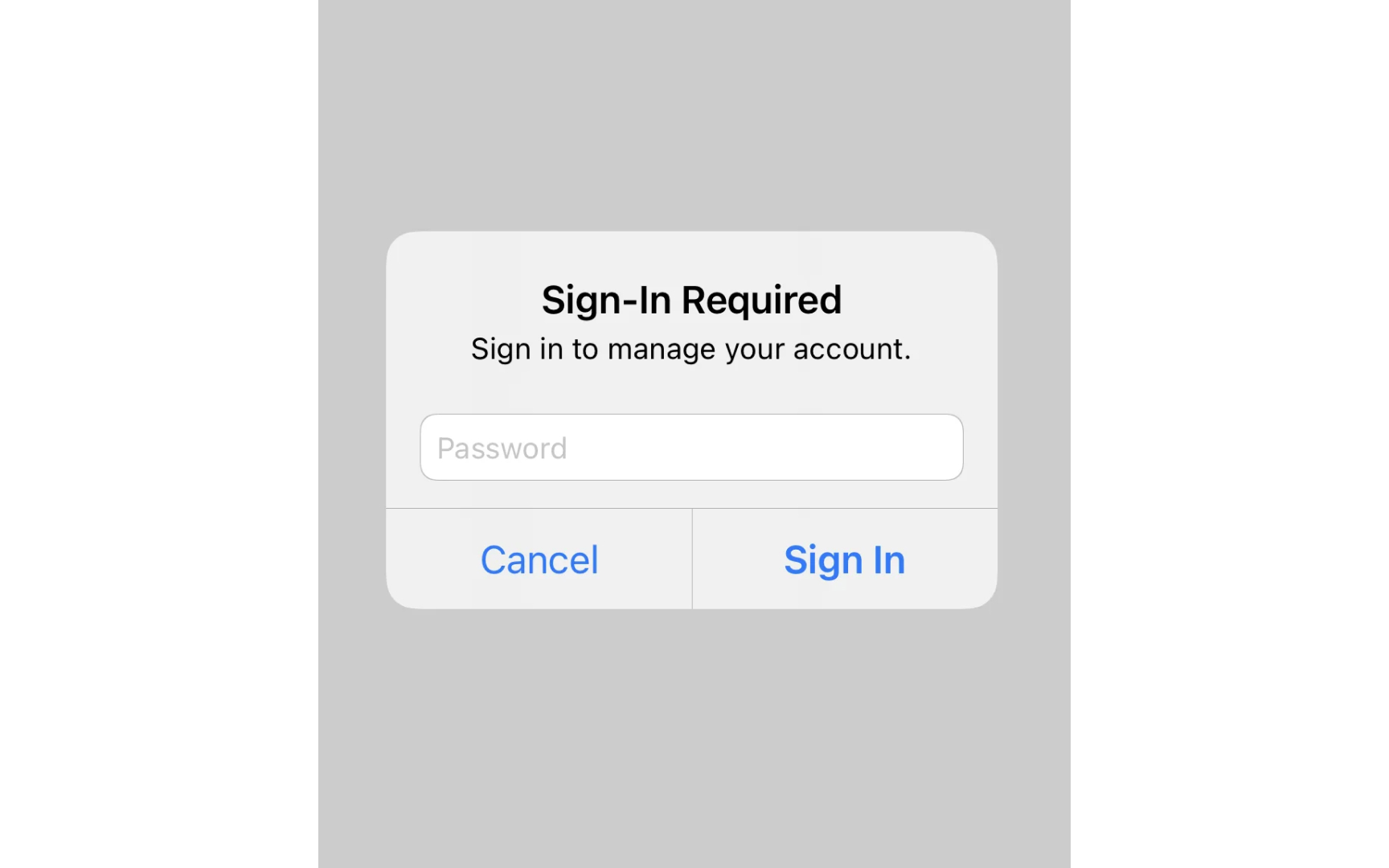
Every action in iOS provides clear feedback. When users perform actions, the interface responds with visual, haptic, or audio cues that confirm their input has been recognized and processed. These responses help users understand the status and outcome of their interactions. Feedforward hints at what will happen before users act. Partially visible cards in Apple Wallet hint that users can swipe between them, inviting exploration without explicit instructions.
These subtle cues help users discover features naturally through the interface design. Good feedback should match the action's importance. A wrong passcode attempt triggers a prominent device shake to signal a critical error. These clear responses create a hierarchy of feedback that helps users build a mental model of the interface and understand the weight of their actions.
Pro Tip: Match feedback to user expectations — bigger actions deserve more noticeable feedback, while frequent actions need only subtle confirmation.