AssistiveTouch alternatives
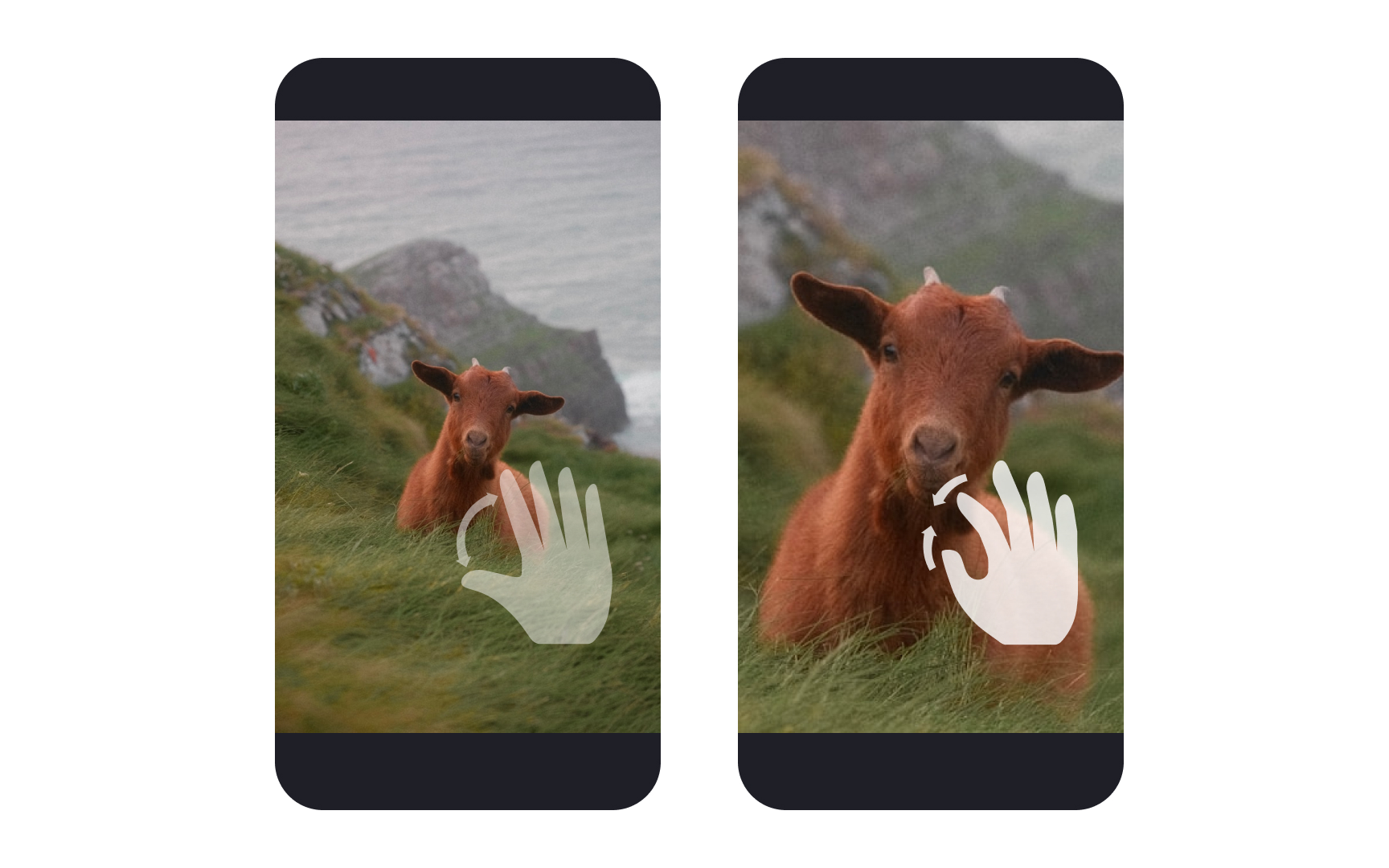
AssistiveTouch helps users who have difficulty with physical gestures by providing alternative ways to control their devices. This accessibility feature transforms complex multi-touch gestures into simpler alternatives and allows custom action shortcuts.
Consider how users with limited mobility will interact with your app through AssistiveTouch:
- Replace complex gestures: Provide single-tap alternatives for pinch, rotate, or multi-finger gestures
- Support custom actions: Ensure interface elements work with AssistiveTouch menu shortcuts
- Design clear targets: Make interactive elements large enough for comfortable tapping
- Avoid gesture dependencies: Offer alternative ways to access features that rely on specific gestures
- Test edge cases: Ensure custom gesture recognizers don't conflict with AssistiveTouch
Remember that users might combine AssistiveTouch with other accessibility features like VoiceOver or Switch Control for complete device access.[1]
Pro Tip: Test your app using AssistiveTouch to complete core tasks, ensuring all features remain accessible through single taps.
References
- Accessibility | Apple Developer Documentation | Apple Developer Documentation