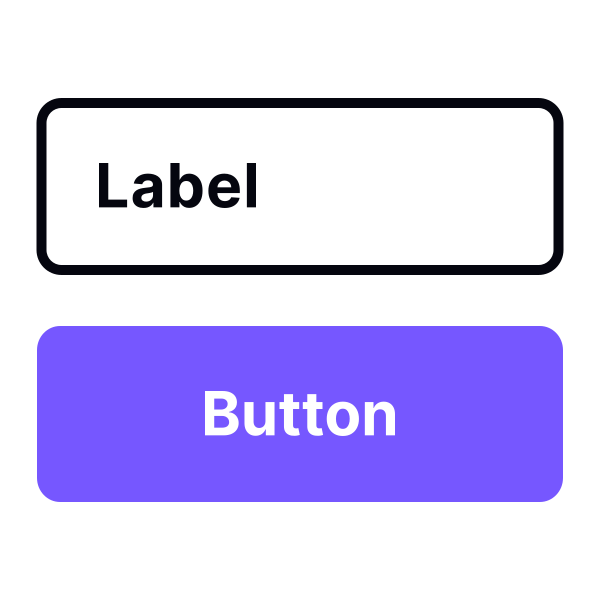
Put labels above inputs to enhance scannability
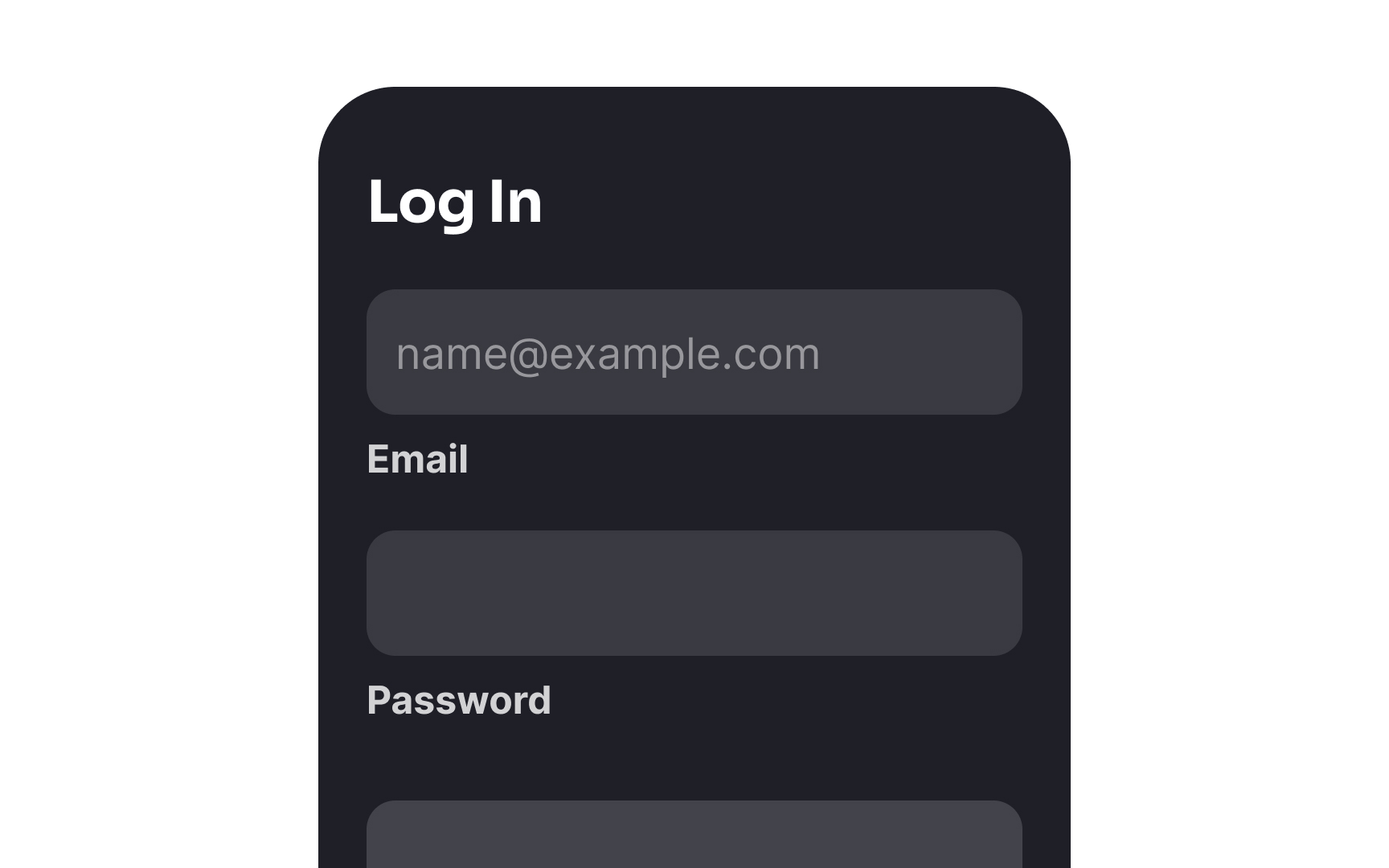
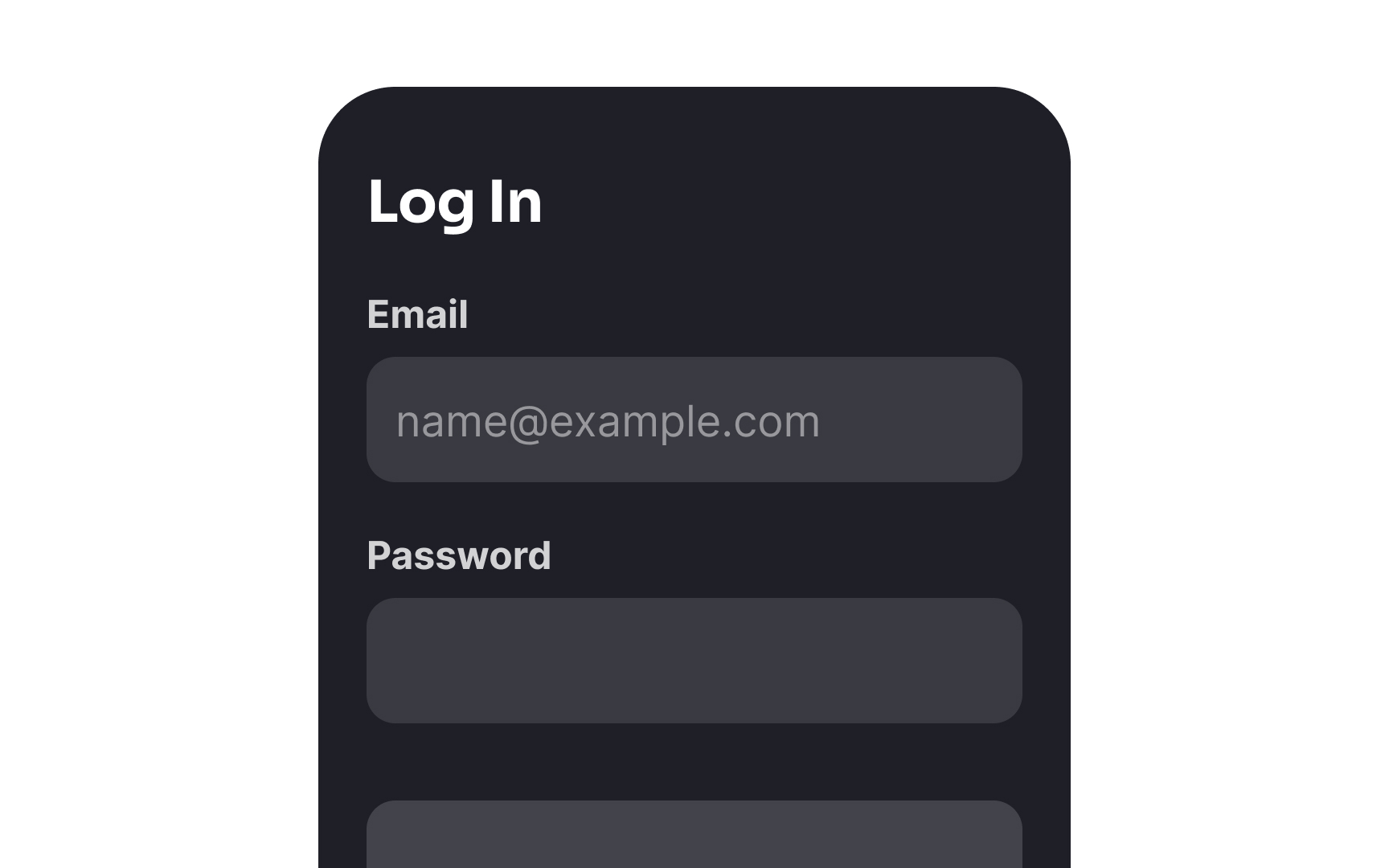
Label placement plays a key role in the usability of a form. Labels should be placed near the inputs to signify their relation visually. Above-the-input label placement makes forms feel more natural to scan and read. Plus, this sort of vertical alignment of labels and inputs better accommodates labels of varying lengths.
A simple, one-column alignment also makes it easier to transition forms to fit various screen sizes.[1] Extremely long desktop forms can have labels placed on the left side of each field to save space.
References
- Website Forms Usability: Top 10 Recommendations | Nielsen Norman Group
Top contributors