Chunking multimedia content
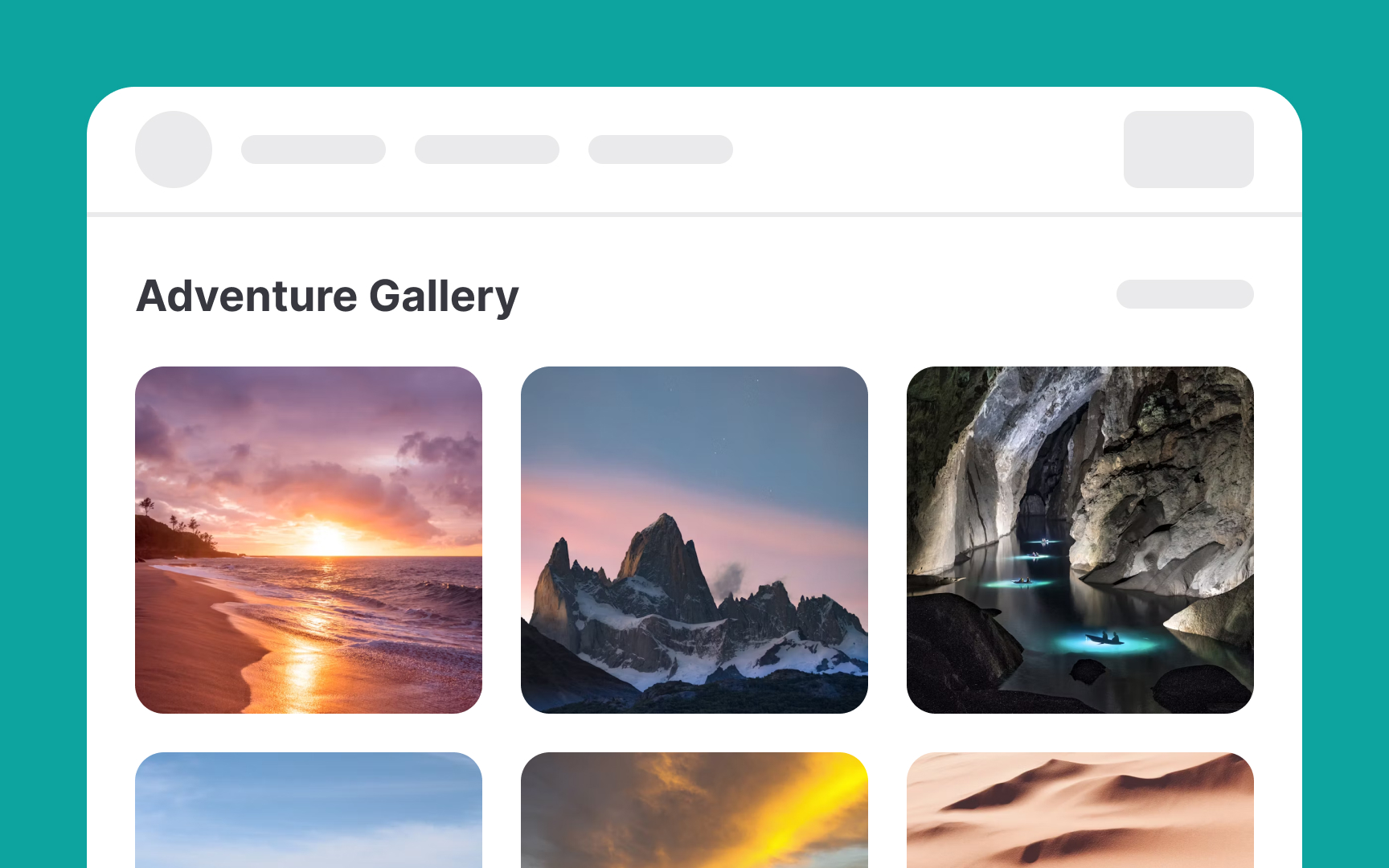
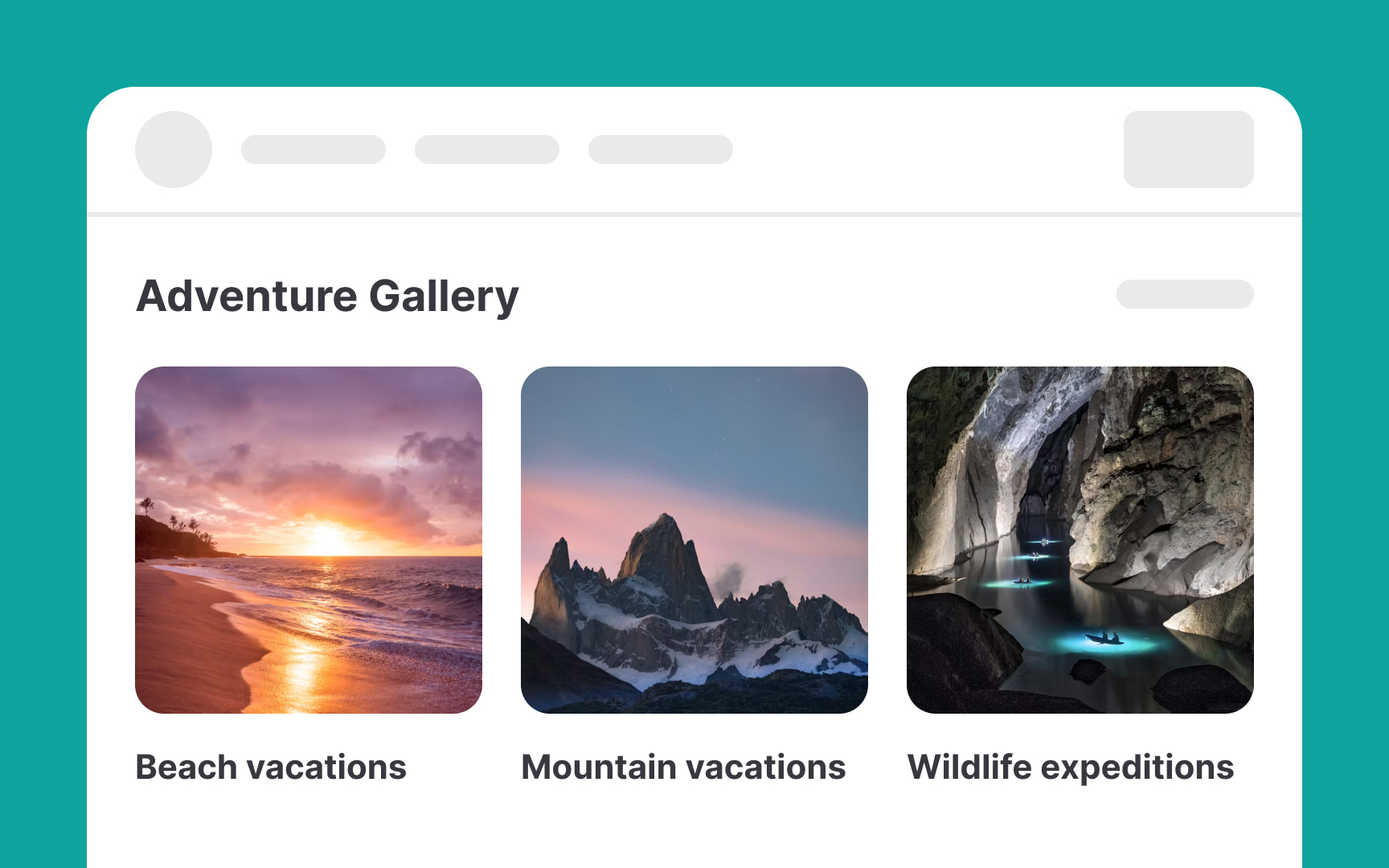
Chunking multimedia content effectively hinges on organizing related elements together. This makes it easier for users to understand and navigate the content. Here are some ways to do it:
- Visual separation: Use background colors, horizontal lines, and ample white space to clearly separate different chunks of content.
- Video and audio chunking: Organize videos or audio files into chapters or topics that users can access individually without having to watch the entire video in sequence.
- Transcripts with subheadings: Provide transcripts for audio or video content that are segmented by subheadings. This not only makes the content accessible to those who prefer reading over watching but also allows users to easily navigate to specific parts of the video content.
- Group related tools: In applications with many features, like a design software, group related tools (like brushes, erasers, and pencils) together in the toolbar.
- Labels for image categories: When grouping images or graphics, use clear, descriptive labels for each category.