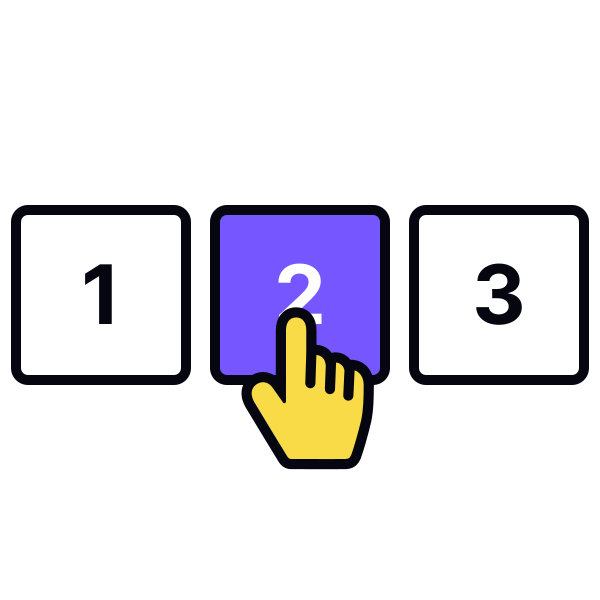
First and last page controls
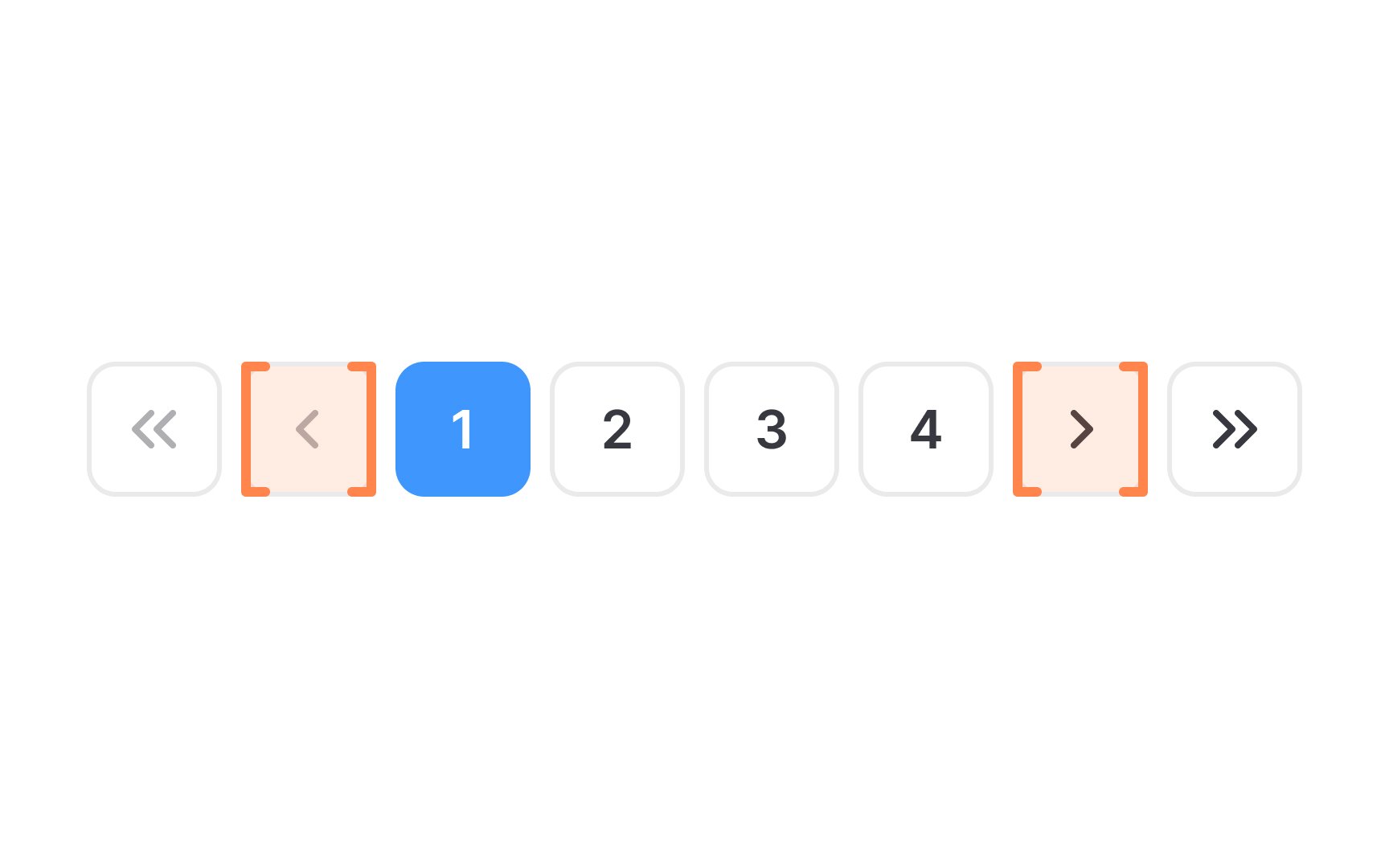
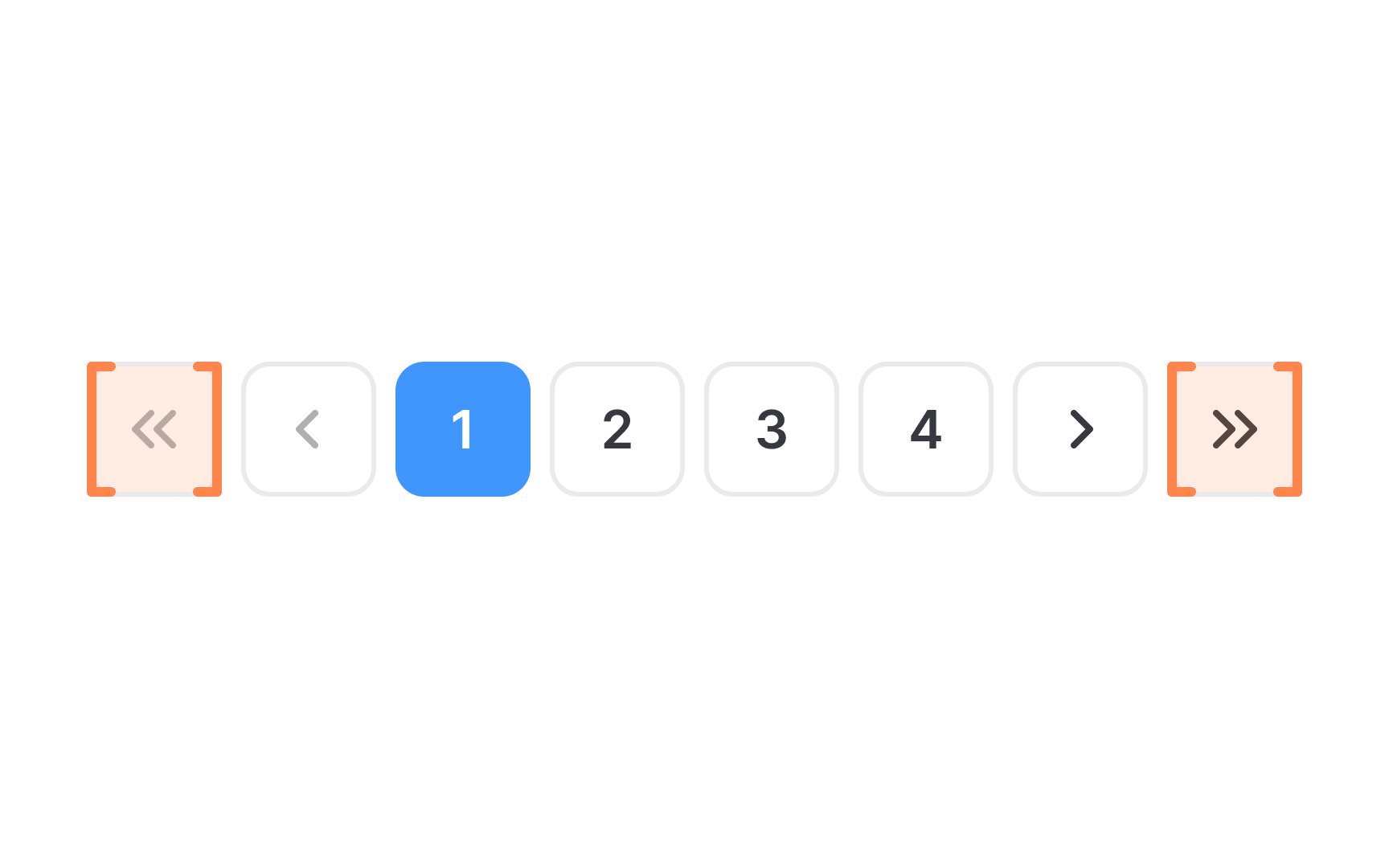
The first and last page controls in pagination are essential for enhancing user navigation in multi-page documents or lists. These controls enable users to quickly jump to the very beginning or end of the content, bypassing the need to sequentially click through every page.
The first page control is typically represented by a double arrow pointing left («) or the word "First,” and allows users to jump to the first page. Similarly, the "Last" control, often symbolized by a double arrow pointing right (») or labeled "Last," allows users to jump straight to the final page.
When styling these controls, ensure they are visually distinct and intuitive. Use contrasting colors from the background and maintain a size that is easy to notice and fits the overall design.