Communicating the Product Strategy
Turn your product strategy from a document into shared understanding across your organization
A brilliant product strategy means nothing if it stays in your head or buried in a document. Strategy communication determines whether your team makes aligned decisions, whether executives continue funding your work, and whether other departments support your initiatives.
Poor communication creates expensive problems. Teams build features that don't serve the strategy. Executives lose confidence and redirect resources. Stakeholders work against you because they don't understand your direction. These issues rarely stem from bad strategy but from unclear communication.
Strong strategy communication creates organizational alignment. When people understand the why behind decisions, they make better trade-offs independently. When executives grasp your thinking, they become advocates. When other departments see how your strategy connects to theirs, collaboration becomes natural. The investment you make in communication multiplies the value of your strategy work.
Executives operate under severe time constraints and evaluate dozens of competing priorities. Your strategy presentation needs to respect this reality. Lead with business impact, show clear resource requirements, and demonstrate you've thought through risks. Executives care less about your process and more about outcomes, feasibility, and trade-offs.[1]
Structure your presentation around decision points. What do you need from them? Budget approval? Headcount? Strategic alignment? Make this explicit upfront. Then provide just enough context to make that decision confidently. Most executive presentations fail because they bury the ask under too much background.
Anticipate the hard questions before you present. How does this affect revenue? What happens if we don't do this? Why now instead of next quarter? What are we not doing if we pursue this? Come with data that supports your position, but be ready to acknowledge uncertainty where it exists.
Your team needs different information than executives. They need to understand the why behind decisions, how their daily work connects to larger goals, and what success looks like. Team presentations should create shared context, not just deliver information. This means opening space for questions, concerns, and input on execution approaches.
Start with the problem you're solving and why it matters now. Teams disengage when strategy feels abstract or disconnected from real user needs. Walk through the key decisions that shaped your strategy and the trade-offs you considered. This transparency helps team members make similar judgment calls when you're not in the room.
Connect strategy directly to upcoming work. What does this mean for our next sprint? Which
Departments outside of the core product team care about how your strategy affects their goals and workflows. Marketing needs to understand positioning. Sales needs to know what's coming and when. Support needs to prepare for changes. Customer success needs to set appropriate expectations. Each department views your strategy through their own lens, and your communication needs to account for this. Tailor your message to each audience's concerns.
Don't present the same deck to marketing that you showed engineering. Instead, extract the relevant portions and add context specific to their work. Marketing wants to know about target users and differentiation. Sales wants competitive positioning and timeline certainty. Support wants to understand new capabilities and potential customer confusion.
Invite
Pro Tip: Schedule department presentations early enough that their feedback can actually influence your plans.
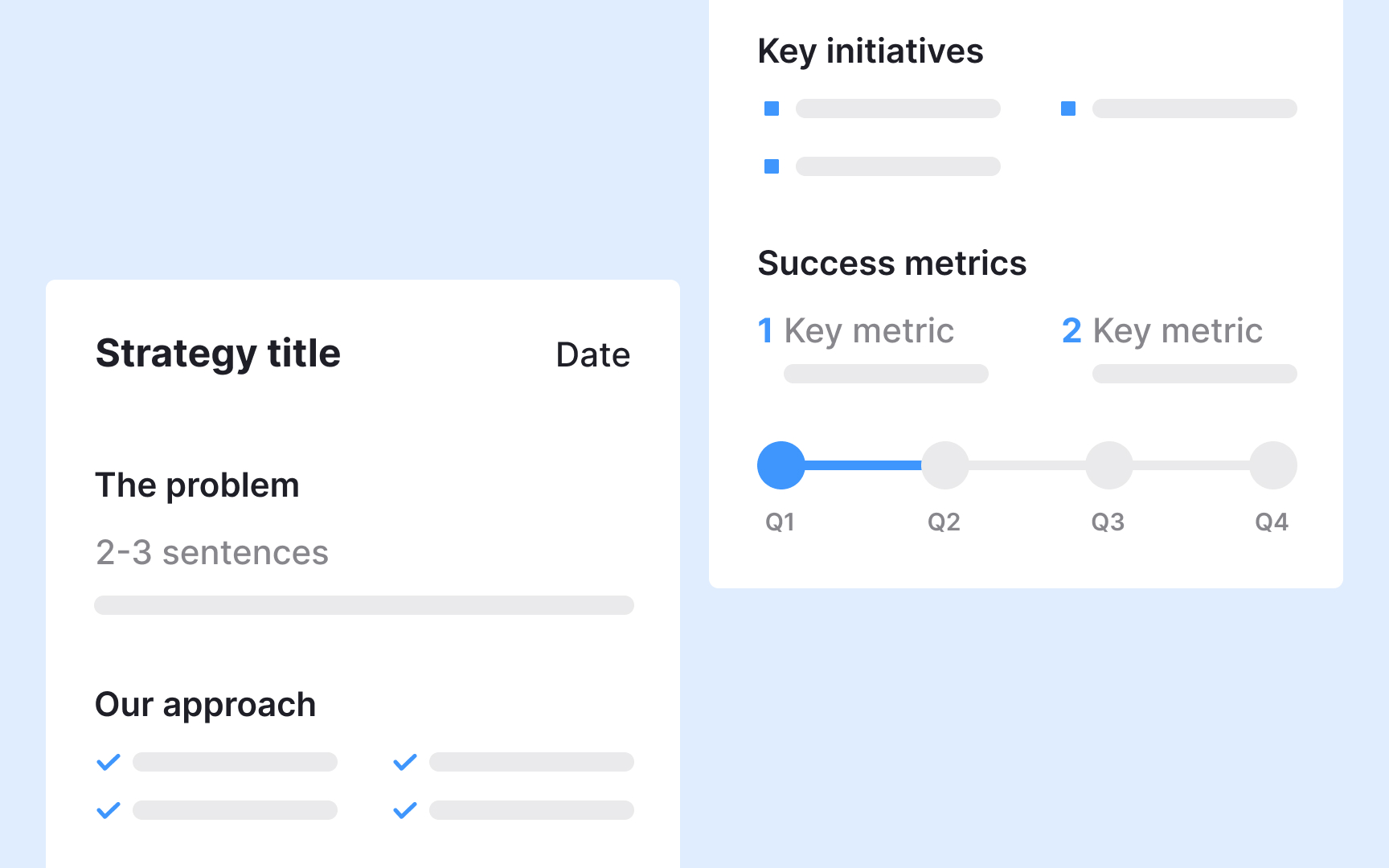
Most people won't read your full strategy document. They need a condensed version that captures the essential elements in a format they can quickly scan and share. A well-crafted one-pager serves as both a communication tool and a memory aid. It forces you to distill your thinking to what truly matters.
Include the core problem, your strategic approach, key
Different versions serve different purposes. Create an executive version focused on business outcomes. Make a team version that emphasizes upcoming work and priorities. Build a stakeholder version highlighting cross-functional dependencies. Each should fit on a single page but address what that specific audience needs to know. These condensed formats often get shared more widely than your full document.
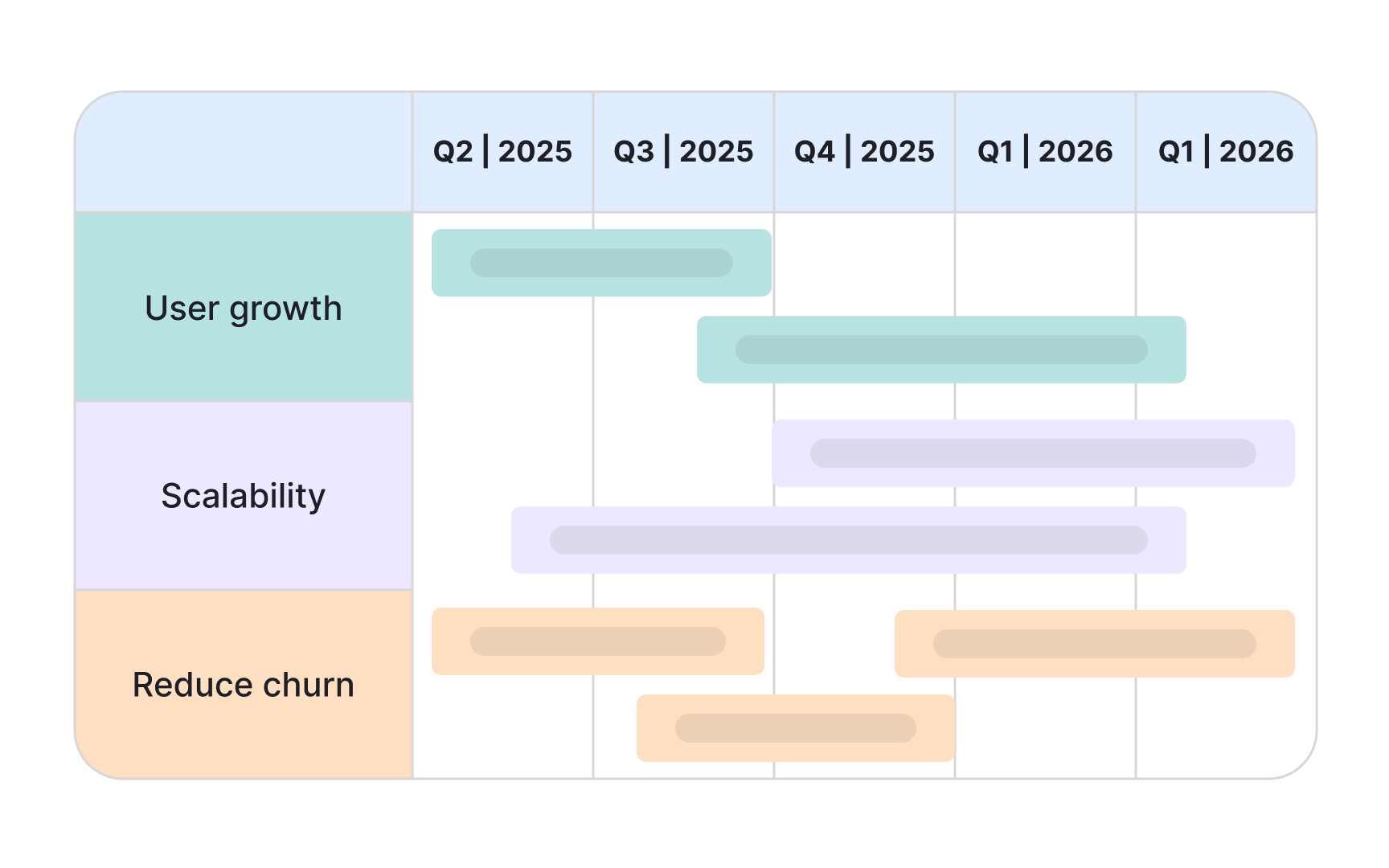
Many people process visual information more effectively than text. Strategy maps, journey diagrams, and priority matrices help audiences grasp relationships and trade-offs that paragraphs struggle to convey. Visual communication isn't about making things pretty but about making complex ideas clearer and more memorable.
Common visual formats include strategy maps showing how
Keep visuals simple and focused. A cluttered diagram confuses more than it clarifies. Use consistent colors and shapes. Add just enough text to make the visual self-explanatory but not so much that it becomes a wall of words. The best strategy visuals can stand alone or supplement written explanations. They should make someone say "now I get it" not "this is complicated."
Strategy isn’t static. Quarterly reviews create checkpoints to assess progress, adjust direction, and keep teams aligned. These sessions help catch issues early, highlight wins, and keep strategy visible across the org. They also allow for changes based on what happened in the last period, like new insights, test results, or market shifts. Without regular reviews, strategy drifts as teams act on their own.
Structure reviews around outcomes, not just activity. What metrics moved? What assumptions proved true or false? What did we learn that changes our thinking? Avoid status reports that simply list completed tasks. Instead, focus on whether you're achieving the impact you predicted and why results differ from expectations.[2]
Use reviews to make visible adjustments. Markets shift, competitors move, user needs evolve. Your strategy should adapt to new information while maintaining core direction. Quarterly reviews create natural moments to course-correct before small misalignments become major problems. They also reinforce that strategy is a living framework, not a document created once and forgotten.
Pro Tip: When your strategy remains static, track the same metrics each quarter so you can spot trends and measure real progress over time.
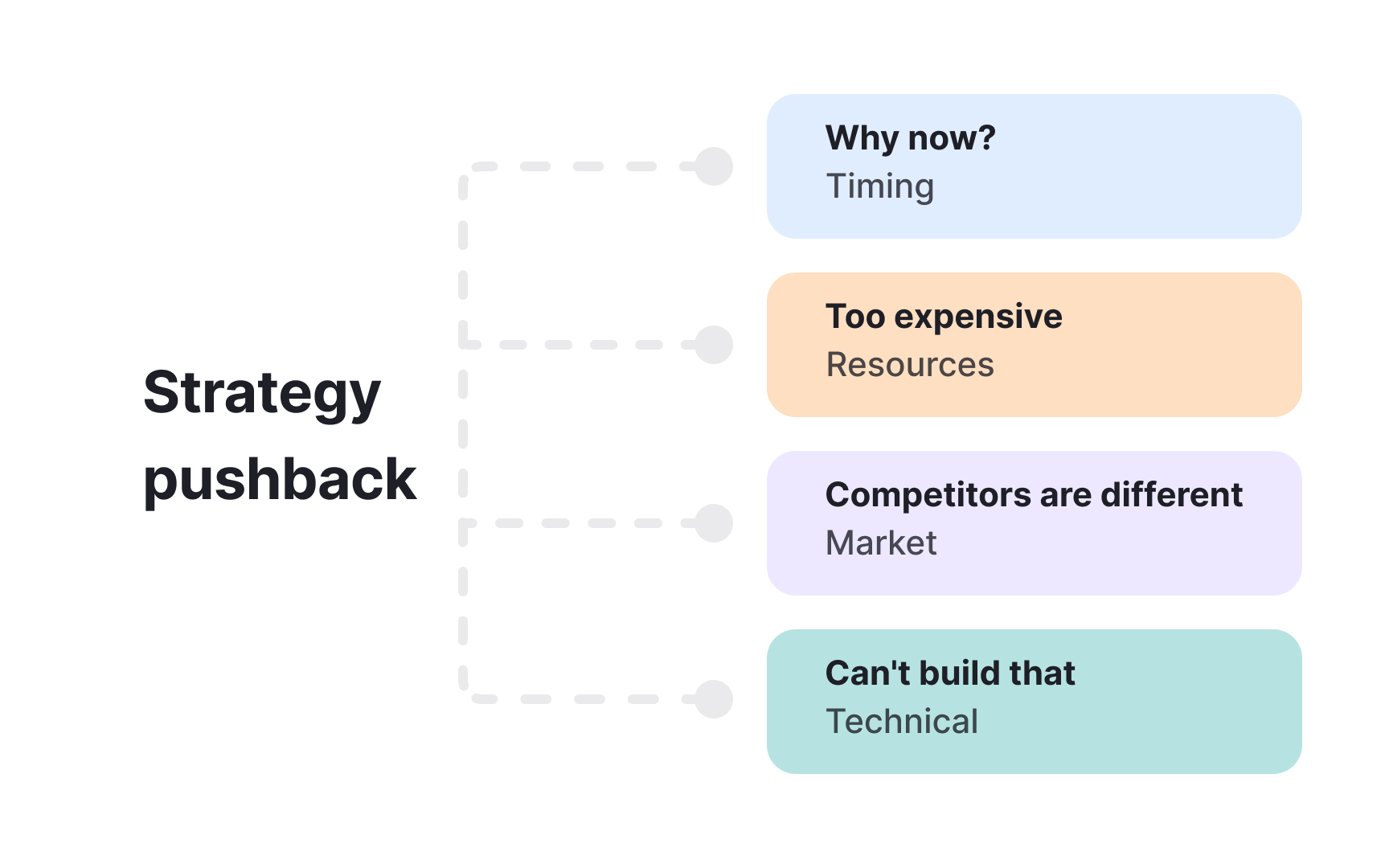
Questions and pushback are signs of engagement, not attacks. When people challenge your strategy, they're investing mental energy in understanding and improving it. The worst response is defensiveness. The best response is curiosity about what's driving their concern. Often, pushback reveals gaps in your communication or legitimate risks you haven't fully addressed.
Common objections include timing concerns, resource constraints, competitive threats, and technical feasibility doubts. Each deserves a thoughtful response. For timing questions, explain why waiting costs more than acting now. For resource concerns, clarify what you're explicitly not doing to make room. For competitive worries, share your differentiation thinking. For technical doubts, acknowledge constraints and explain your mitigation approach.
Some pushback indicates you haven't convinced someone of the underlying problem. They're debating your solution because they don't accept that the problem is worth solving. When this happens, step back to problem validation rather than defending your approach. Share user research, business data, or competitive evidence that demonstrates urgency. Build agreement on the problem before returning to strategy discussions.
References
- 8 Tips for Building an Executive-Facing Roadmap | ProductPlan
Top contributors


Topics
From Course

Share


Similar lessons

Continuous Discovery Mindset

Business Outcomes vs. Product Outcomes