Using user flows to explain the case study solution
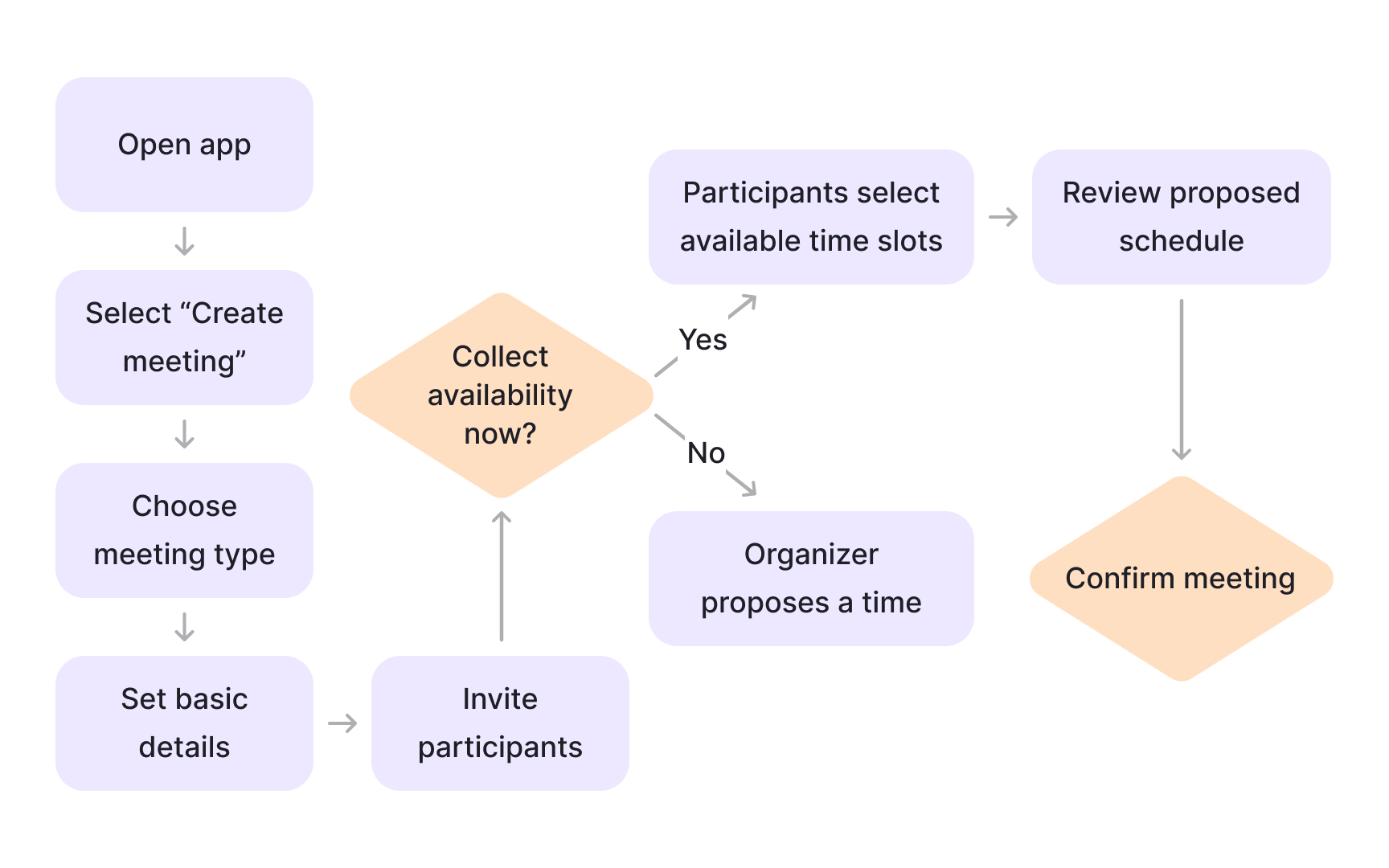
User flows help explain how a solution works without relying on detailed screens or UI polish. They focus on behavior, decisions, and paths rather than visual design. This makes them especially useful in PM case studies.
A good user flow shows how users move from a problem state to a desired outcome. It highlights key actions, decision points, and moments where friction is reduced. This helps the audience understand the logic of the solution at a glance.
In case studies, user flows should stay lightweight. The goal is not to document every possible path, but to clarify the main journey the solution supports. Overly complex flows often add confusion instead of insight.
When used well, user flows reinforce the solution story. They visually support the reasoning without turning the case study into a design specification.[1]
Pro Tip: If a flow needs heavy explanation, simplify it until the main path is obvious on its own.
References
- Understanding User Flow: Eight Practical Examples for Better UX - Analytics Platform - Matomo | Analytics Platform - Matomo