Align headings to the left
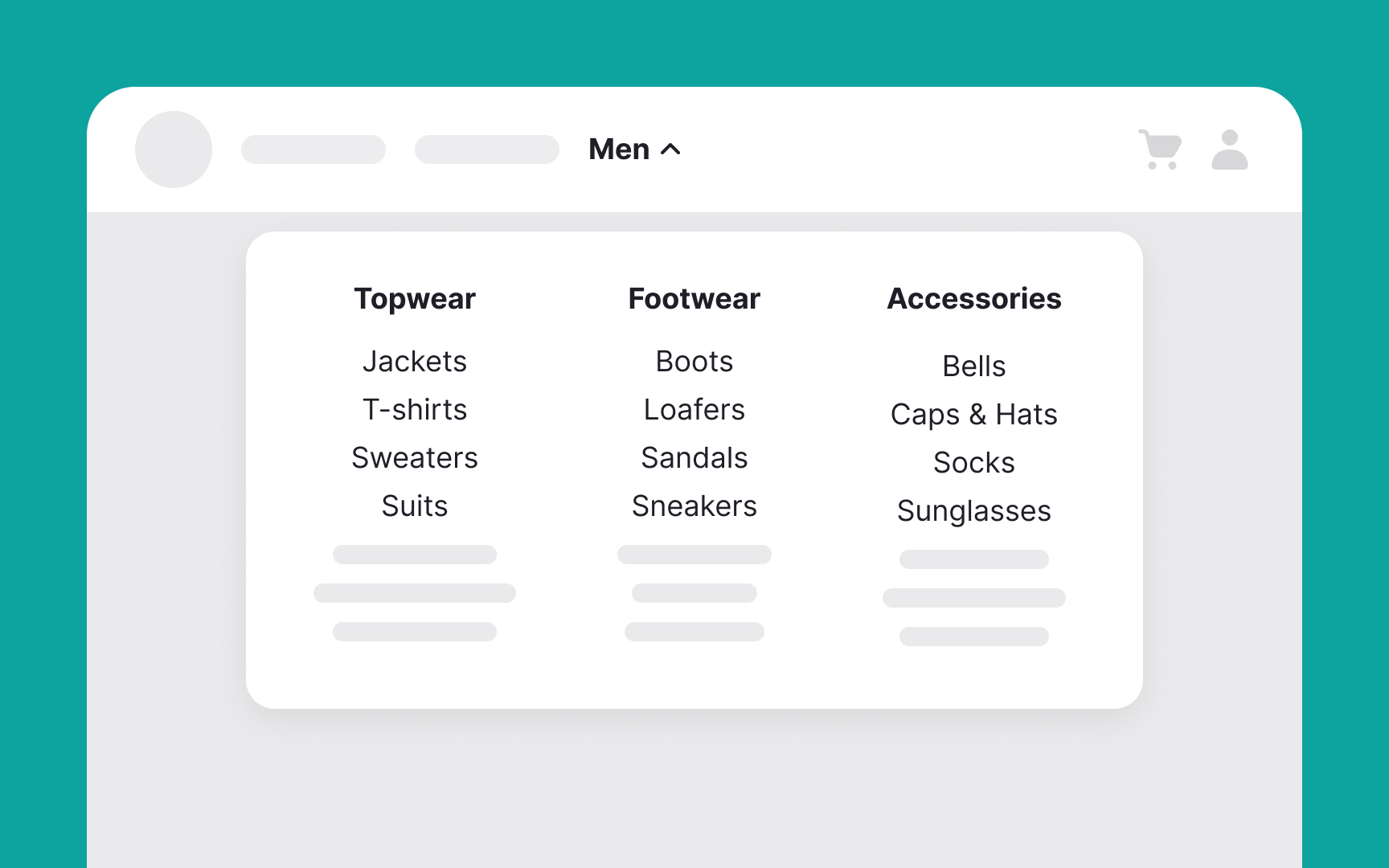
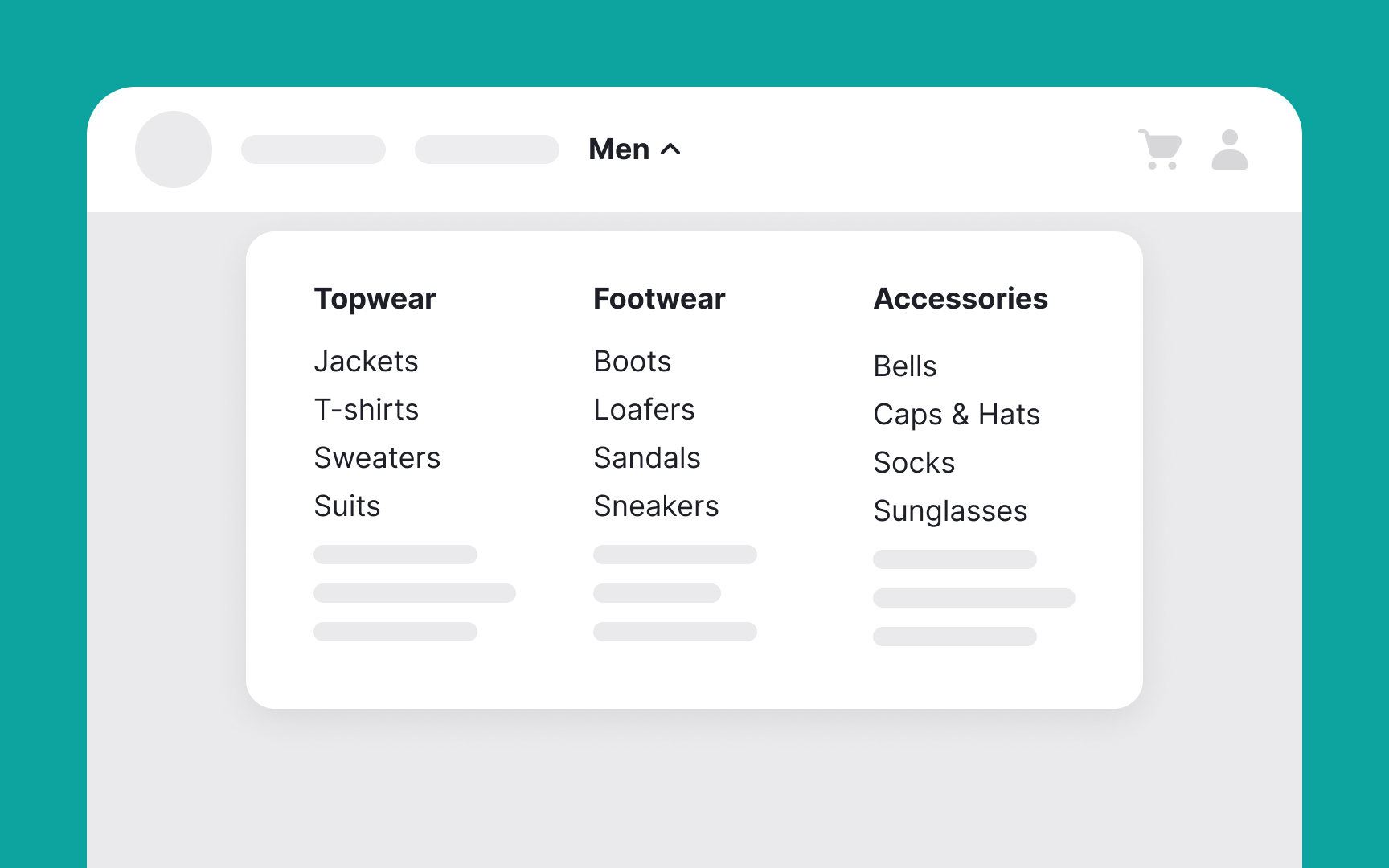
Left-aligned menu headings improve navigation for users who read left-to-right by making it easier to scan and find key information. For example, in a website's navigation menu, using left-aligned headings for main sections like "Home," "Products," "Services," and "Contact Us" helps users quickly see their options. Each section can have subheadings. For instance, under "Products," there could be "Electronics," "Furniture," and "Clothing." With all headings left-aligned, users can easily scan down the menu to find the section or section they need.
This clear, organized structure shows context and path information, helping users navigate your site more efficiently and find what they are looking for faster.[1]