Export settings
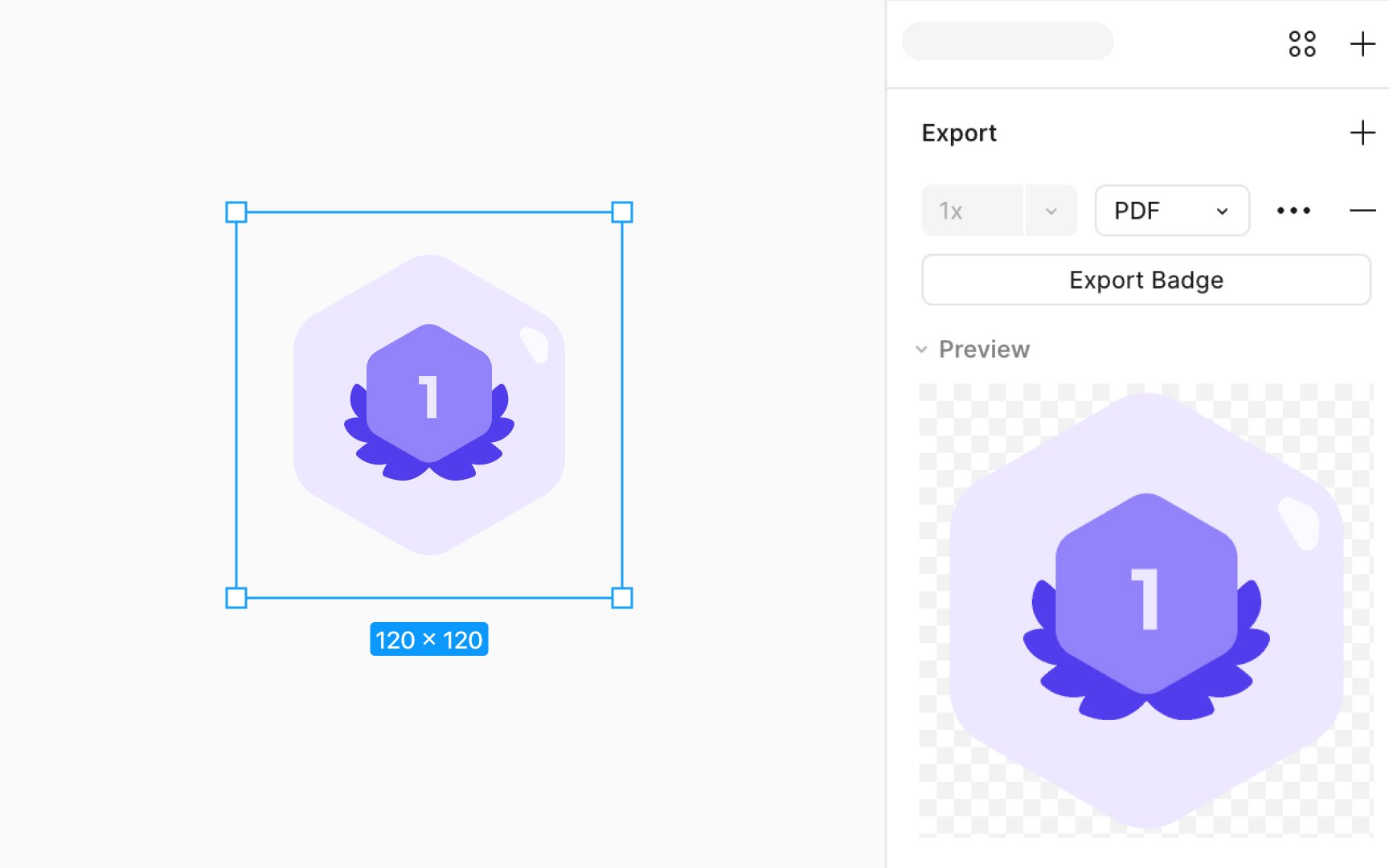
In Figma, the Export section is where you prepare assets for download:
- You’ll find it in the right sidebar after selecting an element
- Use the preview to check how the export will look before saving
- You can export in multiple formats like PNG, JPG, SVG, and PDF
What's exportable in Figma?
- Individual layers, frames, components, groups, or specific sections
- Specific areas of the canvas, neatly defined using the Slice tool
- The full canvas of any page, capturing the entire design in one go
- The complete file, savable as a .fig file for comprehensive backup or sharing