Exclude selection
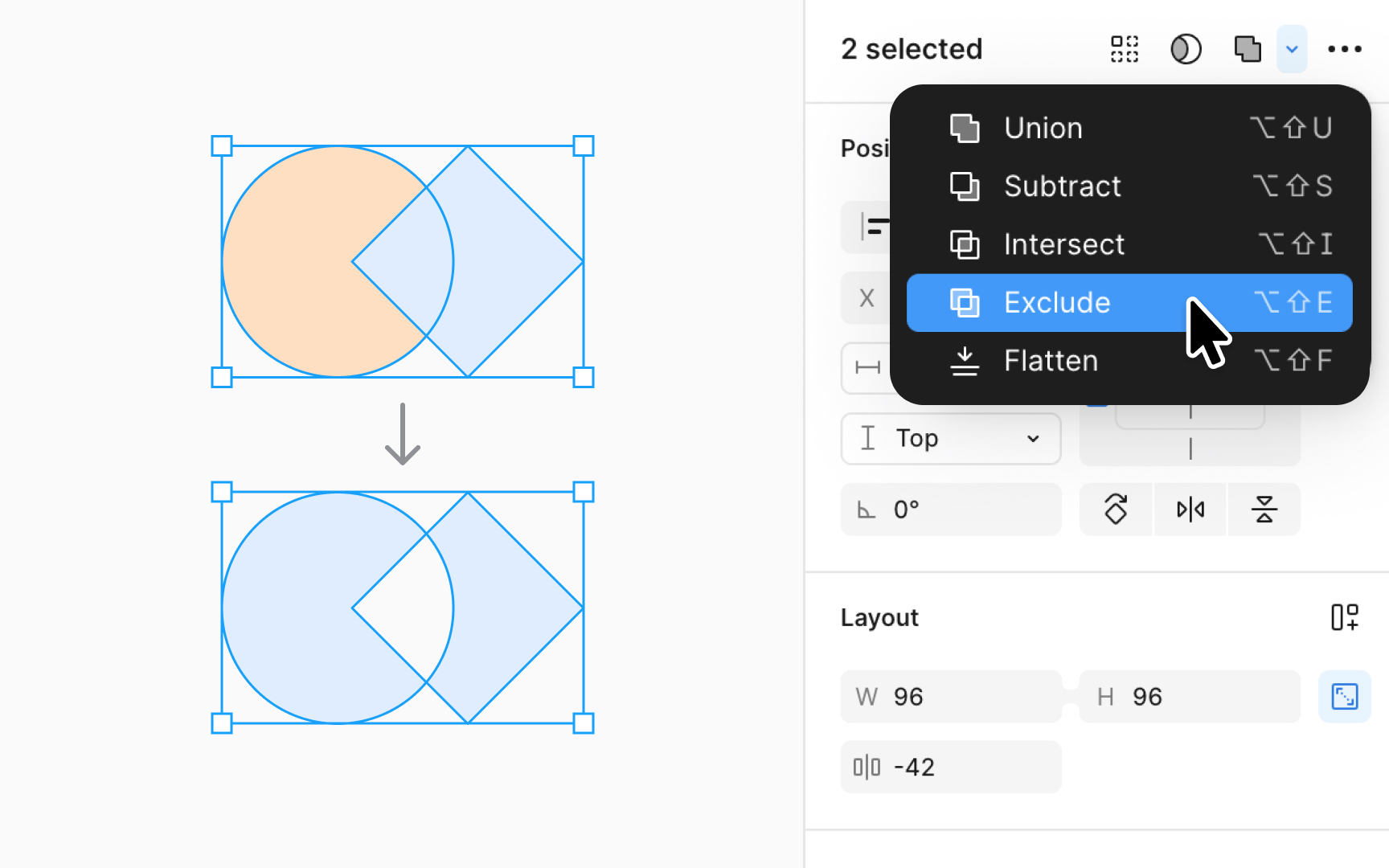
The Exclude boolean operation showcases only the non-overlapping areas of combined shapes. It effectively separates the unique parts of each shape, excluding the common intersection.
Think of Exclude as the tool for creating dynamic, non-overlapping visual elements in UI components like custom badges or intricate patterns. It's perfect when you need to emphasize the distinct areas of overlapping shapes, letting their individual characteristics shine.
How to apply the exclude operation:
Select the shapes you want to combine, then select the Exclude operation in the right sidebar or use the keyboard shortcut:
- Mac: Option Shift E
- Windows: Alt Shift E