Permission flow design
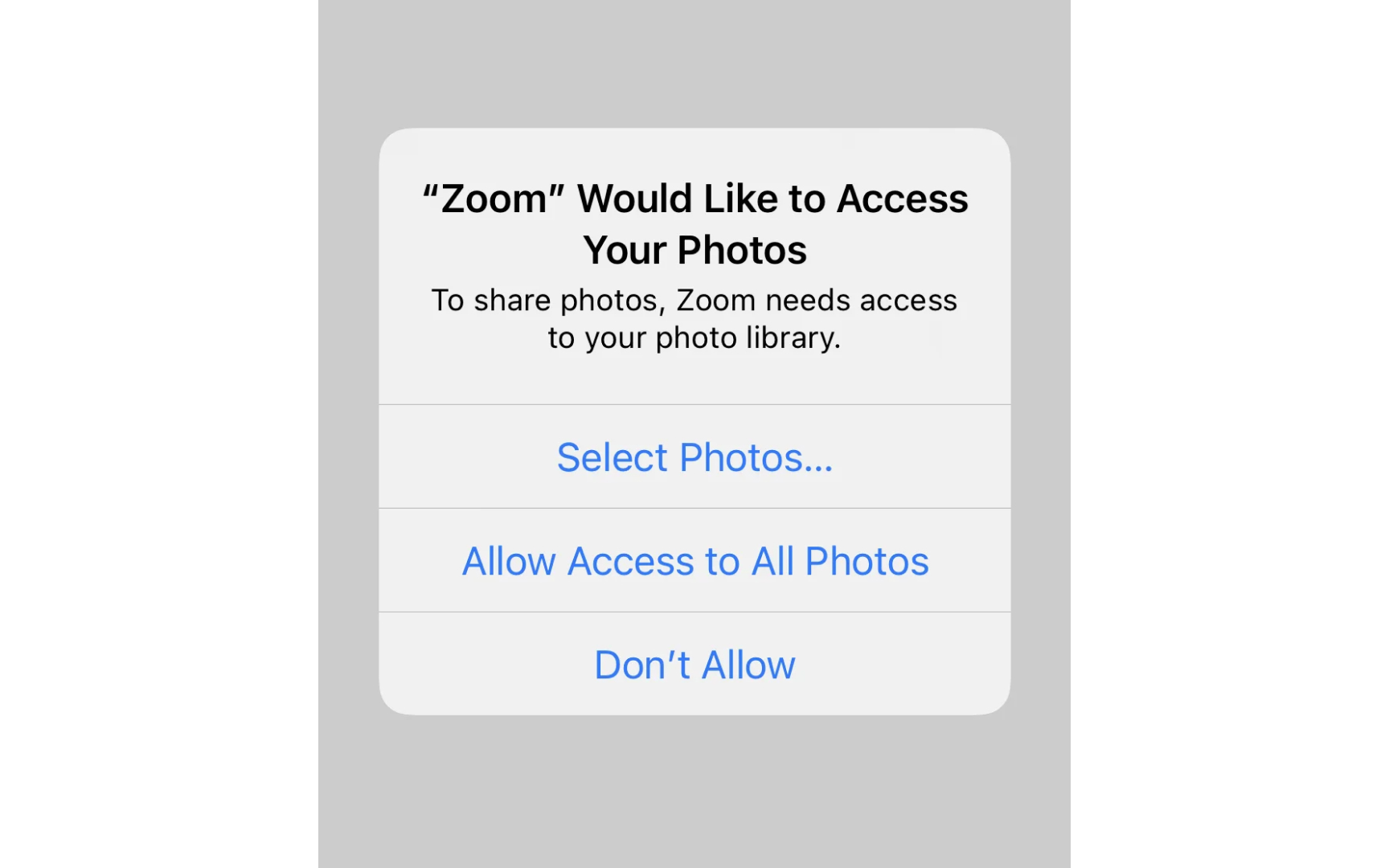
Permission flows determine how users grant permission for data collection and usage. A well-designed permission request is clear, specific, and genuinely optional rather than a barrier users must overcome to access your product. Users should understand exactly what they're agreeing to without needing a law degree.
Good permission flows use plain language, break permissions into granular choices, and never bundle unrelated permissions together. For example, when requesting camera access, explain why it’s needed rather than just demanding permission. Separate notifications, analytics, and personalization into individual toggles that users can control independently. Avoid dark patterns like pre-checked boxes, confusing double negatives, or hiding the decline option. The flow should make it equally easy to say yes or no.[1]
Poor flows create legal liability and damage user trust. For example, cookie banners that make rejection harder than acceptance violate GDPR requirements.[2] Apps that gate basic functionality behind unnecessary permissions frustrate users and often get uninstalled.
Pro Tip: Test your permission flow by timing how long it takes users to both accept and reject permissions.
References
- General Data Protection Regulation (GDPR) – Legal Text | General Data Protection Regulation (GDPR)