Use the alt attribute
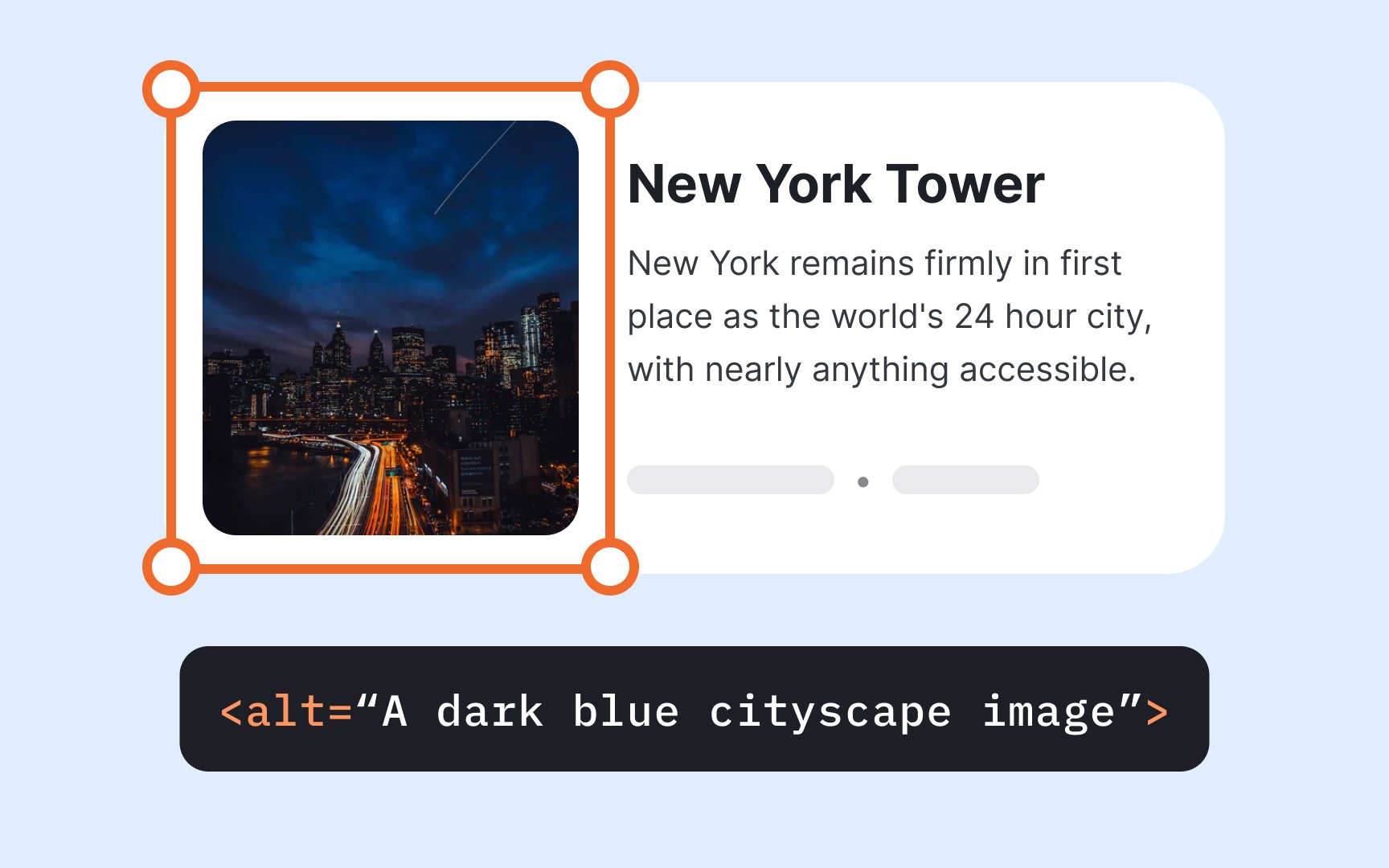
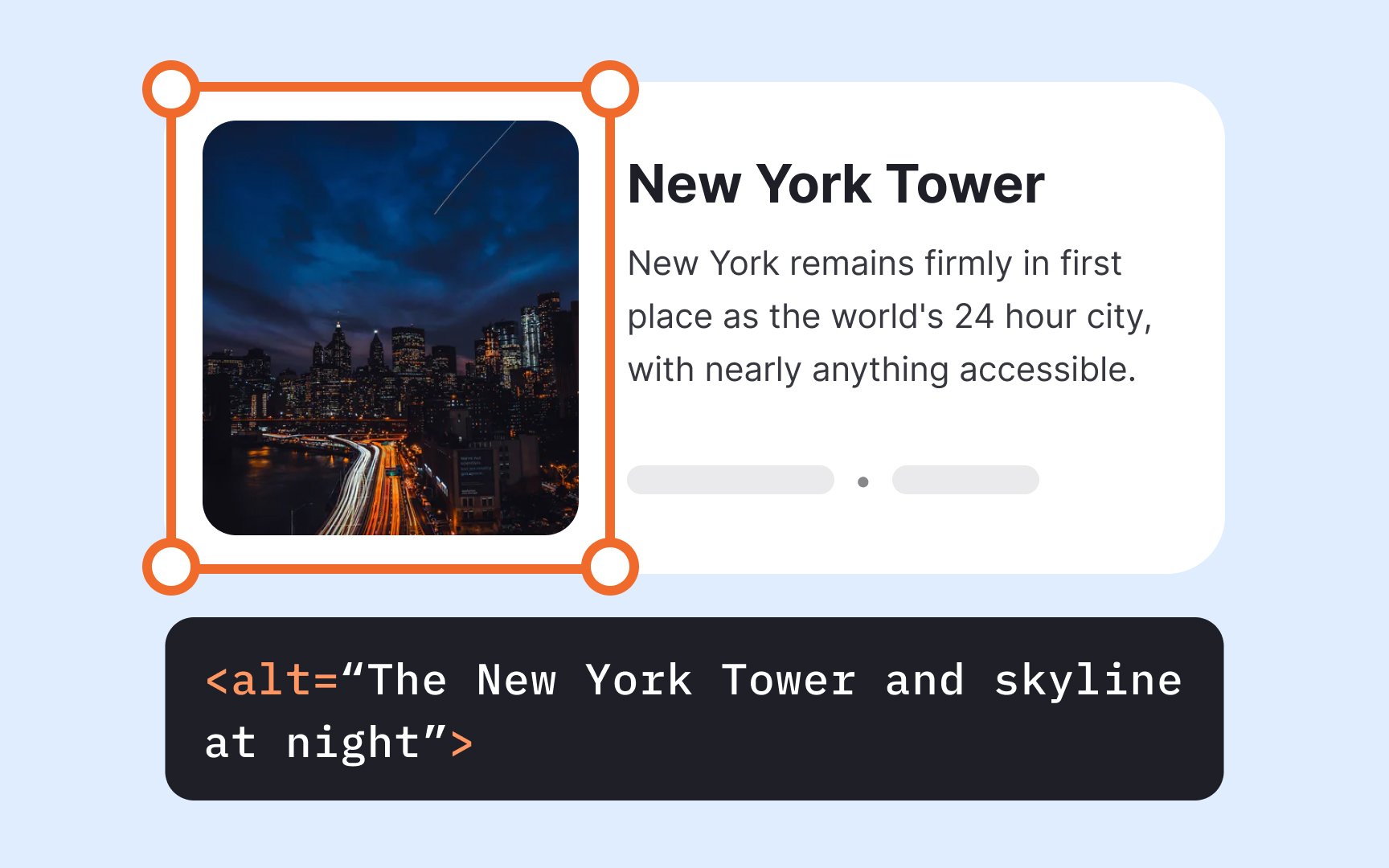
Images and graphics enhance content appeal and comprehension, but they must be accessible to users with visual or cognitive disabilities. Alternative text (alt text) provides a textual description that screen readers can convey to users who cannot see images.
Alt text serves multiple purposes beyond accessibility. It appears when images fail to load due to connection issues or broken links, ensuring users still understand the content. Search engines also use alt text to better index and categorize web pages, improving SEO performance.
Alt text can be presented in two ways:
- Within the alt attribute of the <img> element
- Within a visible image caption or on a separate page
Focus on describing the image's purpose and function rather than its visual details. Only mention colors or visual elements when they're essential to understanding the content's meaning.[1]
Pro Tip: Don't make the alt text longer than 125 characters, as screen-reading tools often cut off wordy descriptions.
References
Top contributors