Add search functionality
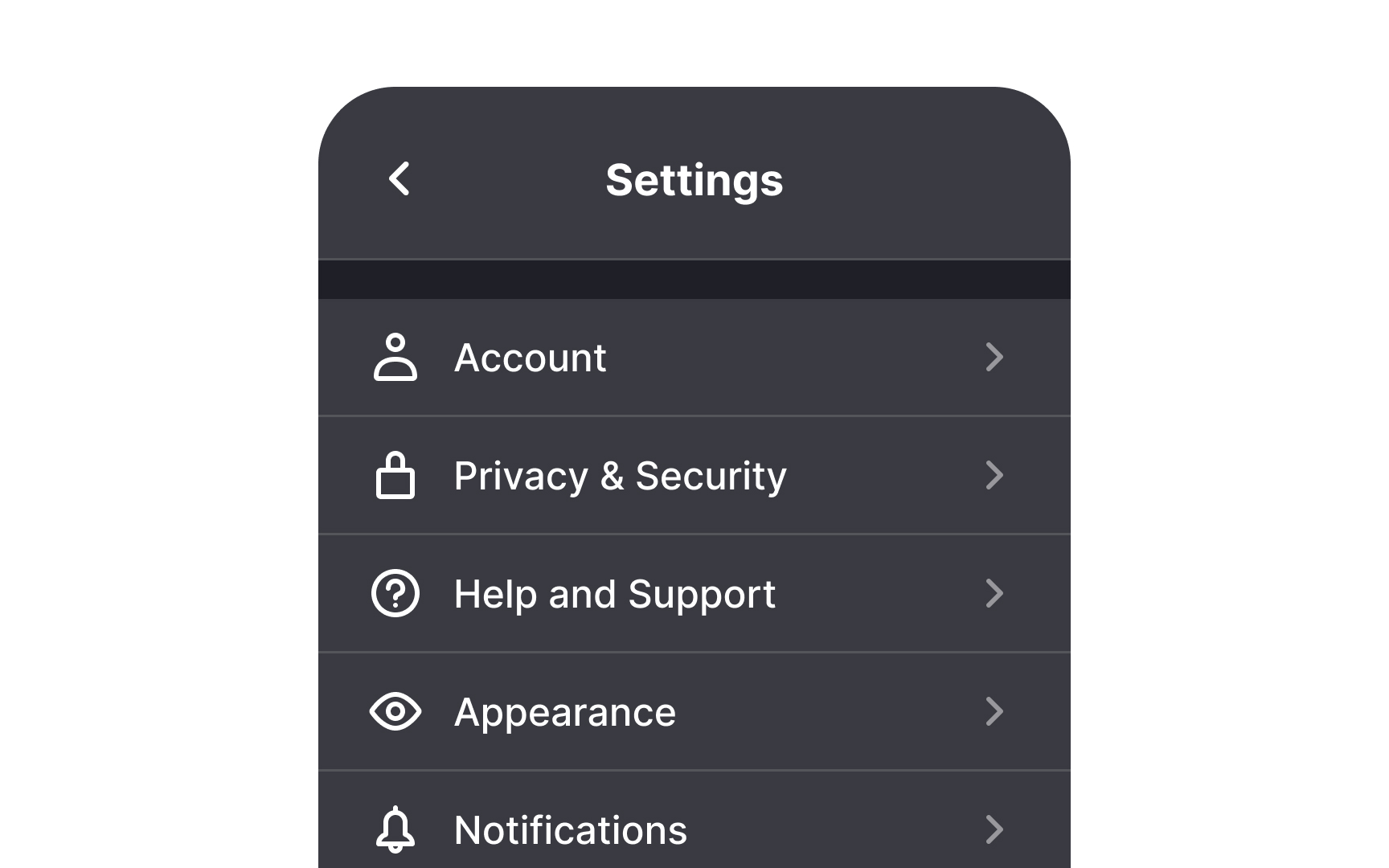
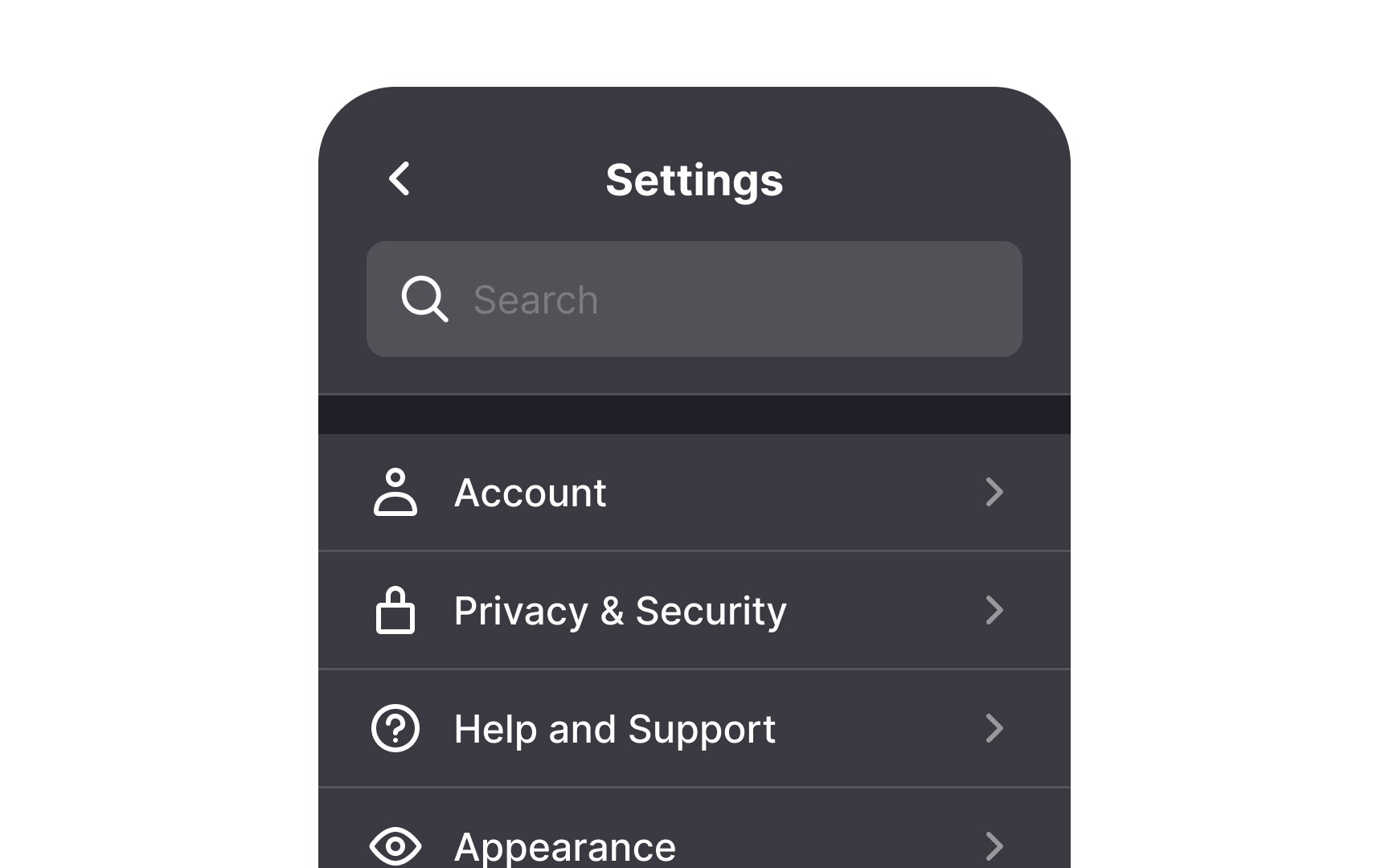
Consider adding search functionality if your product has more than a couple of setting controls. Complicated products like web browsers can really benefit from it.
Users can waste valuable time scrolling to find the setting they’re looking for. This can be even more challenging if the page has sub-menus. Fortunately, you help users find what they’re looking for quickly and easily by adding a search function.
You can make this even better by showing related results, not just exact matches. For example, if someone searches “Siri” on iOS, the results can show where Siri appears in Accessibility, Notifications, or Privacy. This helps users find what they need even if they don’t know the exact path.
Top contributors