Make system alerts highly visible
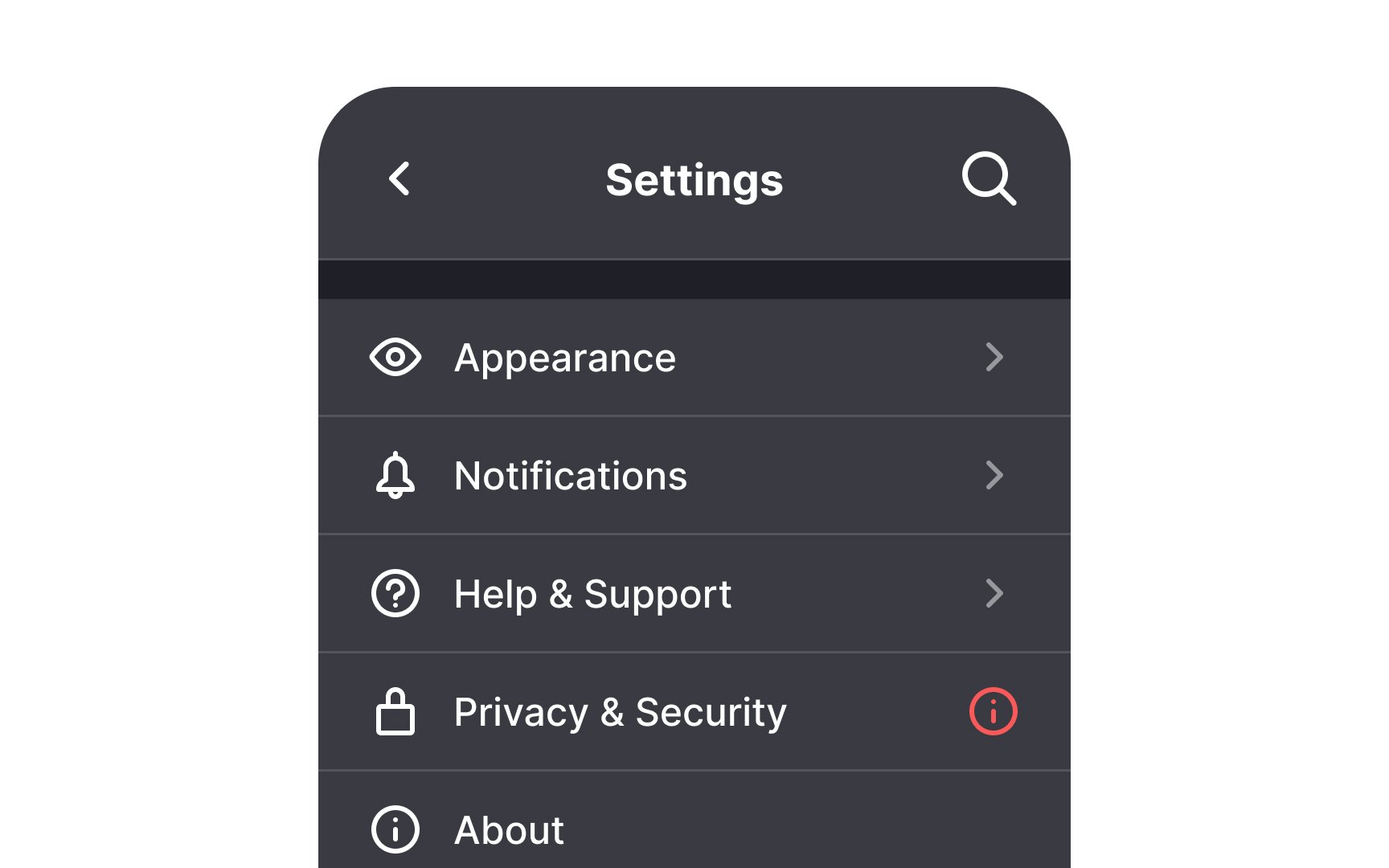
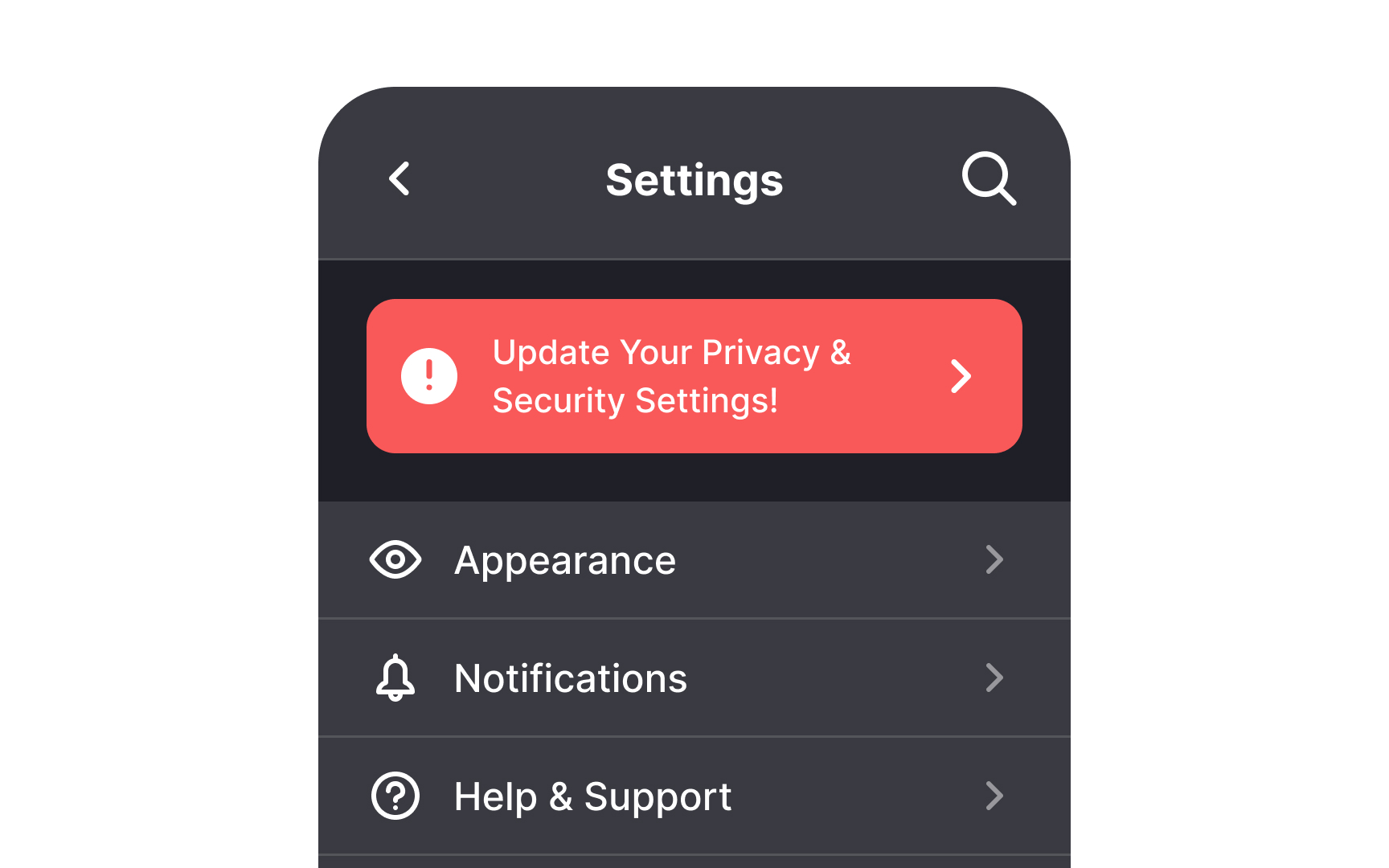
Make important alerts highly visible. Some elements like changes in privacy policy deserve to jump the queue. Draw attention to such changes by adding an alert notification badge and moving it to the top. Any time you need to ensure that users see important information, place it at the top rather than further down the page.
You can also use this type of alert to boost revenue by announcing things like plan upgrades. Other examples include an expiring trial or low remaining cloud storage space.
Pro Tip: To ensure visibility, use a contrasting badge color and the alert icon to draw users' attention.