Prevent user errors
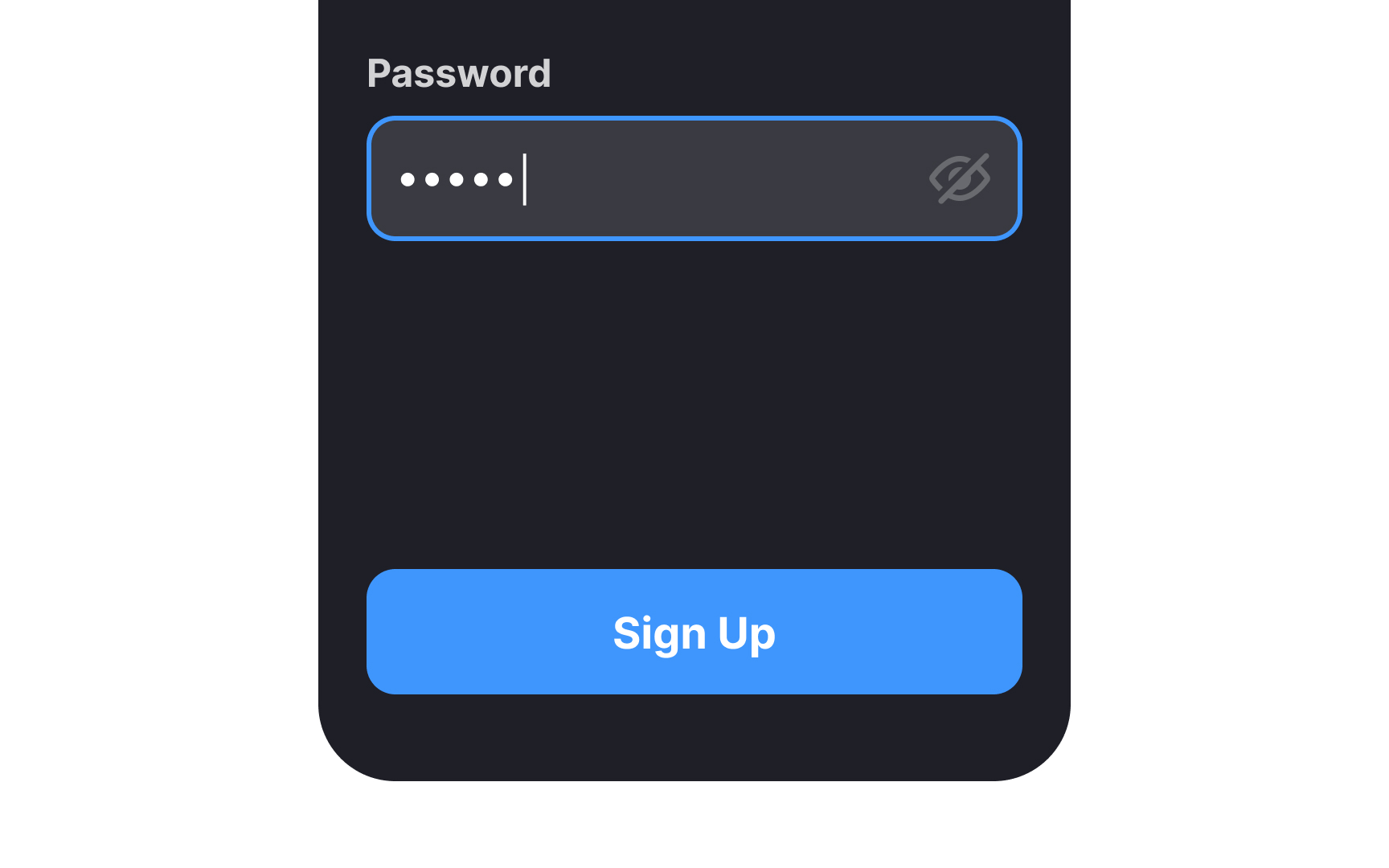
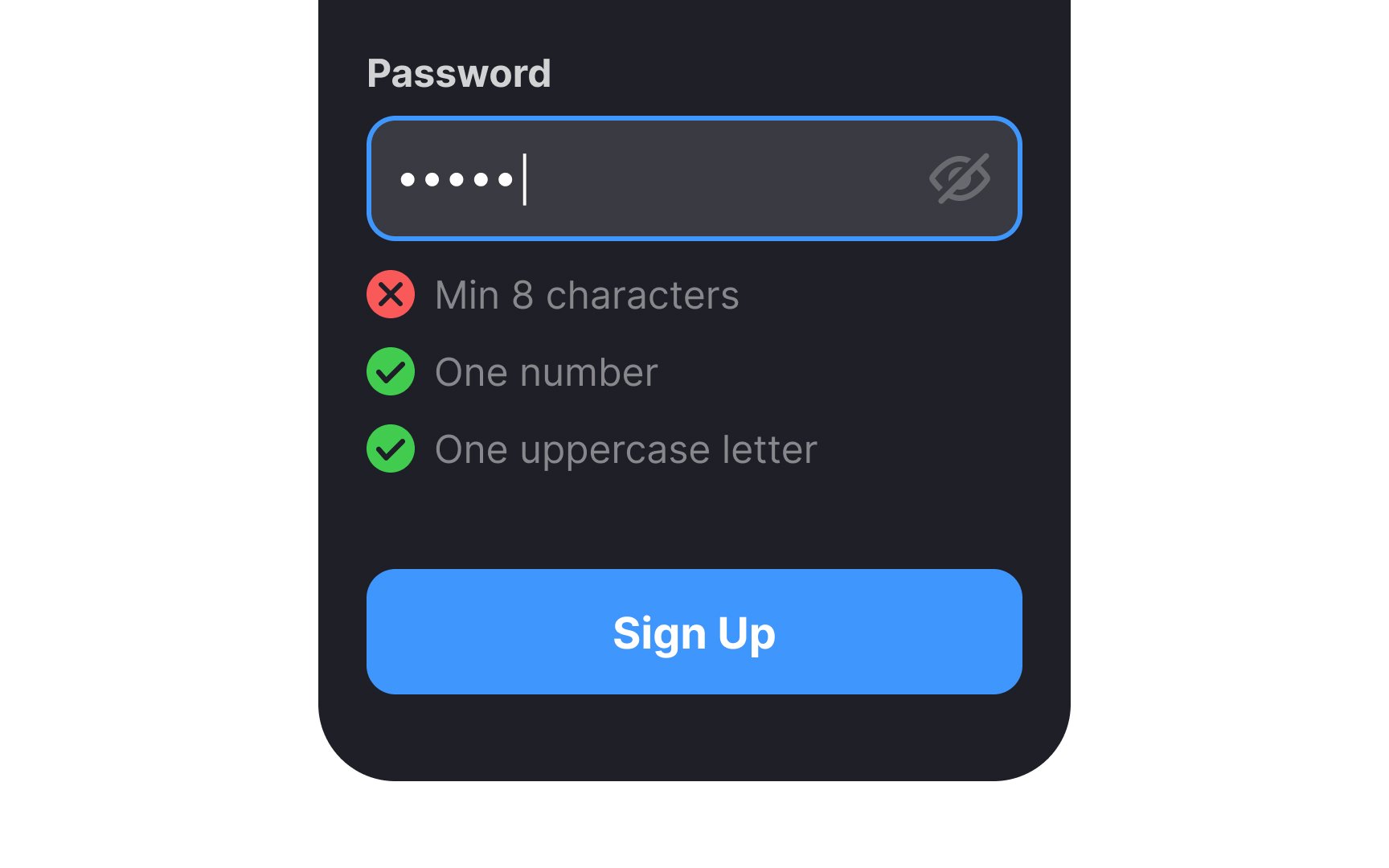
As users input their details, use inline validation to instantly provide real-time feedback, flagging potential errors or discrepancies. This helps prevent mistakes before they occur, such as mistyped passwords or incomplete fields.
Additionally, consider providing a password requirement checklist underneath the password input field, so users don't have to struggle to create a password. This can include prompts for using a mix of uppercase and lowercase letters, numbers, and special characters.