Setting action thresholds
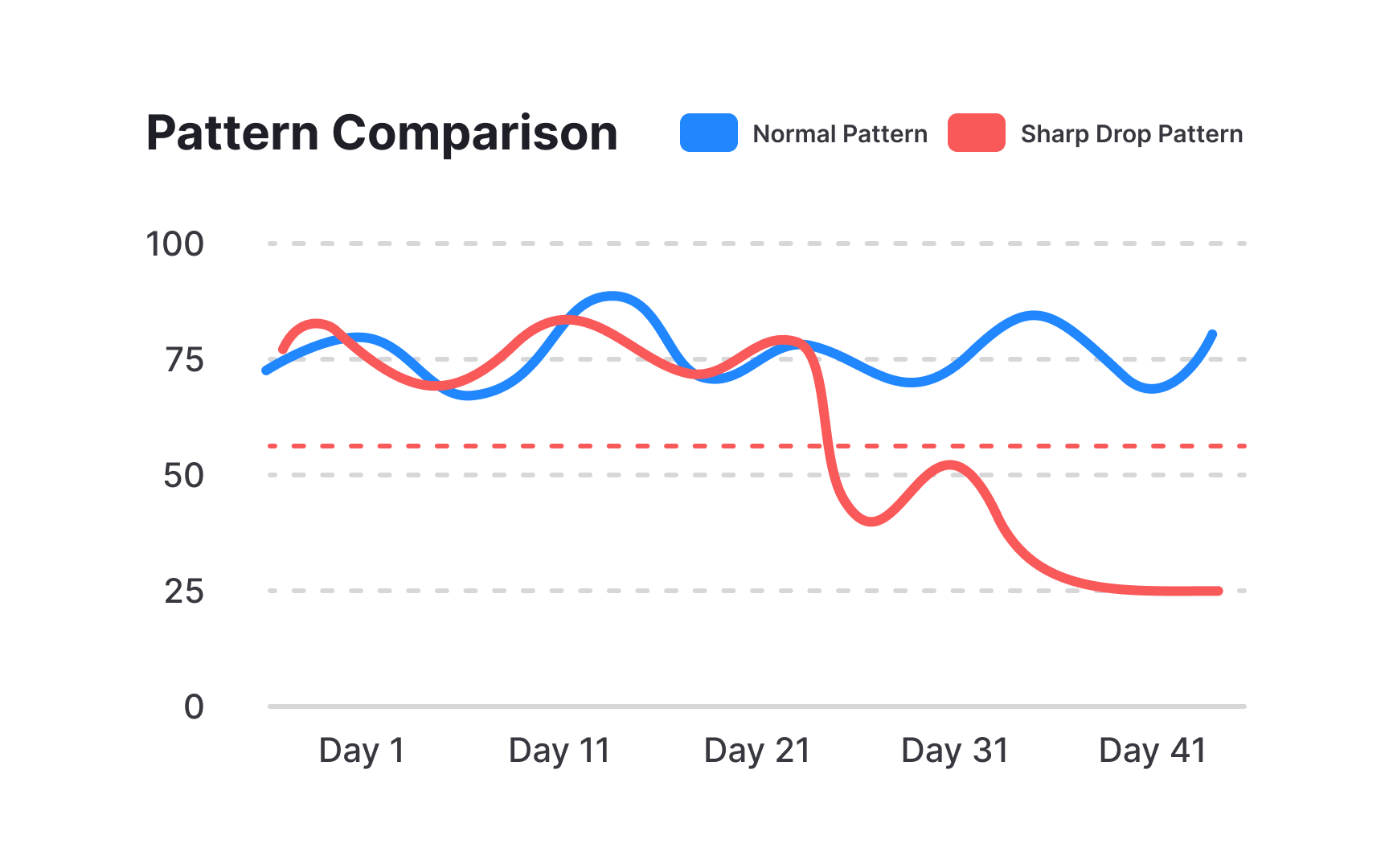
Action thresholds are trigger points that tell you when to step in and help customers. Like temperature marks on a thermometer, these thresholds clearly show when a situation moves from normal to concerning. Setting the right thresholds helps teams respond at the right time — not too early and not too late.
Every key metric needs its own threshold. For example, if your product is a project management tool, you might set alerts when project completion rates drop below 70%, when team adoption falls under 60%, or when key features go unused for two weeks. These numbers should come from analyzing your successful customers' patterns and your churned customers' warning signs.
Different customer tiers need different thresholds. An enterprise customer using 10% of features might be a crisis, while for a small business it could be normal growth. Similarly, new customers need different thresholds than mature ones — what's concerning for a 2-year customer might be normal for someone in their first month. Update these thresholds regularly based on what you learn from customer patterns.[1]
Pro Tip: Set graduated thresholds - "warning" at 70% of normal usage and "critical" at 50% — to enable early, proactive responses.
References
- How to Create Customer Health Scores | Gainsight | Gainsight Software