Platform foundations and environments
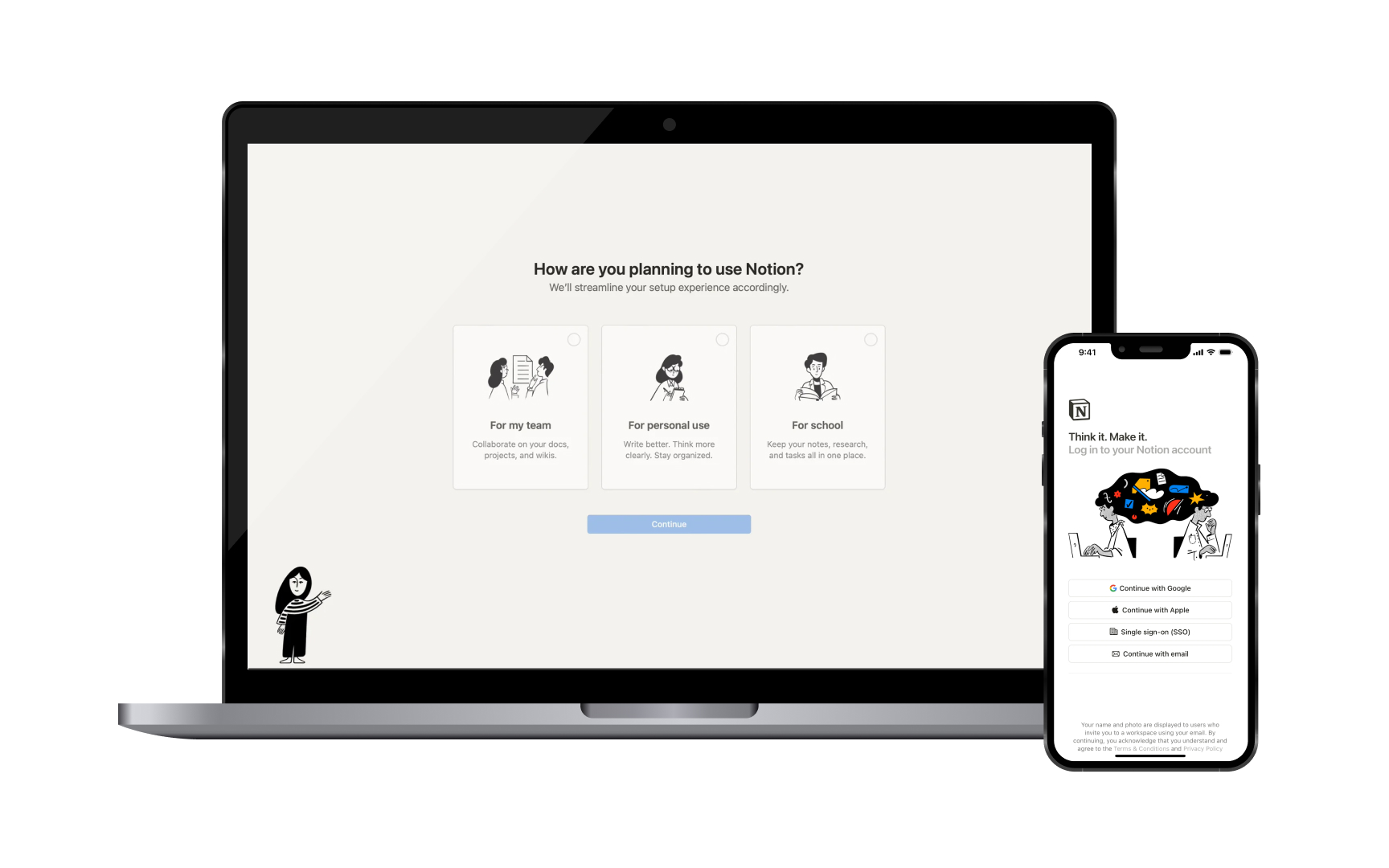
Different Apple platforms shape how users work with their devices. Each platform creates a unique environment that makes sense for its context of use.
Platform environments:
- macOS: Works like a desktop workspace where users can see all their open windows at once. Files and folders are easy to find in Finder, and users can work in multiple apps side by side. Most tasks rely on precise mouse clicks and keyboard commands.
- iOS/iPadOS: Centers on one app at a time with smooth switching between apps. Instead of moving files between folders, users share content through a menu that pops up from the bottom. Apps keep their files organized internally.
- visionOS: Creates a spatial computing environment where apps and windows float in the space around users. Content can be placed anywhere in the room, and users interact through eye tracking, hand gestures, and voice. Apps can be as small as a watch face or as large as a wall.
Pro Tip: When switching between platforms, list out the main limitations and advantages of each environment for your specific app.