Grocery shopping app UX/UI case study

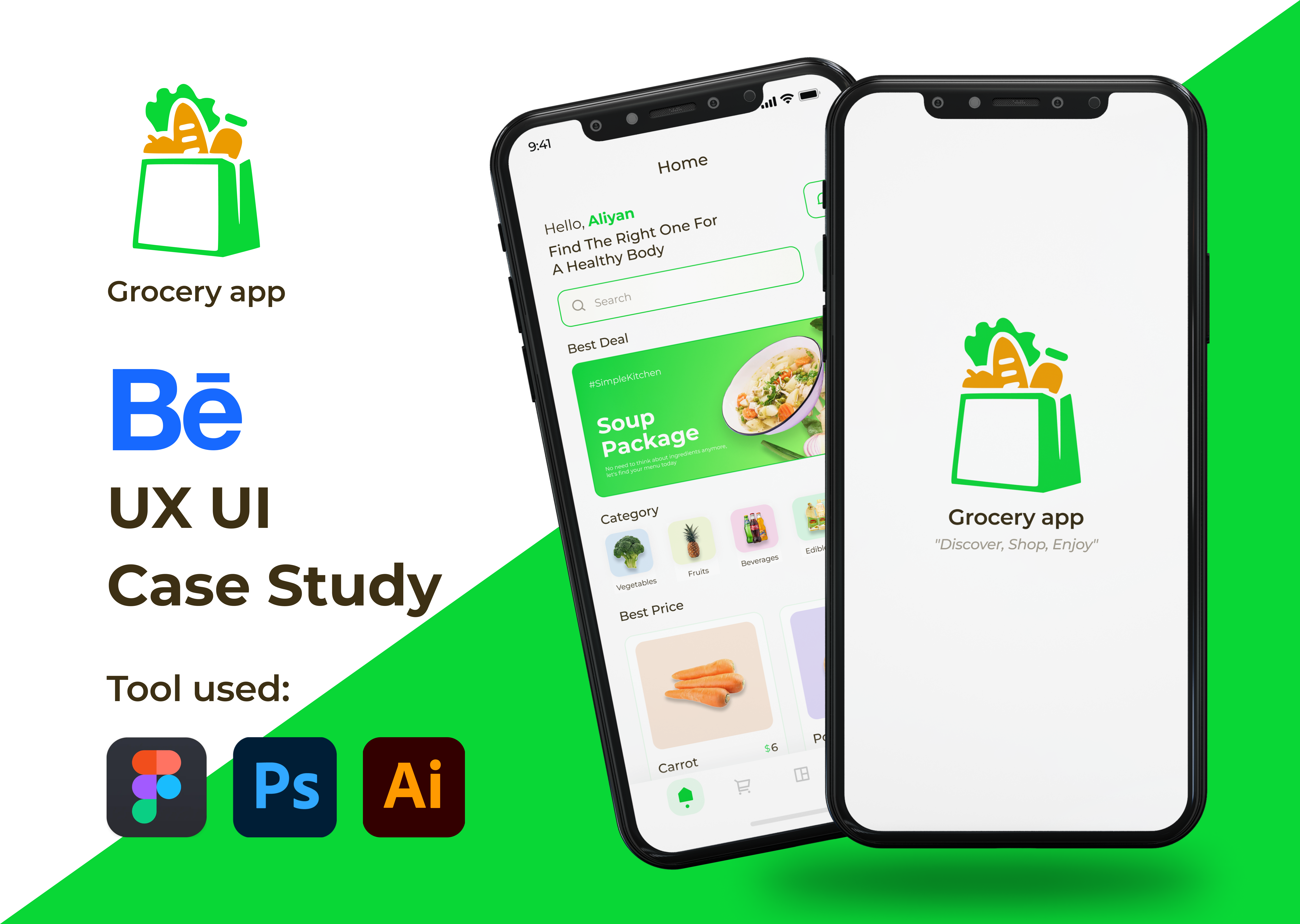
In a world where technological innovations are reshaping daily routines, Grocery app aims to transform the way people shop for groceries. This project involves the development and deployment of a comprehensive grocery app that offers a seamless, personalized, and convenient shopping experience for users. By leveraging cutting-edge technology, Grocery app seeks to streamline the traditional grocery shopping process, providing users with a user-friendly platform that enhances efficiency, saves time, and caters to individual preferences.
Tools used
Topics
Share
Reviews
1 review

Hi Aliyan
From a product usability standpoint, grocery shopping apps operate in a high-frequency, time-sensitive context. Users aren’t exploring they’re completing tasks quickly. If your design prioritizes speed, search efficiency, and clear cart management, that reflects strong contextual awareness.
What’s especially important in grocery experiences is clarity of inventory, pricing, and delivery expectations. If product cards communicate essential details without clutter and the checkout flow feels predictable, you’re addressing the real friction points of digital grocery shopping.
To elevate it further, I’d explore personalization and habit reinforcement smart reorders, predictive suggestions, or contextual promotions based on shopping patterns. Grocery apps succeed when they reduce repetitive effort. Overall, this feels directionally aligned with practical UX principles, with strong potential to deepen convenience strategy.
You might also like

Smartwatch Design for Messenger App


Bridge: UI/UX Rebrand of a Blockchain SCM Product


Pulse Music App - Light/Dark Mode


Uxcel Halloween Icon Pack


Monetization Strategy


Designing A Better Co-Working Experience Through CJM

Popular Courses

Introduction to Figma


UX Writing


Ethical & Responsible Product Design