Follow others on the canvas
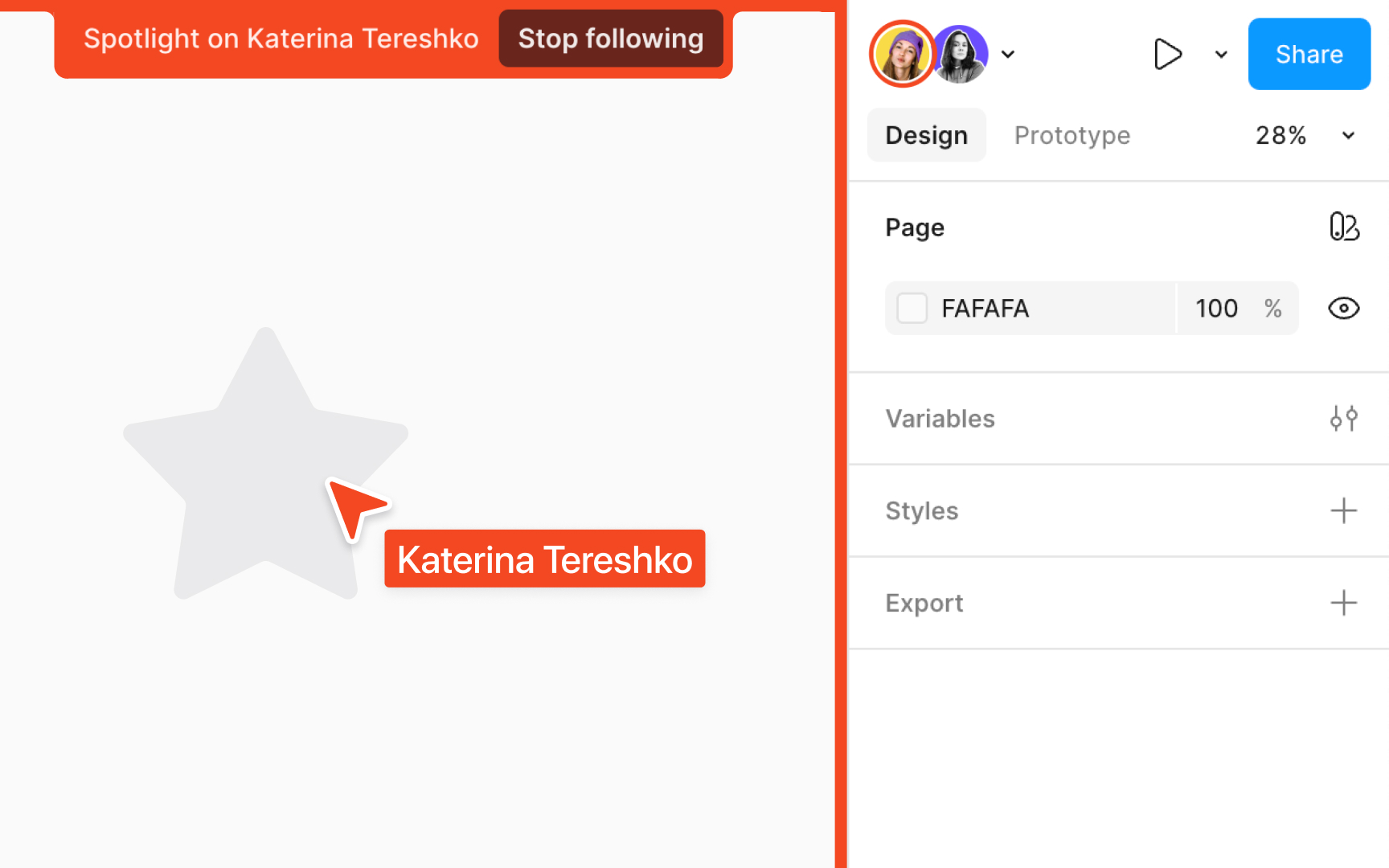
Following other users on a Figma canvas is a seamless way to align with your team's perspective and foster a cohesive design process. Whether you're jumping into a collaborative session or just keeping track of your team's progress, you can smoothly navigate and synchronize with others with this feature.
Here’s how to follow other users on a canvas:
Top contributors