Define the tree
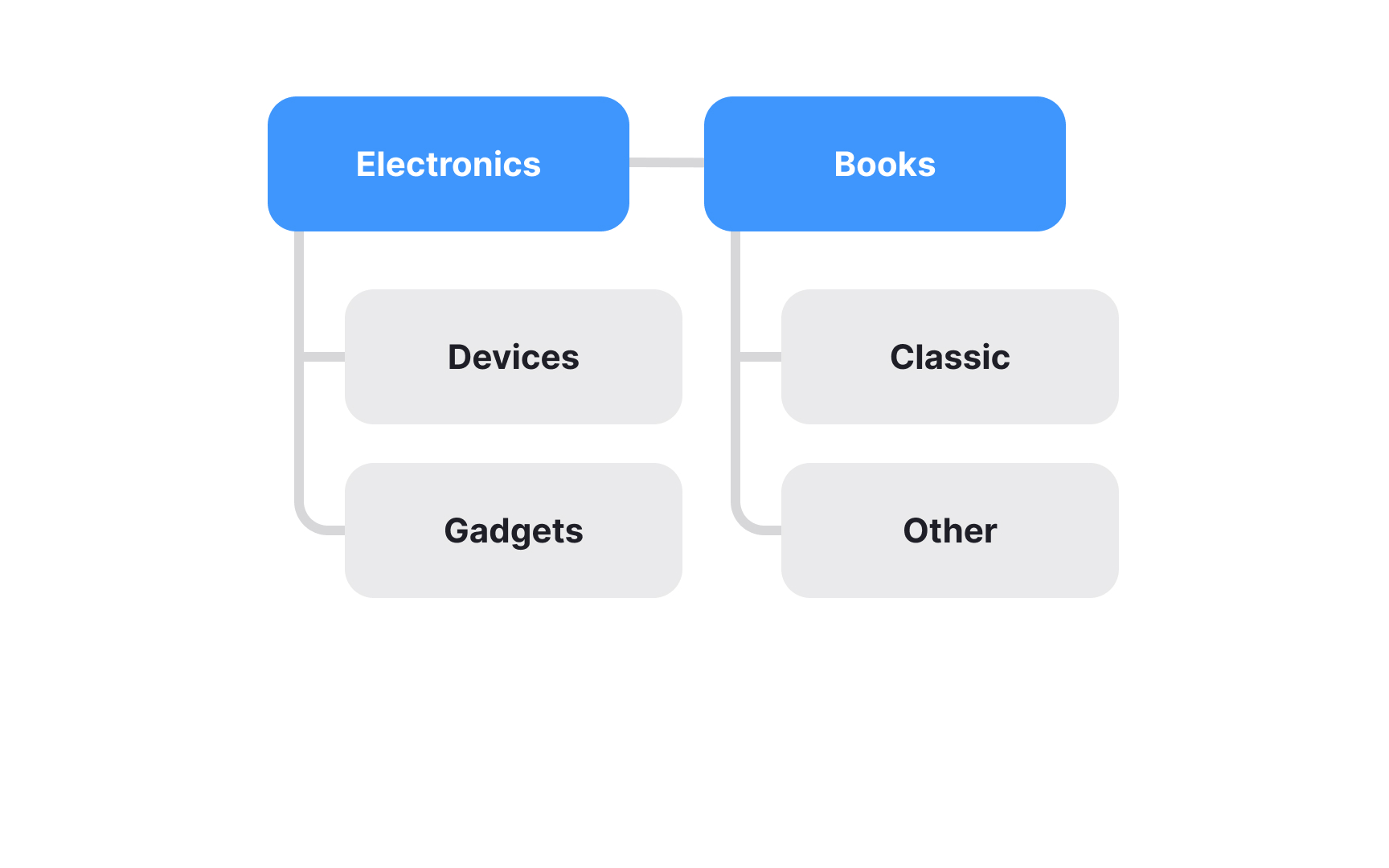
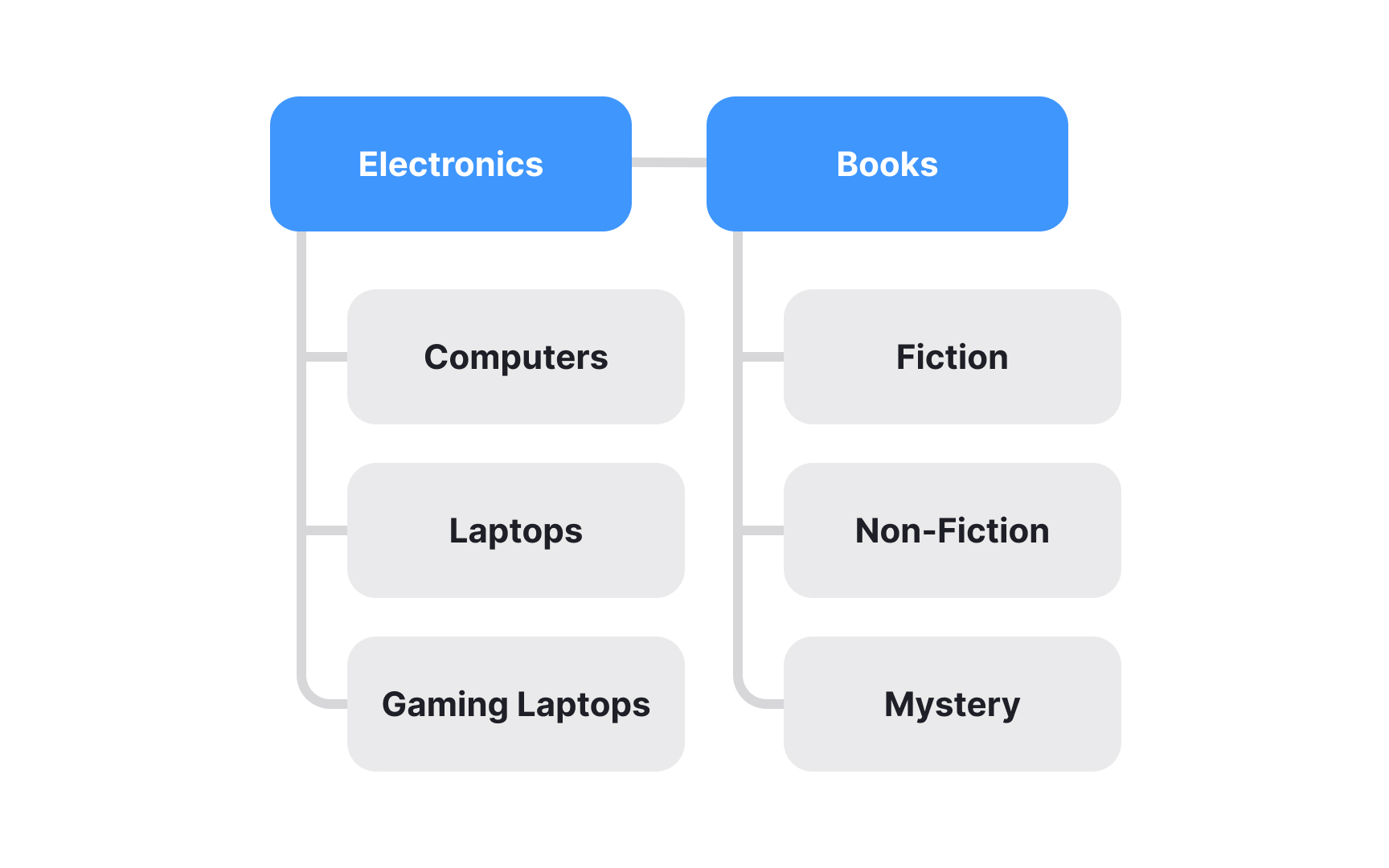
The first step in the tree testing process is defining the tree. This means creating a comprehensive list of all the categories and subcategories in your global navigation, and possibly in your utility navigation as well.
Start by listing the top-level navigation categories, but don't stop there. You'll need to break down each category into its subcategories, going all the way to the lowest level where the actual resources or content items are located. For example, if you're testing the navigation for an online bookstore, your top-level categories might be "Books," "E-Books," and "Audiobooks." Under "Books," you might have subcategories like "Fiction," "Non-Fiction," and "Children's Books." Within "Fiction," you could further break it down into "Mystery," "Romance," "Science Fiction," and so on.
This detailed approach helps you identify any issues or confusion at every level of your navigation, providing valuable insights for improving your information architecture.