Use tooltips to clarify the action
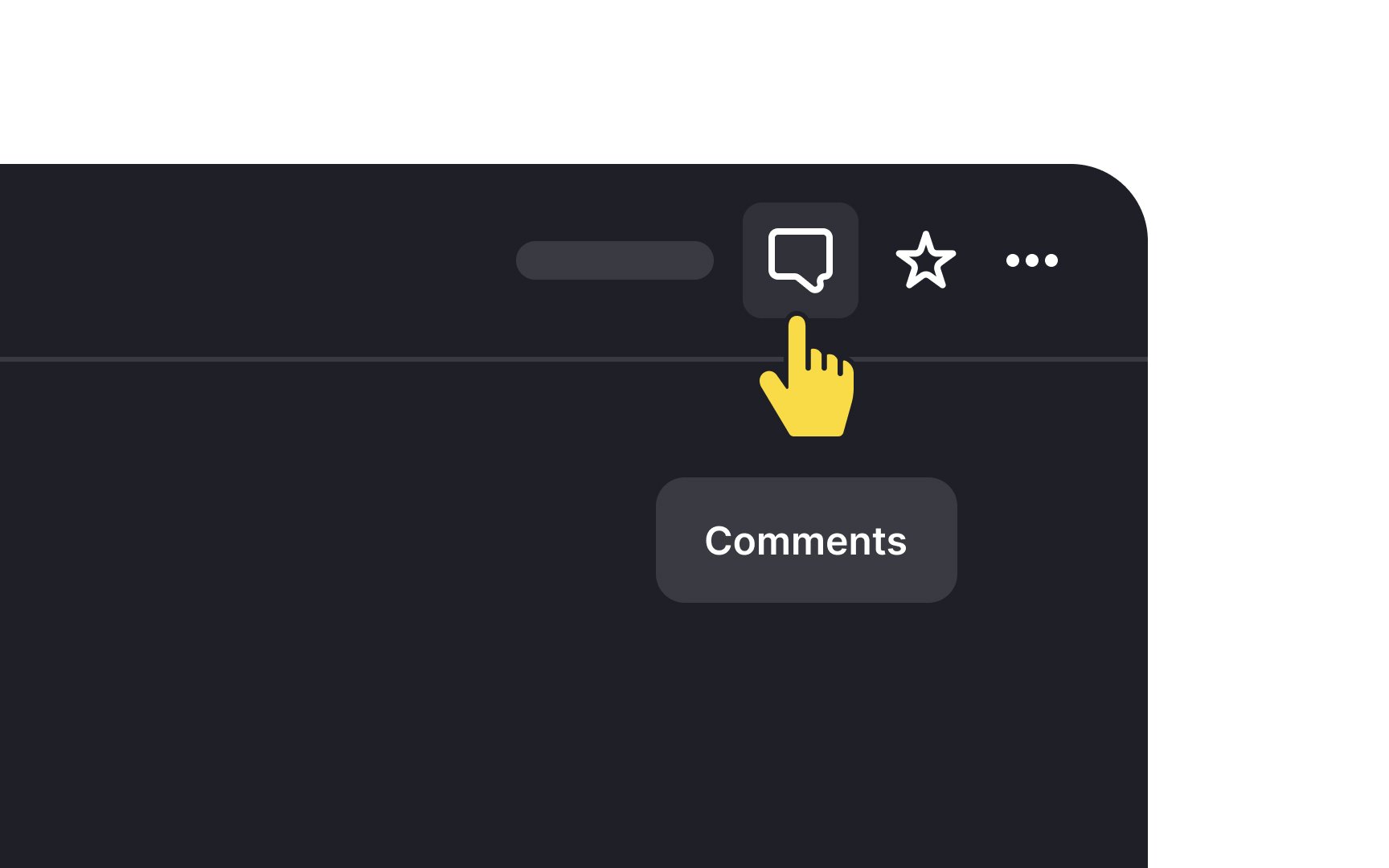
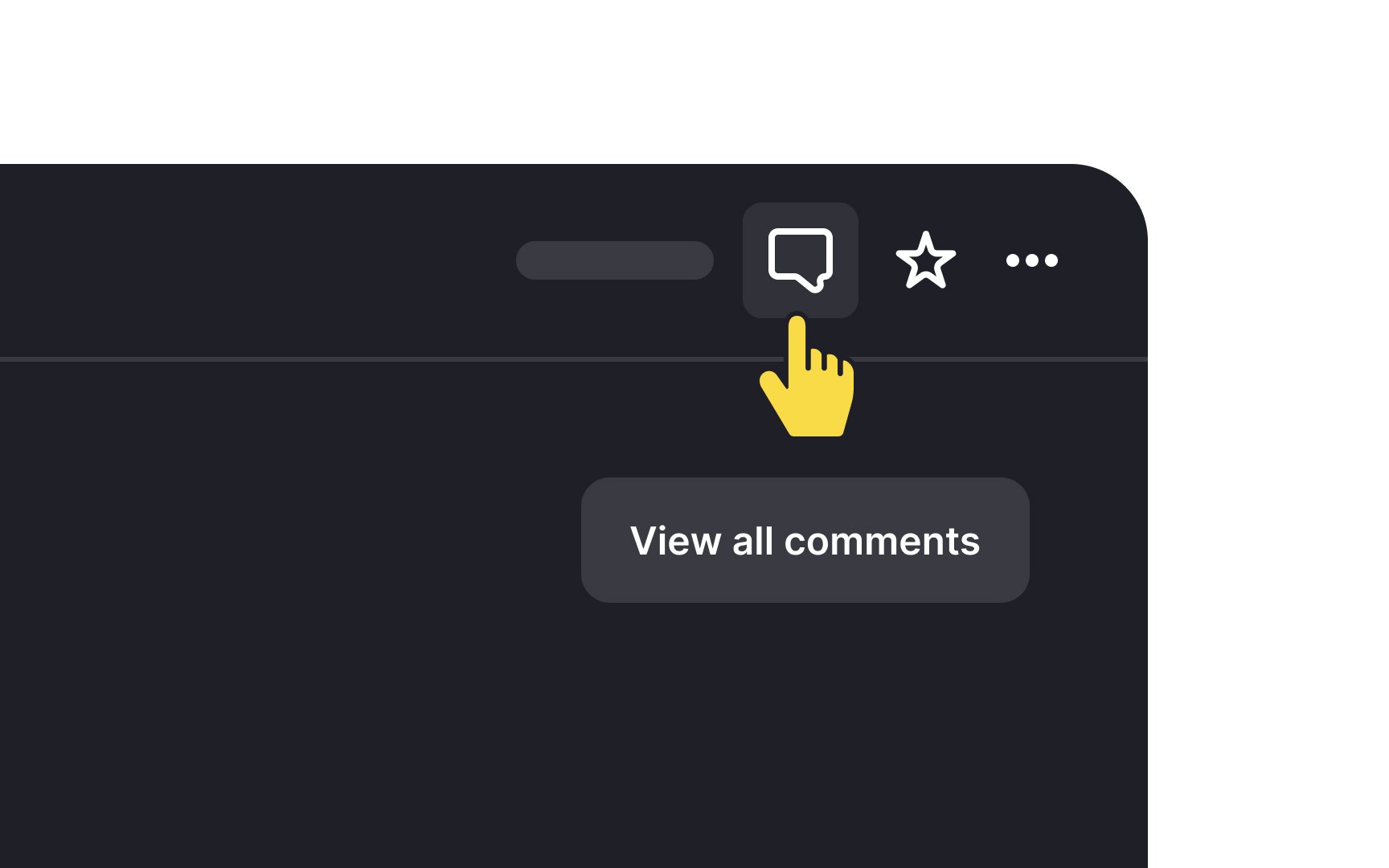
Tooltips are brief, informative elements that explain the function of a specific item on a website. They help users understand what an element does, providing guidance without overwhelming them. Tooltips can be accessed by various methods, such as a mouse, keyboard, pointer device, screen reader, or zoom software, ensuring accessibility across different user needs.
While tooltips typically appear on hover and disappear shortly after, they should not contain long instructions or detailed steps. Overloading users with this kind of information can strain their memory and eyes, particularly for visually impaired individuals. Tooltips should remain concise and only offer enough information to clarify the element's purpose, avoiding complexity that may lead to confusion or frustration.
Pro Tip: Don't offer a tooltip if you don't have any useful content. Otherwise, you create information pollution and waste users' time.