

Reviews
6 reviews

Hey Salma,
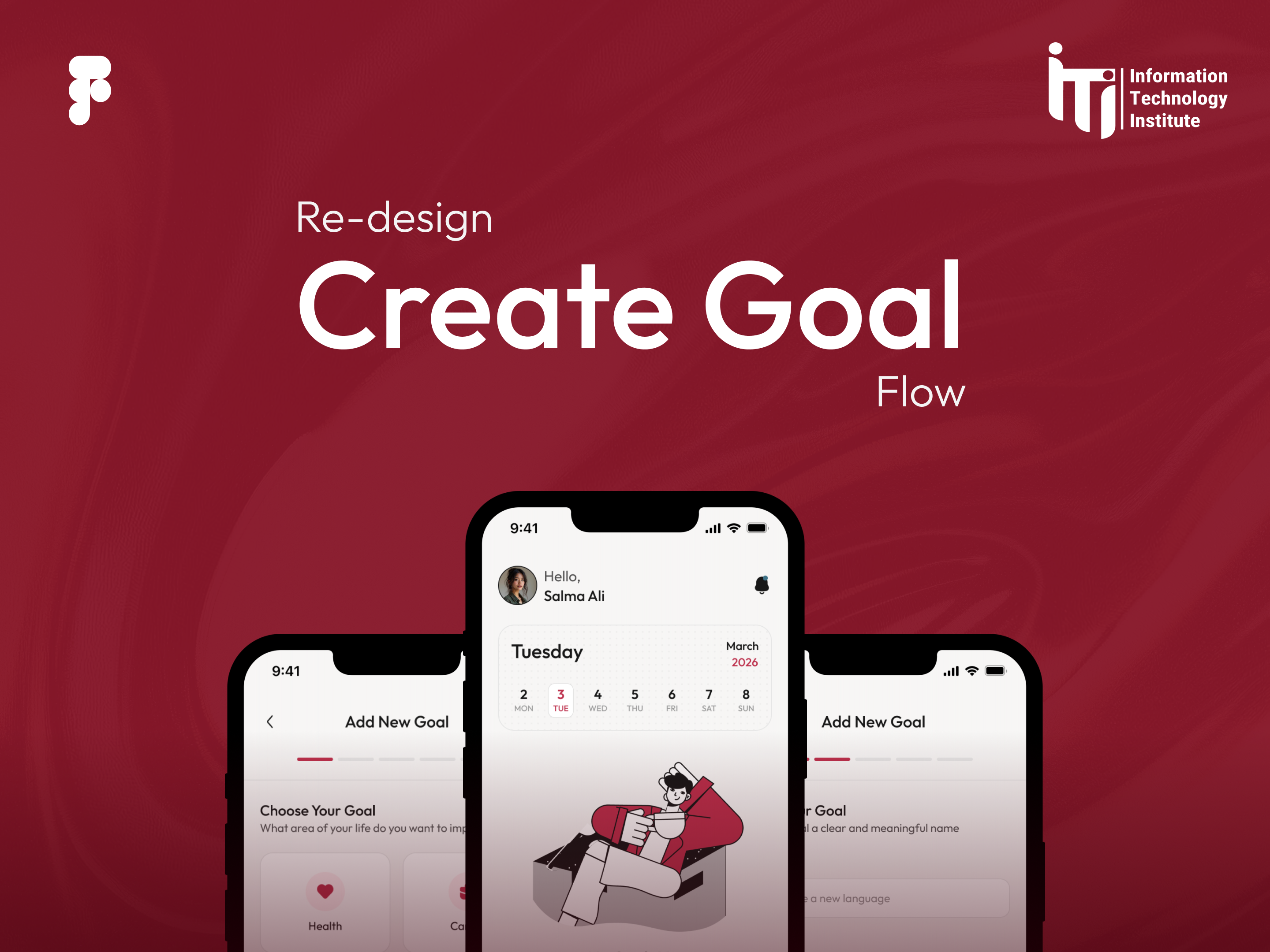
You did a really nice job explaining the project and its purpose. I also like how clearly you showed the flow for adding a goal, it’s easy to follow and understand what the user is going through.
Since you mentioned that the previous flow was complicated, it would be great to see it as well, even just briefly, so people can compare and really see what improved.
I’d also love to see how a newly created goal actually looks on the home screen as the final step of the flow. That would nicely close the loop and make the whole journey feel more complete.

Excellent work, Salma! Your wizard approach is smart UX—breaking complexity into steps reduces cognitive load. Here's my feedback:
Strengths:
- Problem-solving mindset: You identified that the old flow was complicated and redesigned it
- Smart wizard pattern: Steps guide users; progress bar reinforces system status
- Visual polish: Burgundy + neutral contrast works well; Outfit typeface is legible and modern
- Clear communication: You explained the project and flow logic well
Critical Gaps:
- Before/After Missing — Multiple mentors asked for this. Show old flow (even briefly), so people see the scale of improvement. Essential for redesigning case studies.
- Incomplete Journey — Show how the newly created goal appears on the home screen. This closes the loop and proves the end-to-end system works.
- Polish Details — Deadline dates all show "Feb 8, 2026." Details signal professionalism.
- Design Thinking Missing — What research informed this? Why a wizard? What alternatives did you reject? Show your process, not just execution.
- Interaction States — Show hover, error handling, and form validation. What if the user enters invalid data? Micro-interactions prove holistic thinking.
Key Questions:
- Why 3 steps? Did you test different counts?
- How do users edit goals after creation?
- Mobile-first or responsive?
Overall: Solid UX fundamentals and clean execution. To elevate: add before/after, close the journey loop, reveal your thinking.
Next: Add missing views and show decision-making. You're 80% there.

The project makes a solid impression from a UX logic standpoint. Breaking down a complex form into a step-by-step wizard is a smart decision. It reduces cognitive load and guides the user through the process. The progress bar in the header provides a sense of control, which aligns with the visibility of system status heuristic. 😊
The color palette is consistent and readable, and the contrast between the burgundy accent and neutral background works well. The Outfit typeface performs nicely on mobile. It's legible and modern. The empty state on the home screen is clear and encourages action. 👍
I agree with Petar's feedback - showing a comparison with the old flow would really help illustrate the scale of improvements. There's also a missing view of the home screen with an already added goal, which would close the entire user journey loop.
Small thing: the dates on the deadline options look like placeholders (all showing "Feb 8, 2026") - worth polishing.
Overall, the project demonstrates a good understanding of the problem and a thoughtful approach to the solution. The foundation is strong, just add the missing views and it will be a complete, compelling case study. Great work! 💪❤️

Very interesting project Salma. The way you improve the design show your design skill. Could be more interesting to show all the thinking process for this project. Amazing. Waiting for your next great project!

This redesign clearly improves the goal creation experience. Breaking the process into structured steps with a progress indicator reduces overwhelm and builds confidence. The category-first approach is especially strong in lowering decision fatigue. 👏
A few UX considerations to explore further:
1. Beyond the happy path within creation
The flow is clear for a standard use case, but have you considered edge cases during creation? For example, can users skip optional steps, save progress, or revisit inputs before finishing? Designing for flexibility within the flow can strengthen usability.
2. Goals without deadlines
Not all goals are time-bound. For example, “drink more water” or “practice gratitude” may not require a strict deadline. If deadlines or frequencies are mandatory, the system may feel rigid. Allowing optional deadlines or ongoing goals could make the experience more adaptable to different goal types.
Overall, this is a thoughtful and structured redesign. Refining flexibility within the creation experience would make it feel even more mature and user-centered. 🚀

O problema é bem contextualizado e a solução é estruturada com foco em simplificação e redução de sobrecarga cognitiva.
You might also like

Smartwatch Design for Messenger App


Bridge: UI/UX Rebrand of a Blockchain SCM Product


Pulse Music App - Light/Dark Mode


Uxcel Halloween Icon Pack


Monetization Strategy


Designing A Better Co-Working Experience Through CJM

Popular Courses

UX Design Foundations


Design Terminology


User Psychology