Align elements on both axes
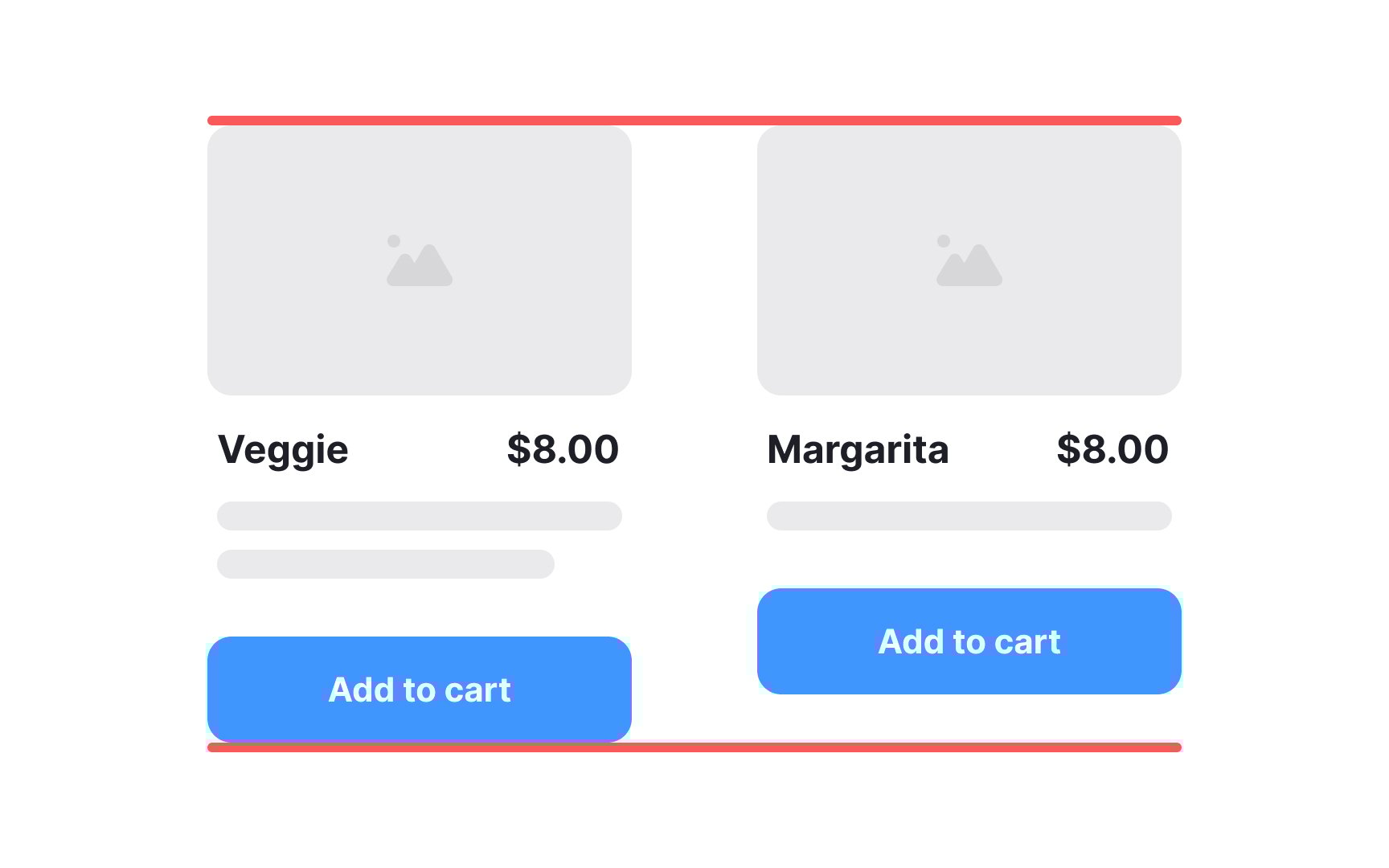
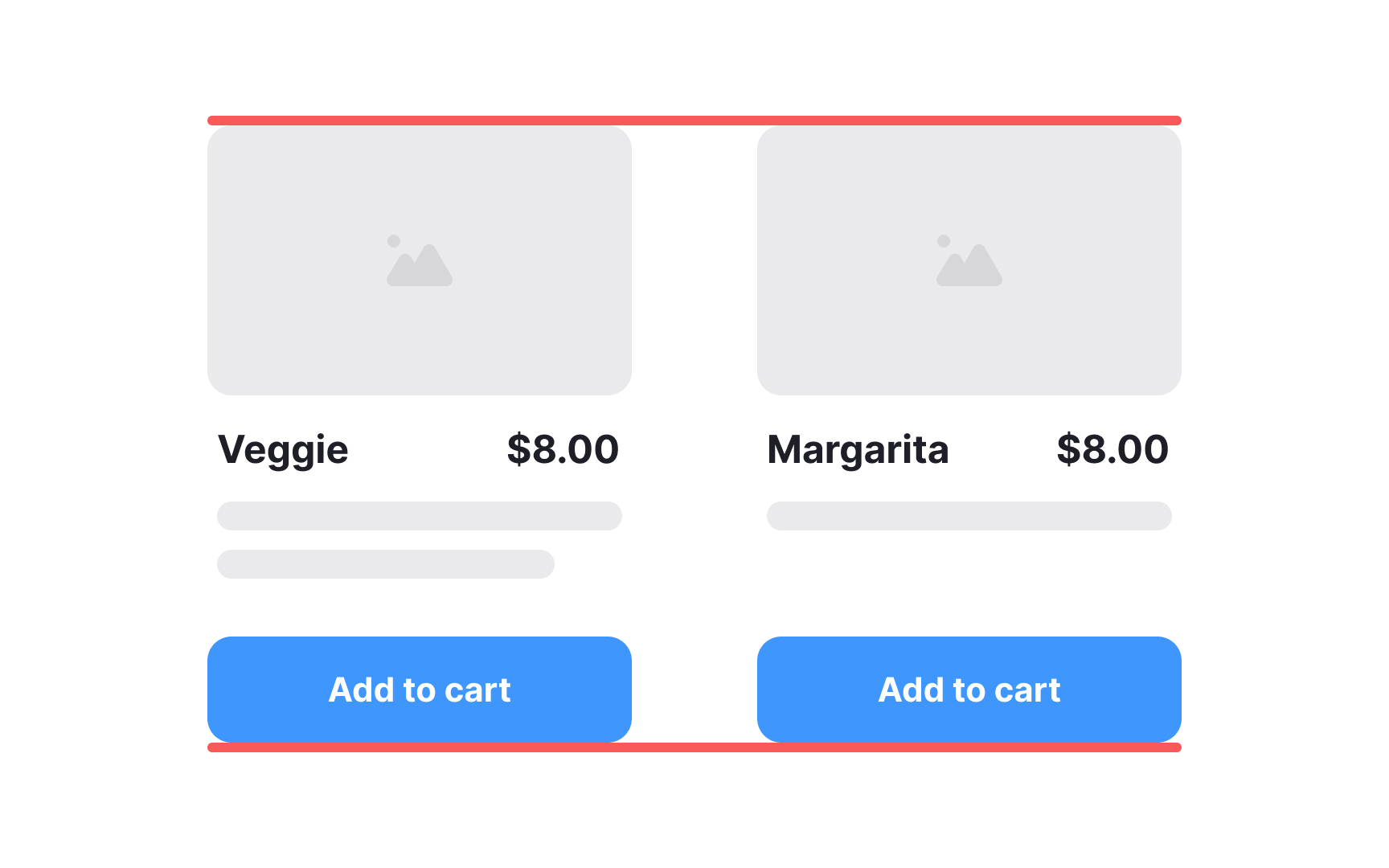
When structuring a page with similar elements, maintain a consistent vertical alignment for each type of element. This means aligning images with images, text with text, buttons with buttons, and so on. For instance, if you have a series of images within a grid, ensure that their baseline or top edges align uniformly. The same principle applies to text blocks — align their baselines or tops to establish a clean and cohesive layout.
This method not only enhances the overall aesthetics but also aids users in quickly scanning and comprehending the content, as similar elements follow a predictable alignment pattern.