Muji Inspired Minimal Daily Planner (Browser Based)

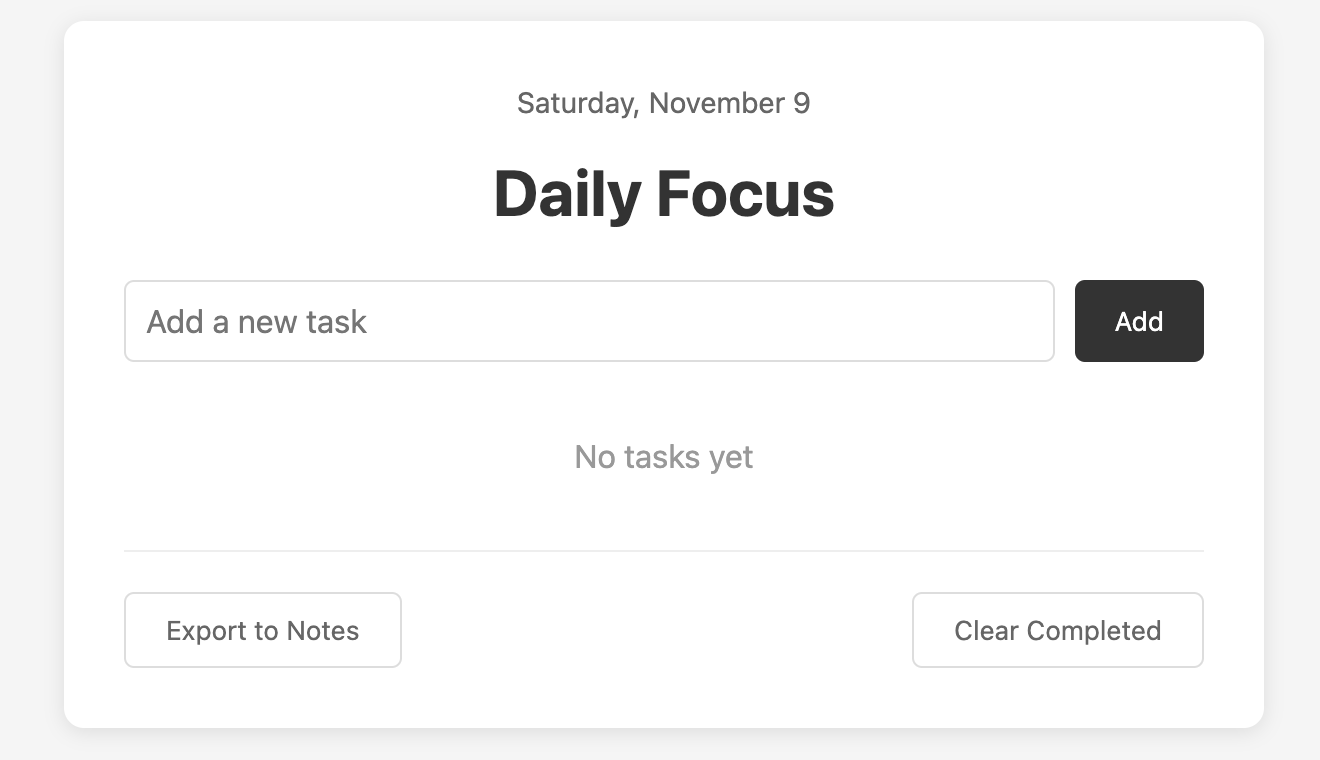
I was reading about Muji's product design philosophy the other day and felt compelled to complete a little design exercise based on it.
I wrote about it more on Medium (friend/free link below)
https://medium.com/@sebastians-estudio/i-built-a-minimalist-daily-planning-tool-with-ai-9479054c6a6f?sk=f78e53f7c511715405c3fd875265f0c7
Here is the codepen where it was built:
https://codepen.io/sebastians-estudio/pen/ExqOzQQ
Topics
Share
Reviews
1 review

Love that you added the codepen demo, it gave me a chance to test and click around and it perfectly solves the to-do list task whilst being minimal and intuitive. I do notice when I hover on the white buttons, I get a light grey font on dark background, its hard to see this. I also cleared my completed tasks and I couldn't get them back. Might be nice to just make this a "hide" functionality. The export to notes functioanlity is a nice touch so that users can paste their list elsewhere. I love that the pasted version of it looks like a checklist and even splits the complete and pending, awesome stuff.
You might also like

SONZ - Entertainment platform


Camp & Travel Explorer - App Design


Solar system Dashboard Utility


Uxcel Halloween Icon Pack


Color System


Duolingo Halloween Icon Pack

Popular Courses

Design Composition


HTML Foundations


CSS Foundations