Intro to Wireframing
Explore the basics of wireframing, including its purpose and benefits
Wireframing is a step many teams skip, assuming it's unnecessary. But bypassing this phase often leads to costly revisions later when fundamental layout problems surface during development. Wireframes let you plan and structure a page's basic layout before visual design and content enter the picture. They're simple, requiring nothing more than a pen and paper to test ideas with users and stakeholders. They're also cost-effective. Once you get feedback, you can easily toss away first drafts and improve ideas for the next iteration. Most importantly, wireframes encourage collaboration and bring all team members on board early in product development.
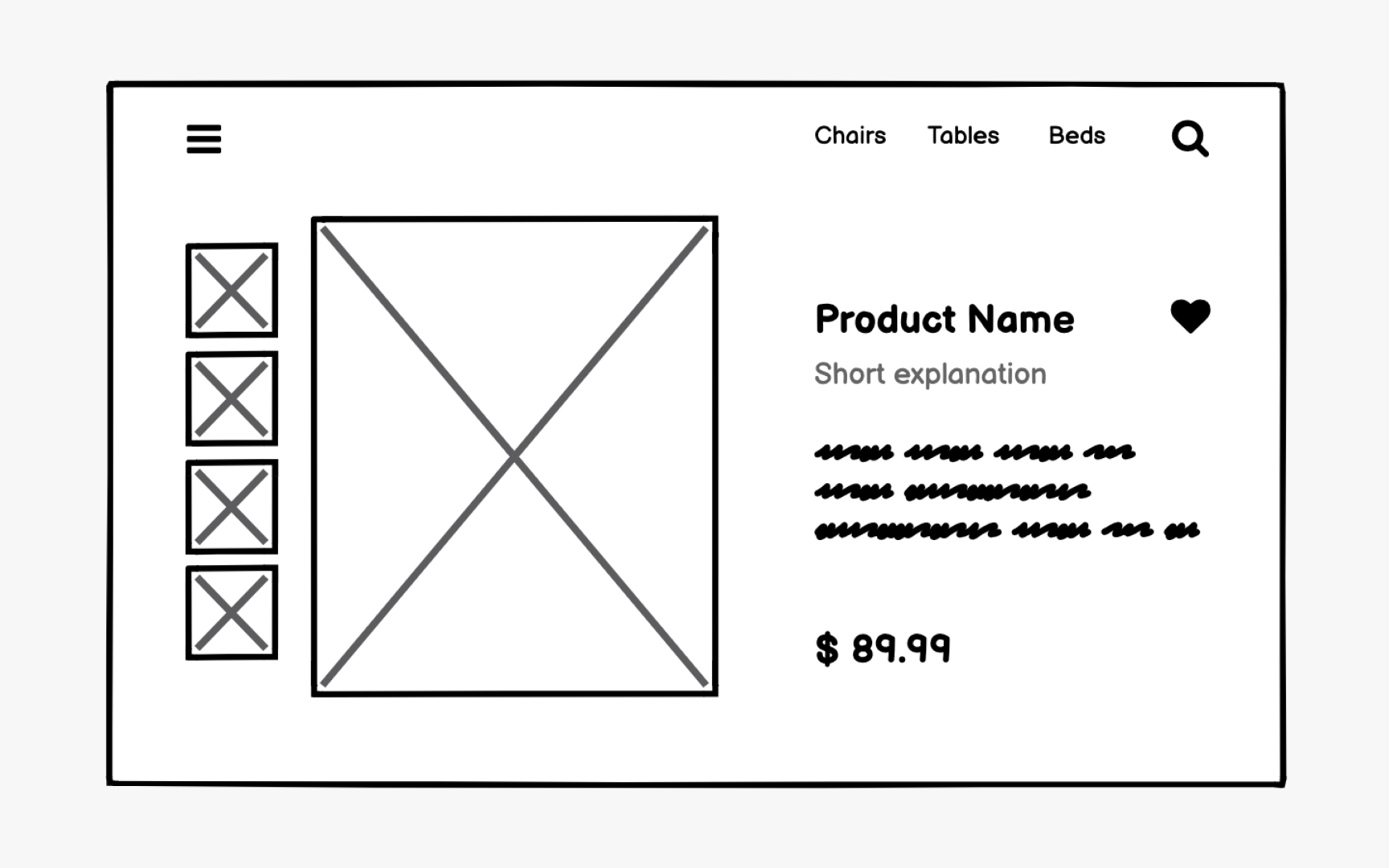
A
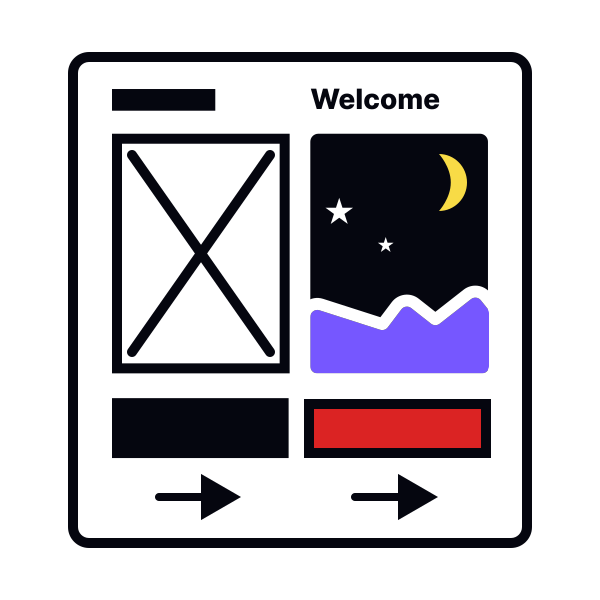
Wireframes define the dimensions and placement of page elements, information architecture, intended behaviors, and navigation. They're intentionally stripped of decorative elements like logos, visuals, fonts, and colors — details that could distract the team from focusing on
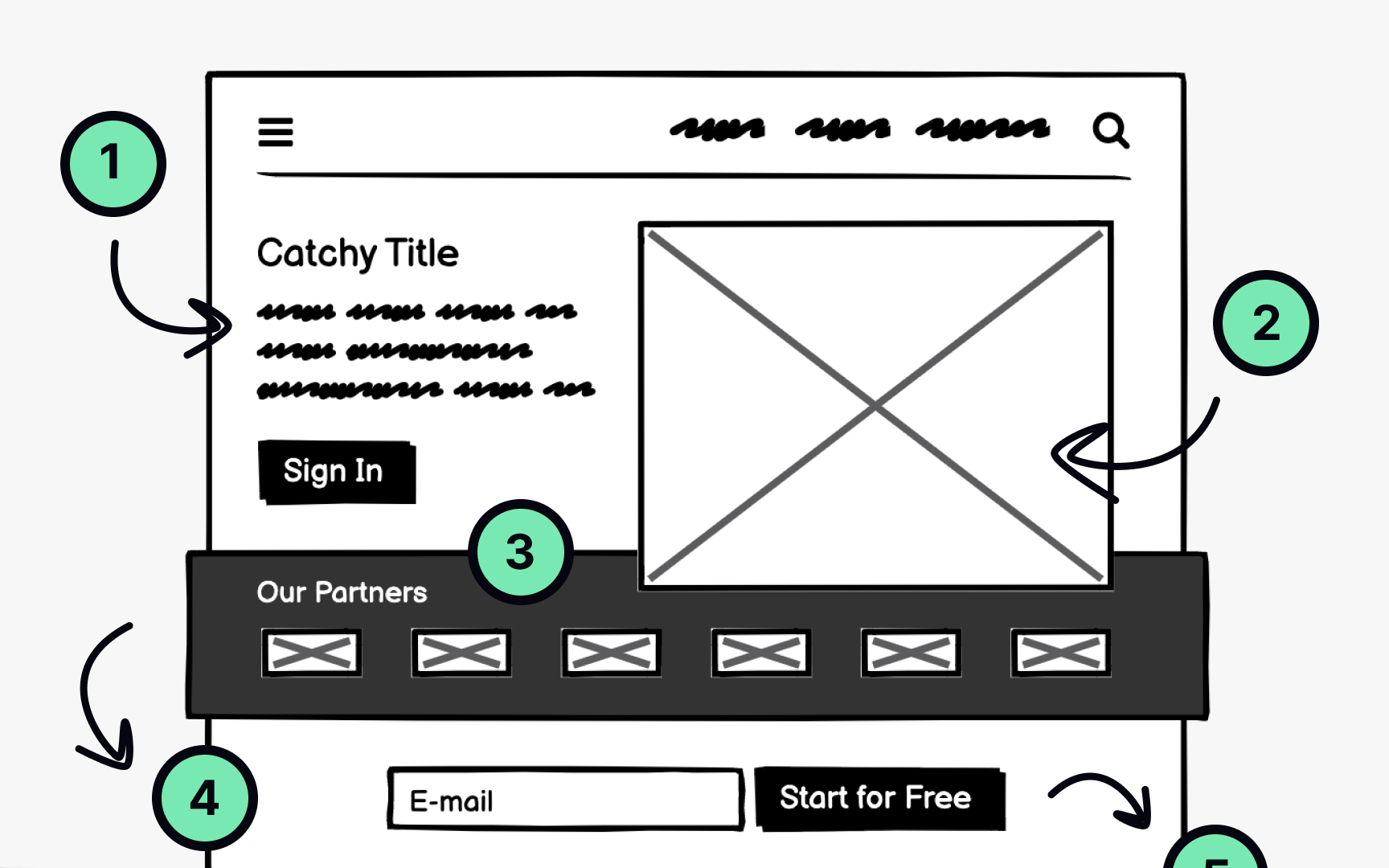
A well-crafted, intuitive interface guides users through an experience much like a compelling story. Wireframing is the stage where your team figures out what your website or app will communicate, through multiple drafts and sketches, before investing in
To do this effectively, the team needs to balance user needs with business requirements while mapping out the journeys users will take through the product.
Start with a brainstorming session with your colleagues. Focus on questions like:
- How would you explain to a friend what this product helps with?
- How does it make life easier for people?
- What can users do on the website or app?
- What goals can they accomplish?
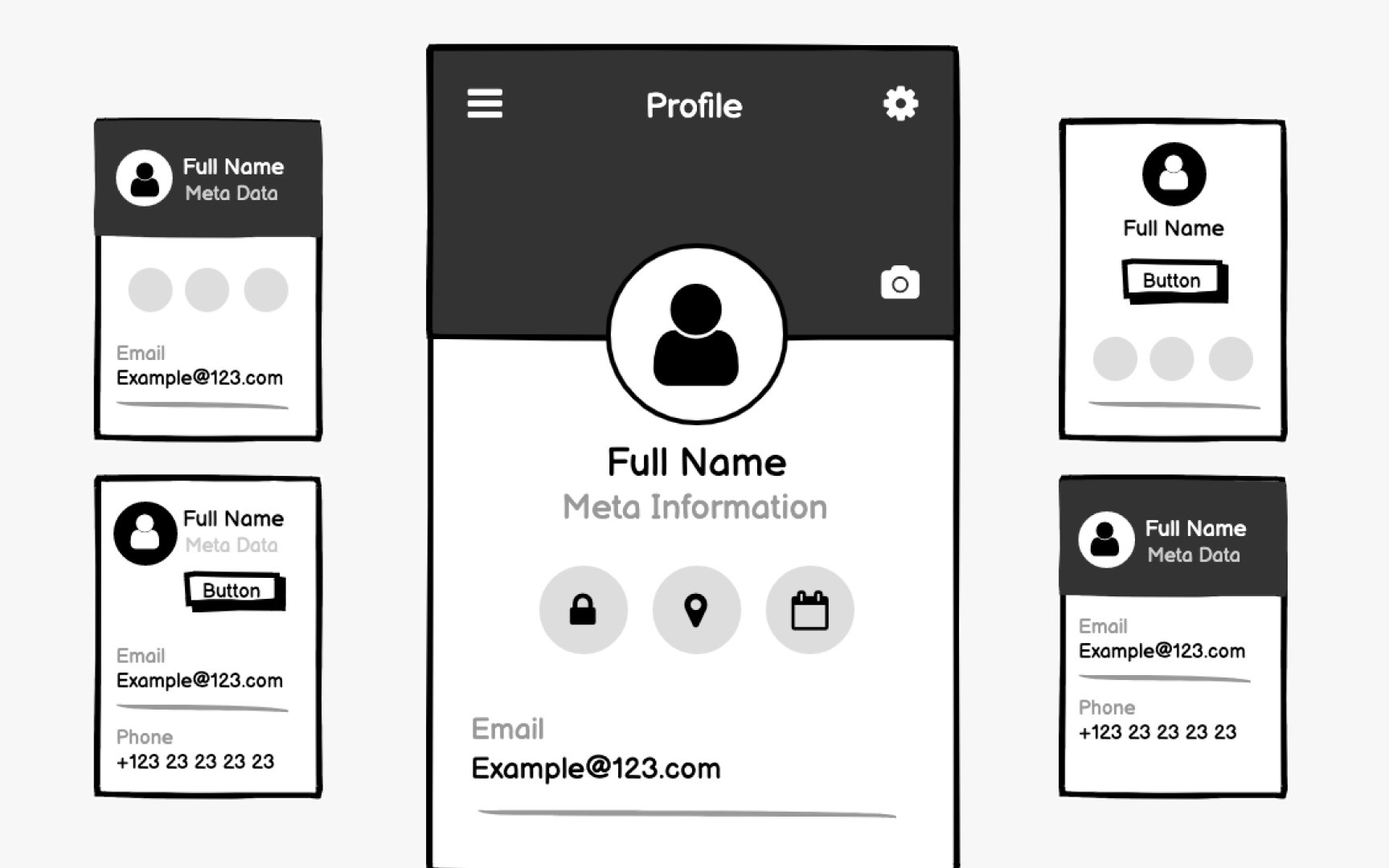
Wireframing belongs to the exploratory phase of product development. This is when the team collaborates on ideas, analyzes competitors, evaluates business requirements, and decides how to implement each feature.
Due to technical or business constraints, you might need to develop multiple approaches for something like a search function or profile
Low-fidelity
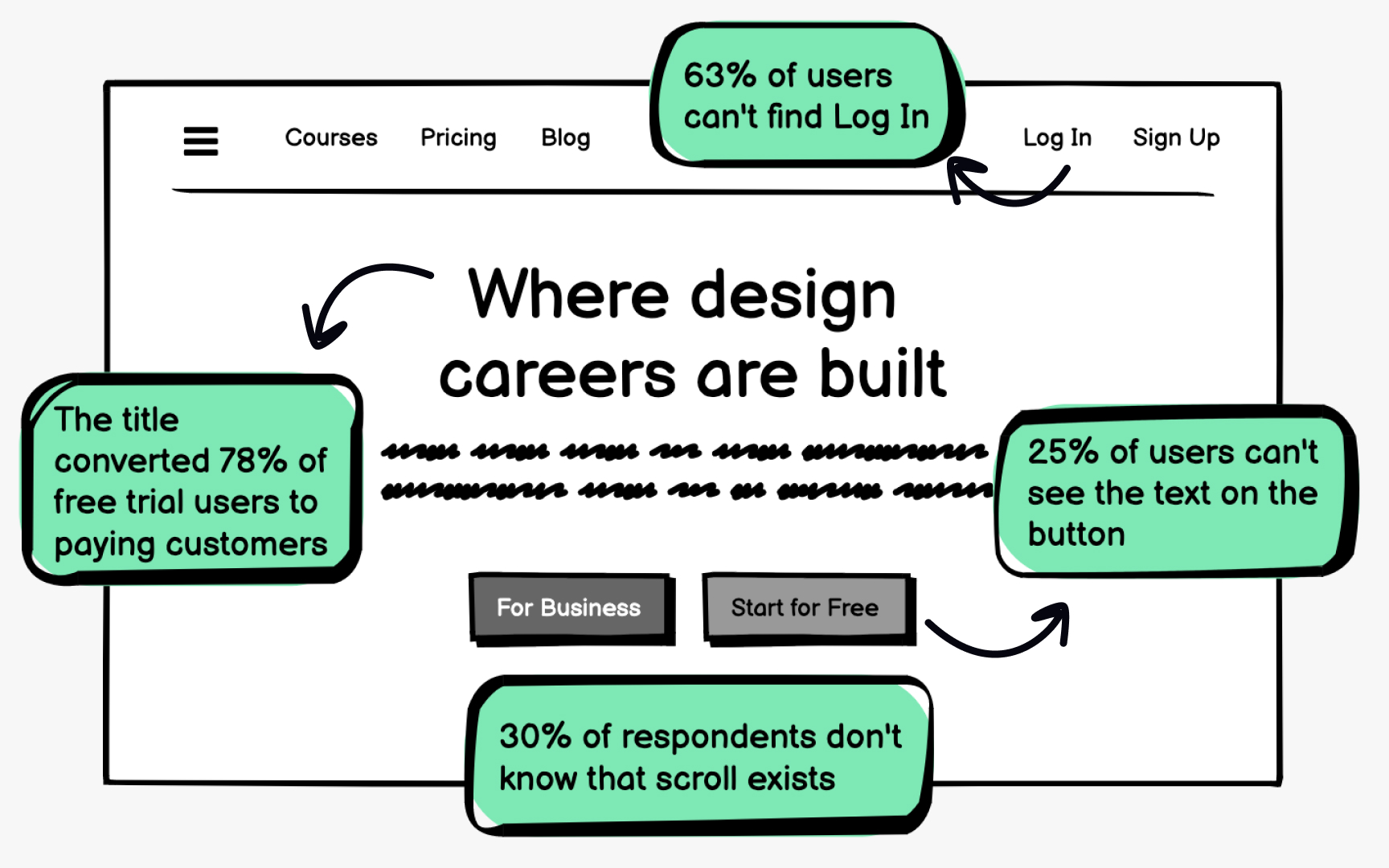
So you have some unique ideas for a product design, the team is on board, and the client is excited. But how do you verify that those ideas will actually satisfy your users' needs and help them complete tasks efficiently? Wireframing is the cheapest tool designers can use for rapid testing, allowing you to evaluate assumptions and adjust concepts until they meet user expectations.
You don't need polished
Pro Tip: Sketch fast and don't get attached to your wireframes. They're meant for testing and are part of an iterative process.
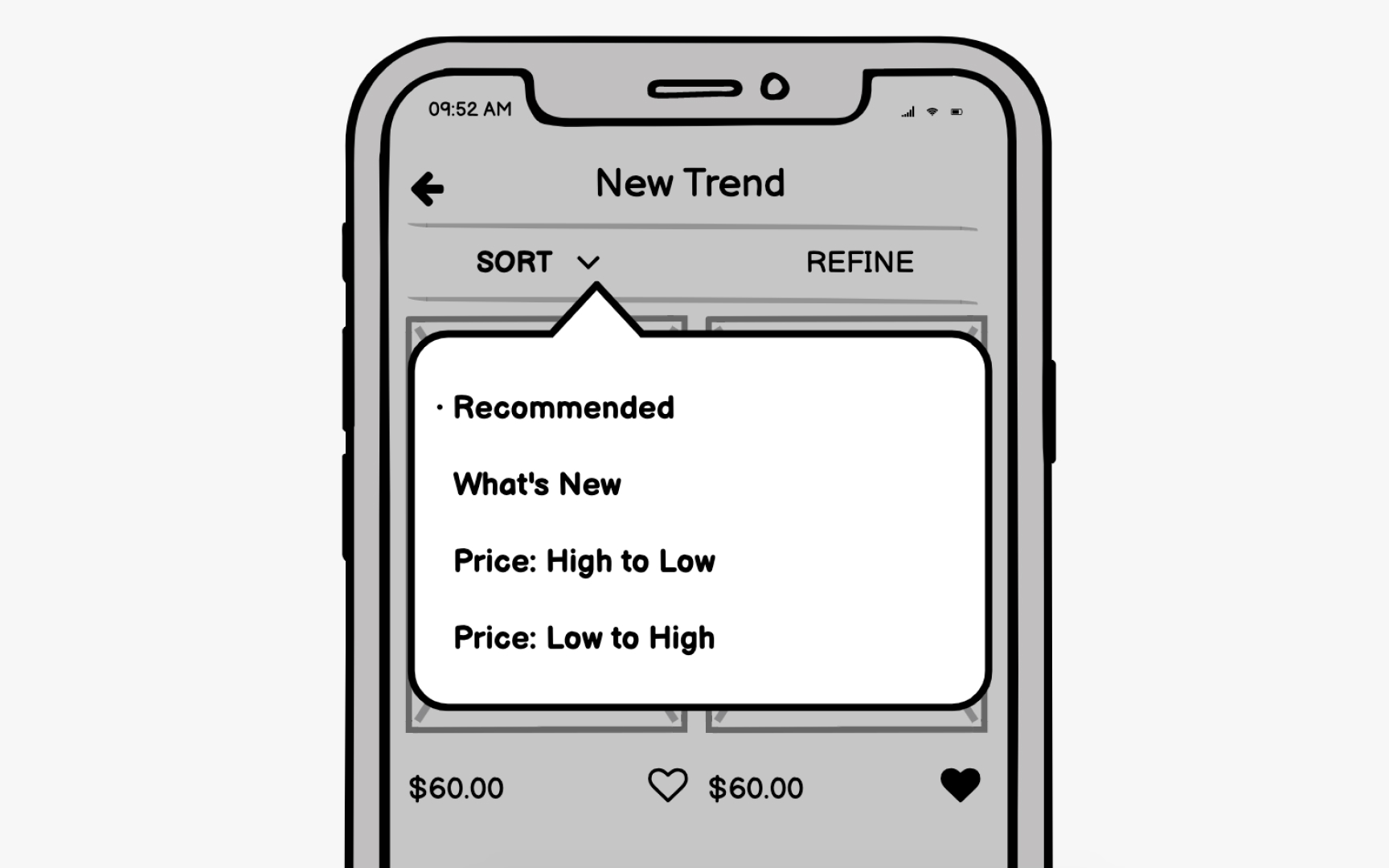
One of the greatest advantages of wireframes is that they're visual. They make it much easier to demonstrate user paths, clarify features, and ensure everyone understands terms like "hamburger menu," "hero image," or "call to action."
When you visualize features on a
Wireframing helps you spot technical inconsistencies and potential challenges early, during the exploratory stage, saving significant time and effort down the line. It also establishes a shared language with clients and stakeholders, making the entire product development process more efficient.
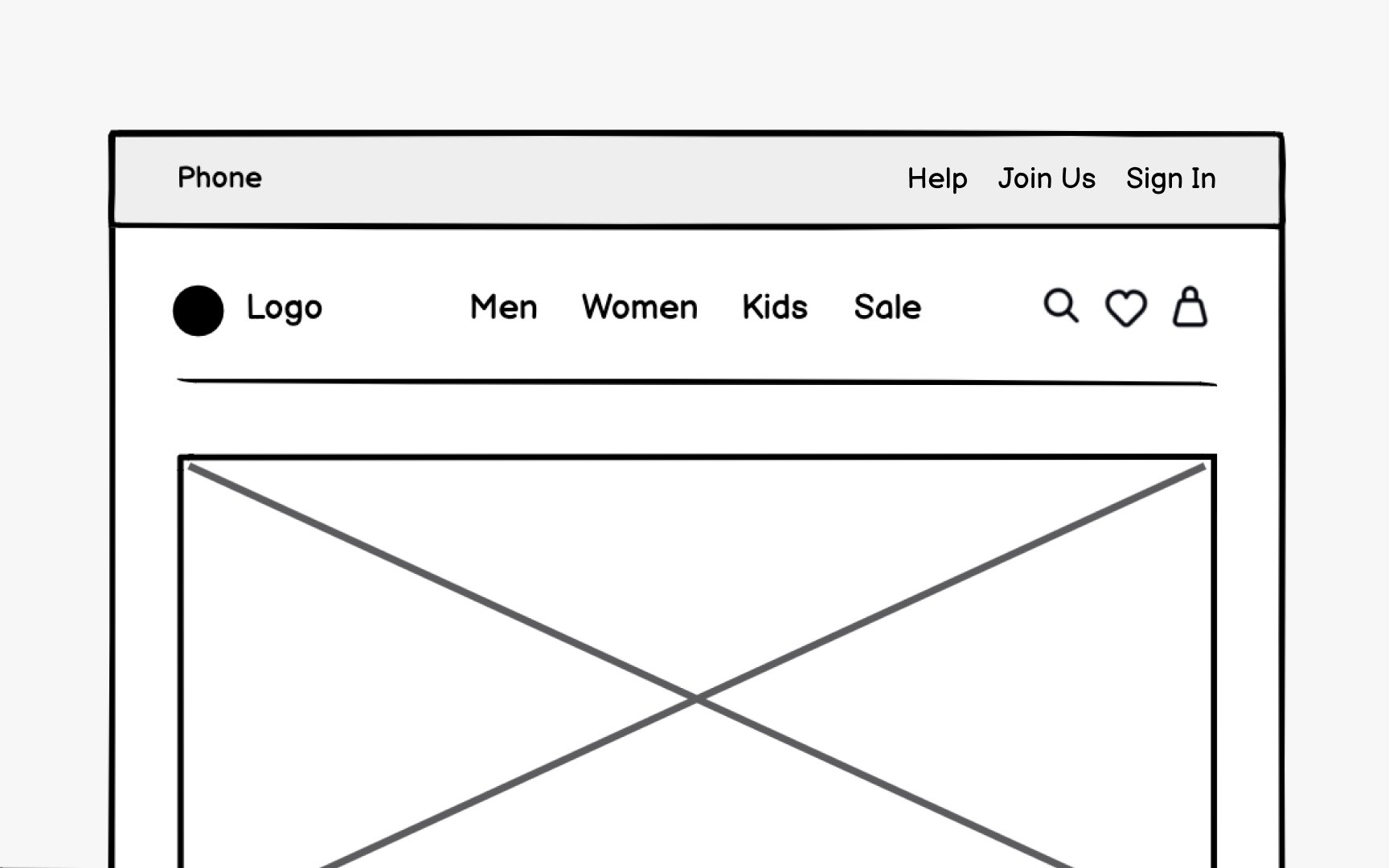
In the physical world, architects plan building structures and arrange spaces so people can navigate and use them for living or working. Digital products require the same thoughtful organization. This is called
Using insights gathered during research about users' mental models and behavioral patterns, information architects craft
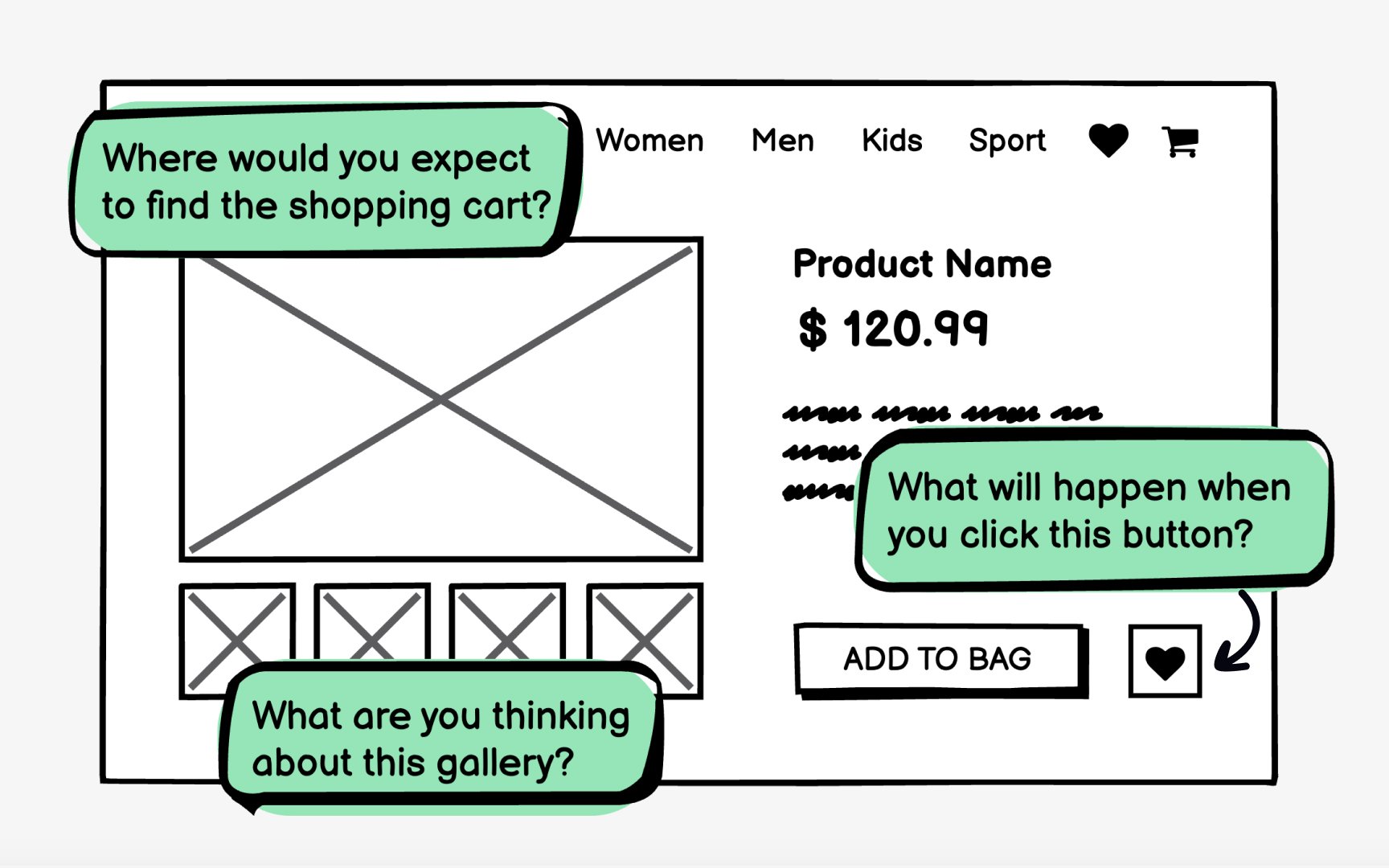
To collect qualitative data, ask open-ended questions. For example, instead of showing a
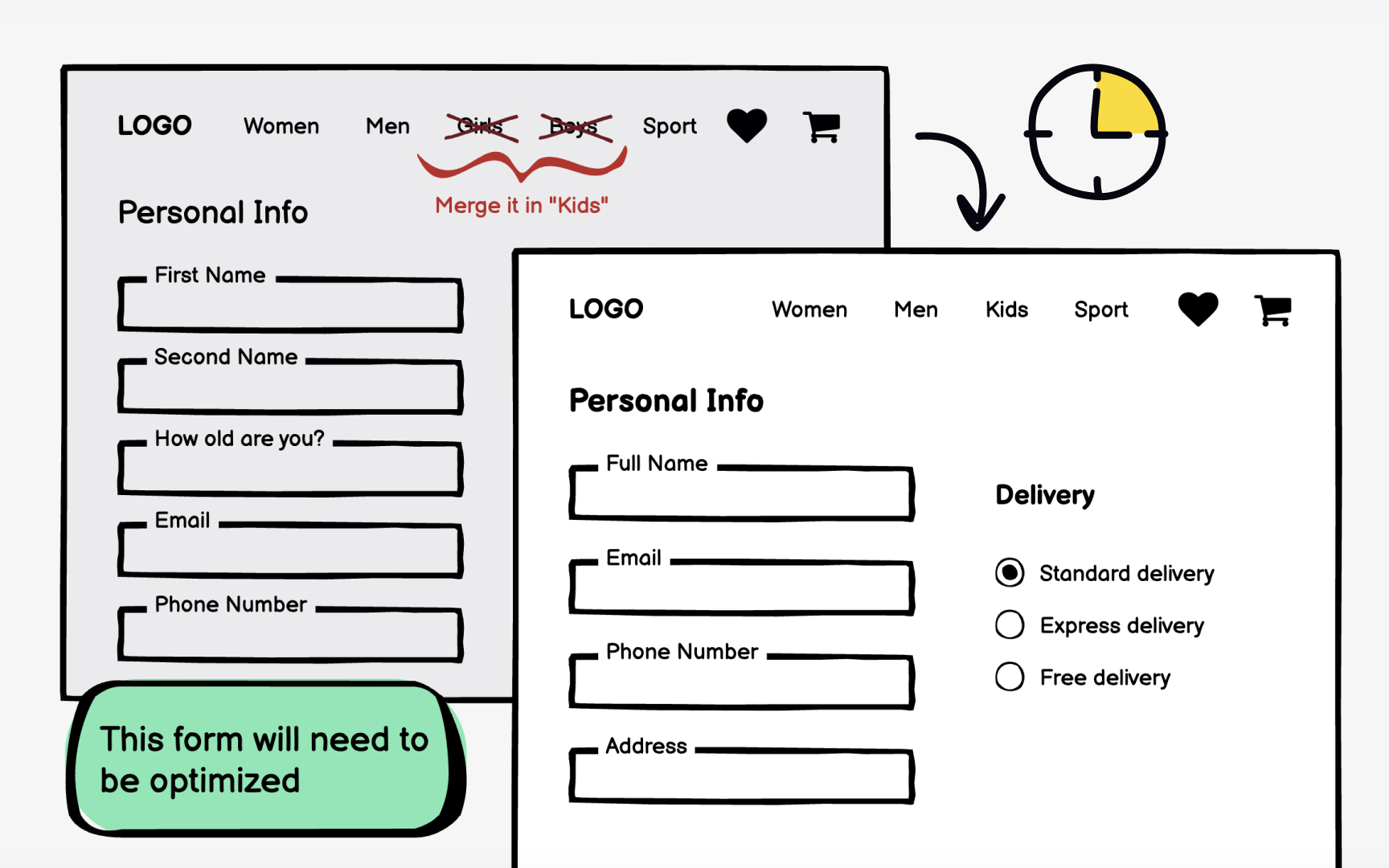
Wireframing typically comes after the site map is created and before the
A well-designed
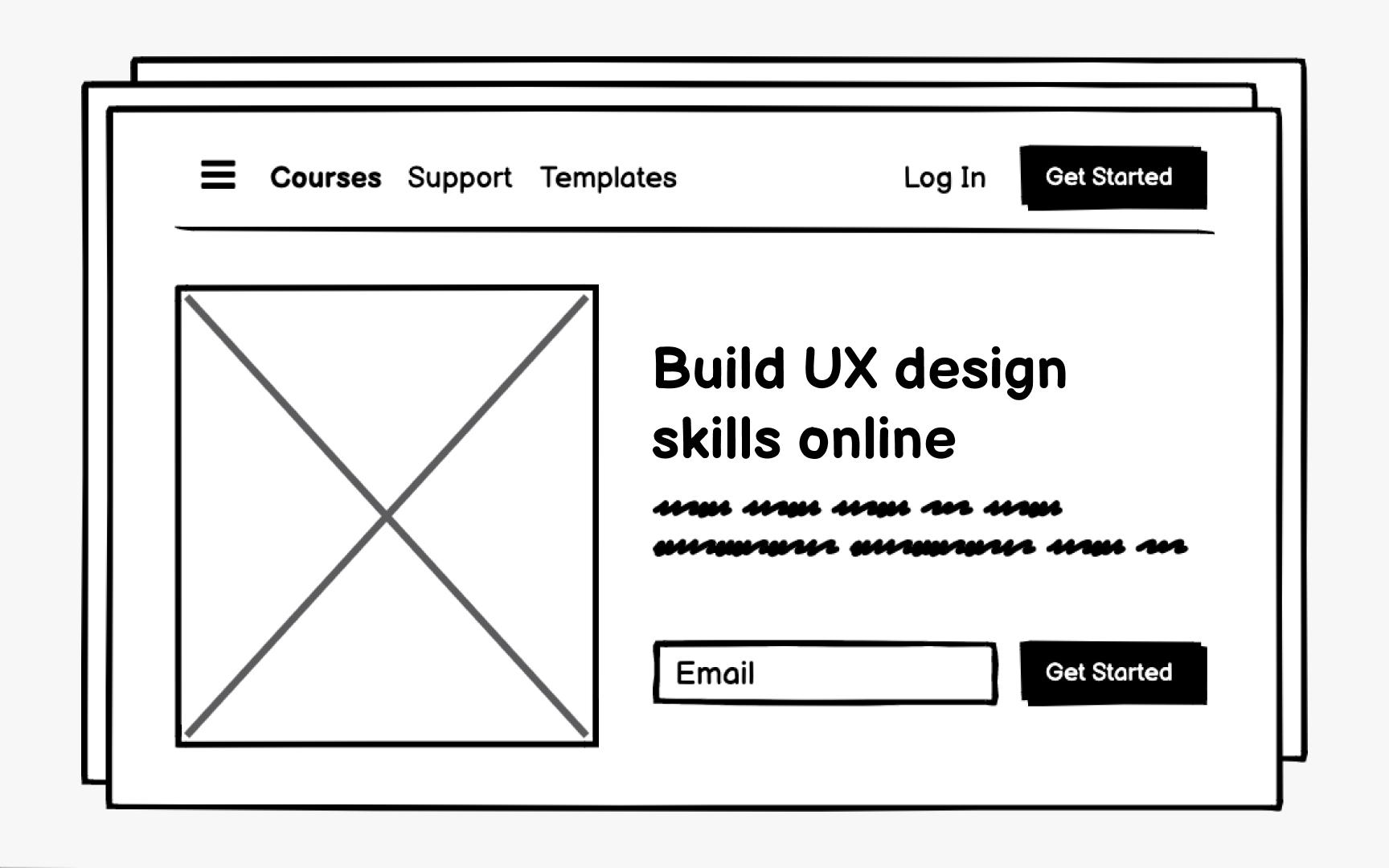
Usability measures how well users can achieve their goals efficiently and satisfactorily when using a product. Creating
- What are some ways to solve the problems our customers face? To answer this, generate as many ideas as possible. The more options you explore, the easier it becomes to identify the strengths and weaknesses of each approach.
- How do I know if this solution actually solves their problems? To answer this, share your wireframes with others to validate and refine your ideas. This is when the team can objectively evaluate the website's ease of use, conversion paths, link labels, visual hierarchy,
navigation , and feature placement.
Wireframes can reveal flaws in your site architecture or how a specific feature might work, and catching these issues early is always better than discovering them after development begins. Just make sure your wireframes include enough detail to meaningfully test usability.
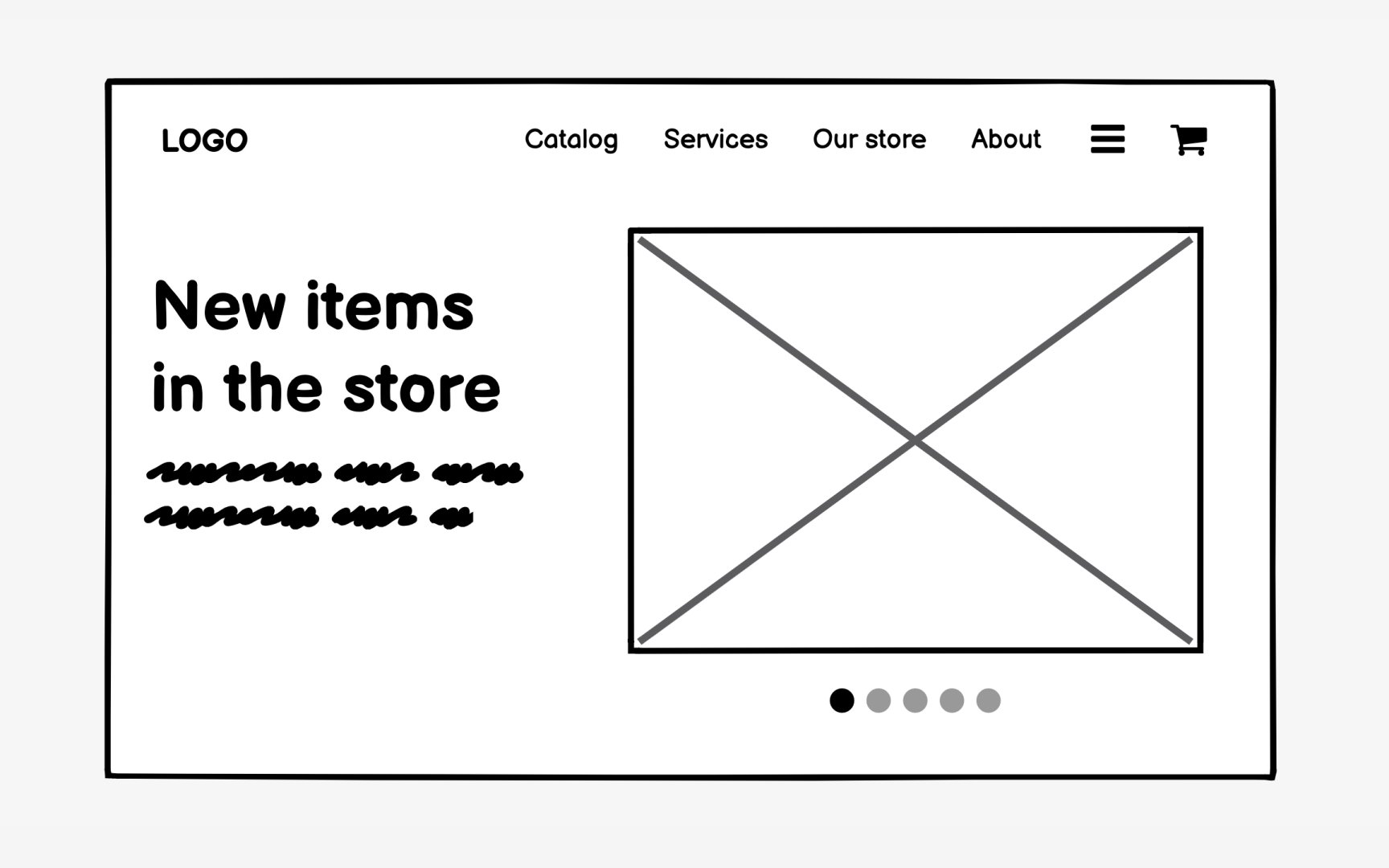
Another advantage of wireframing is that it helps you identify how well your site will handle
If your website offers a few products now but you plan to expand later, the site needs to accommodate that growth without compromising the design, architecture, or
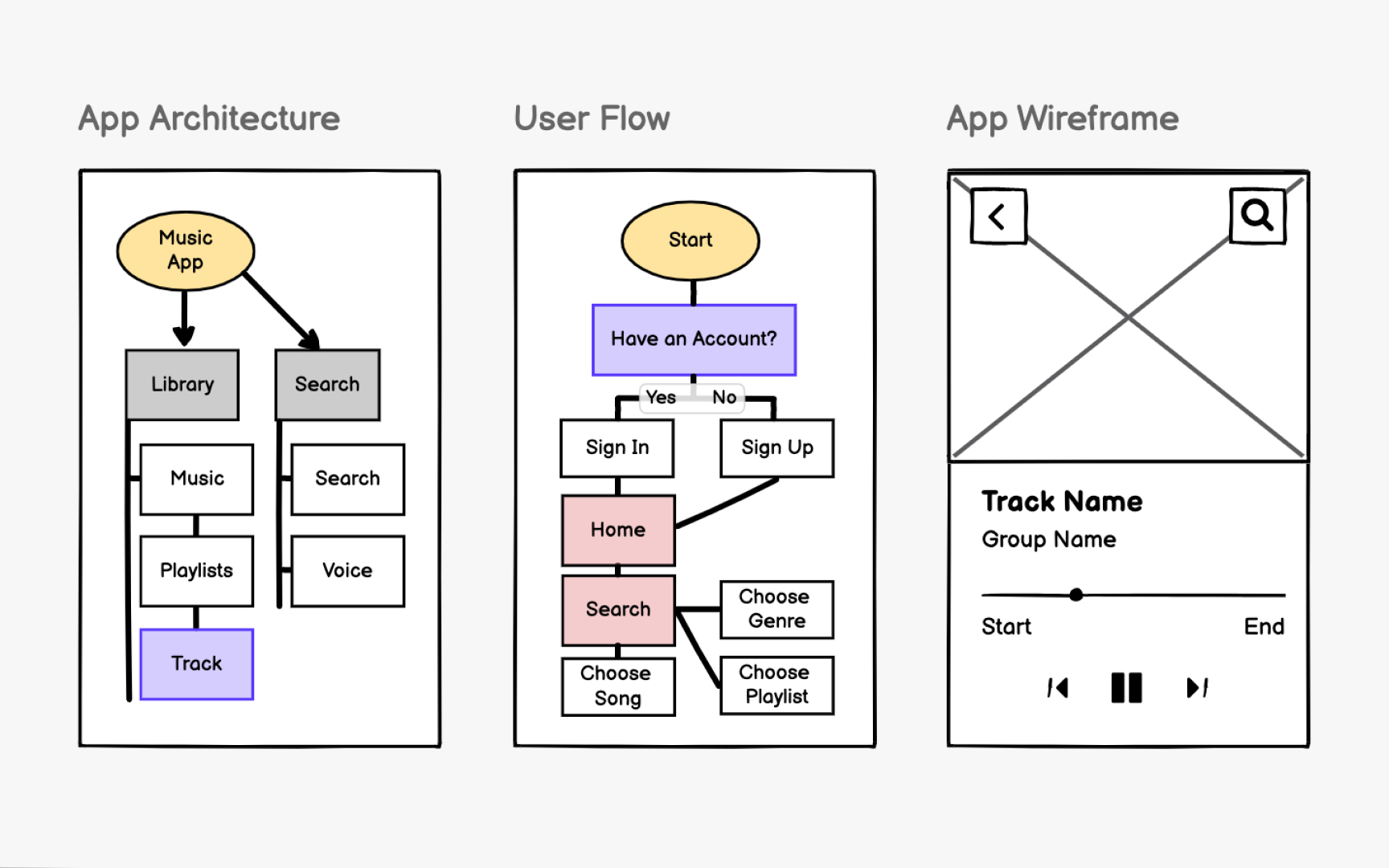
The iterative design process is an approach designers and developers use to continually improve a product. It involves creating prototypes, testing them, analyzing feedback from the team and users, and refining the design as a result. While any part of the design process can be iterative, it's best to start as early as possible since full design mockups take far more time to rework than simplified
Wireframes are ideal for iteration because they're quick to create and easy to discard. You can sketch multiple versions of the same screen, test different approaches with users, and make changes in minutes rather than hours. This low investment encourages experimentation. Teams are more willing to explore bold ideas when they're not attached to polished designs.
Wireframes let you test and improve four key aspects of your website or app: structure,
References
- What Is A Wireframe? Everything You Need To Know (And More) | CareerFoundry
Top contributors


Topics
From Course

Share


Similar lessons
Wireframe Fidelity

How to Use Text in Wireframes