Best Practices for Designing UI Button Labels
Explore the best practices for crafting clear, legible, and unmistakable button labels that guide users
Labels are so important that a button without them is almost entirely useless. Following button label best practices can enhance your product's legibility and help users work more efficiently.
A lot goes into creating great button labels, from the typography to the wording of the actual text. Following best practices for your button labels will help you design buttons that entice users to interact, while giving them a clear indication of what their interactions will accomplish.
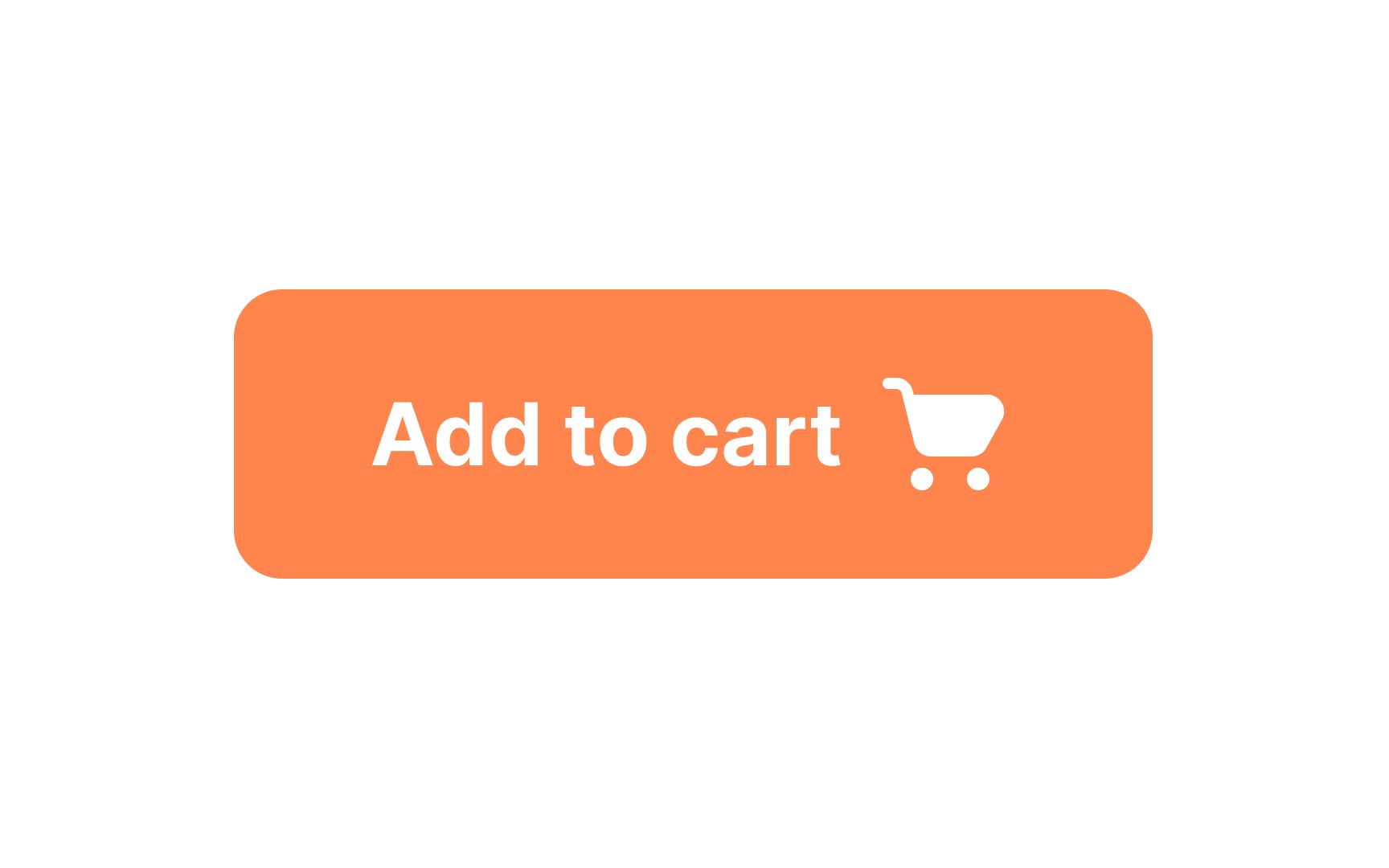
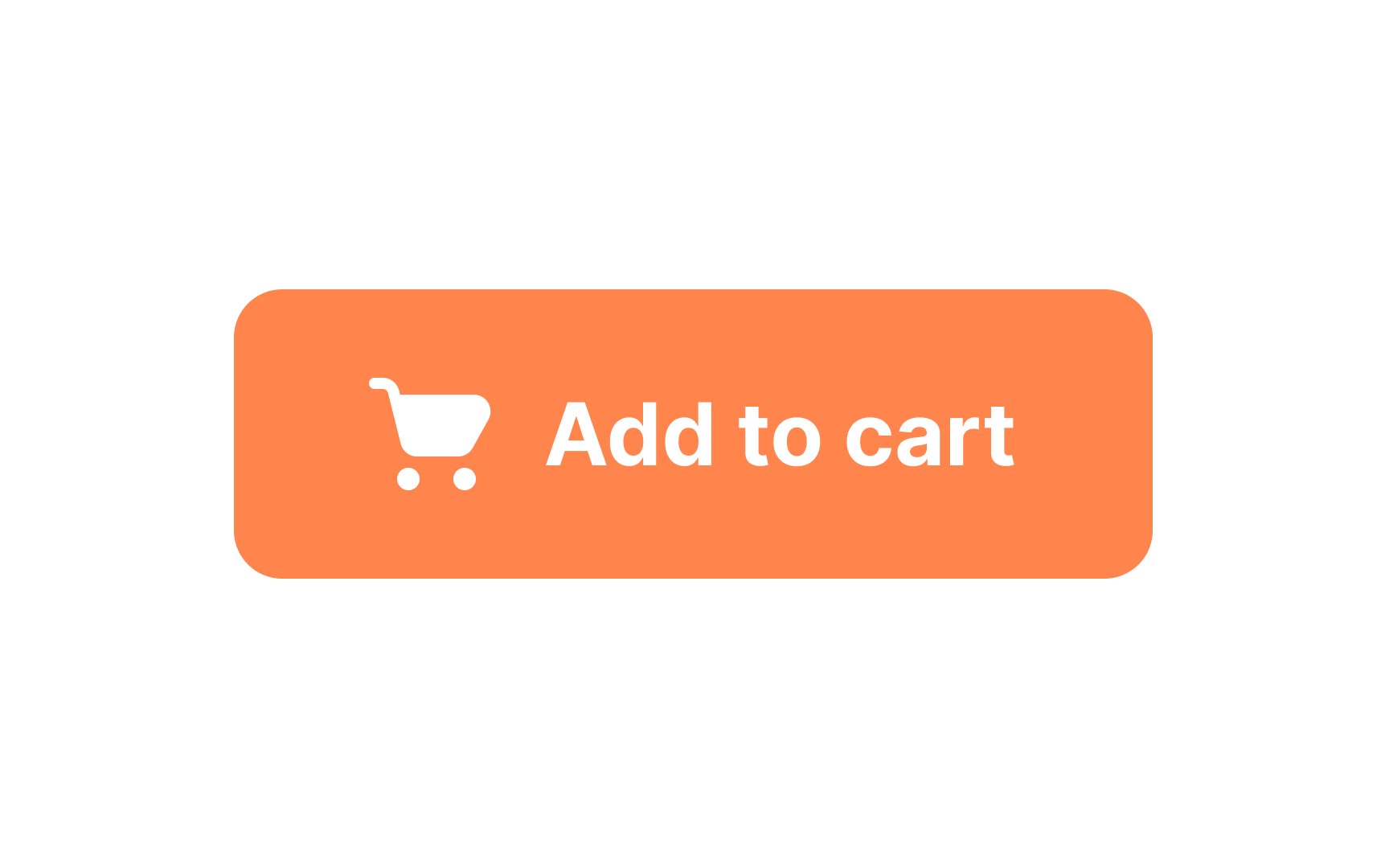
An icon can give users a hint about the button's purpose. Leading icons are commonly placed before the
Additionally, placing your icons on the left will leave room on the right for a downward pointing arrow when you need a dropdown menu.
If icons are self-explanatory and recognizable, users won't need to read the label. Use a leading icon to grab their attention.
Pro Tip: Place the icon after the label for directional actions (like “Next →”) or trailing indicators (like checkmarks or spinners)
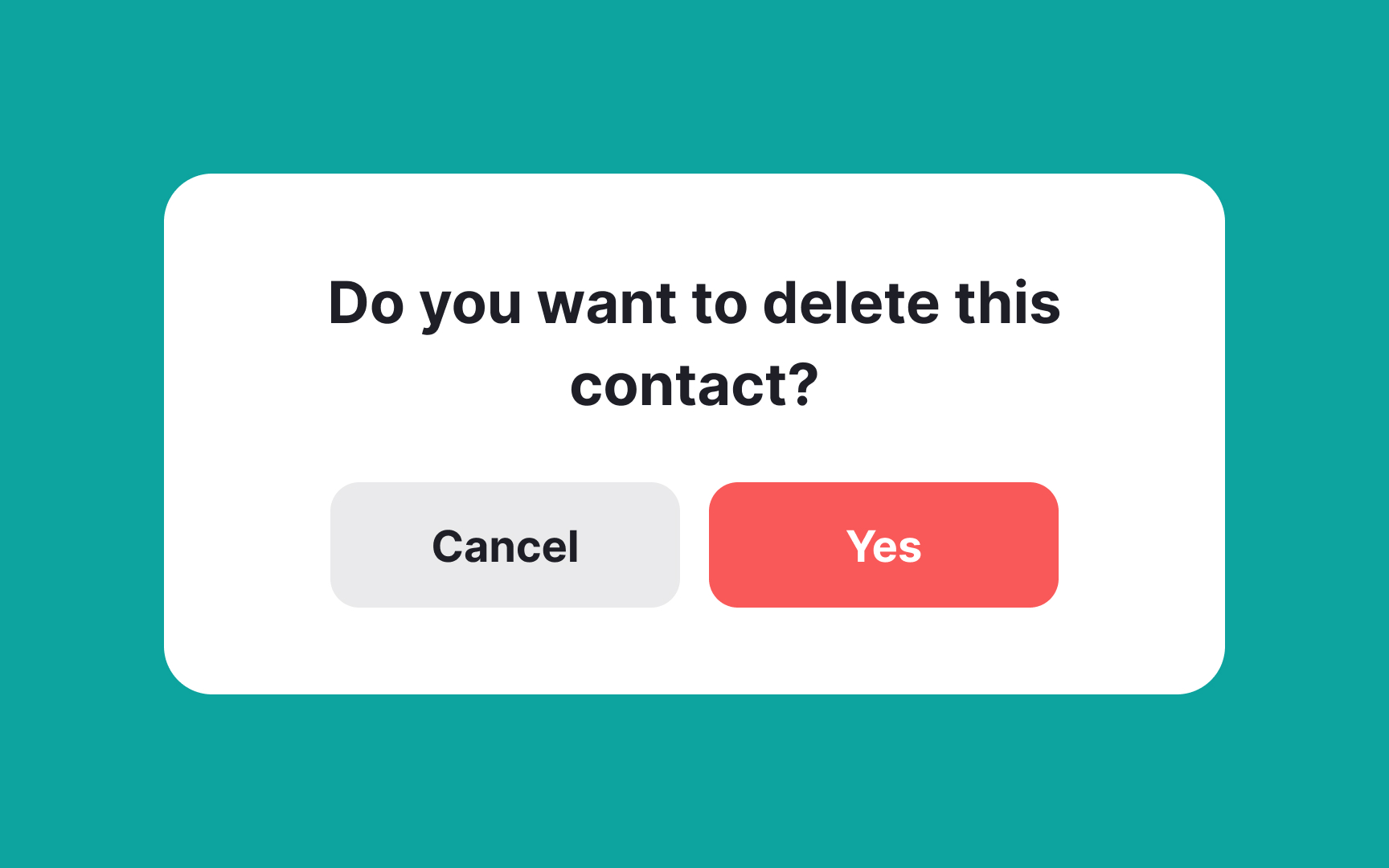
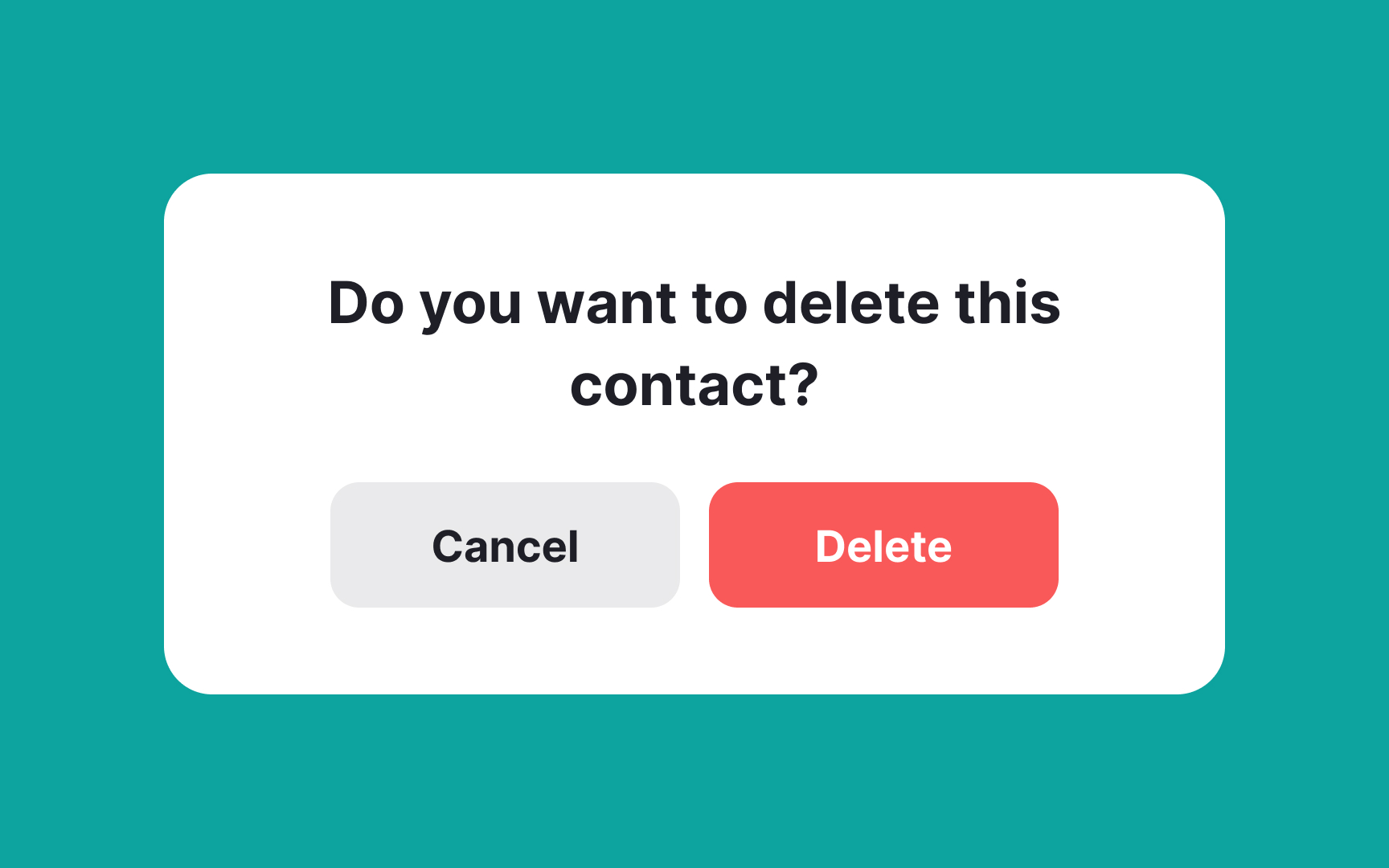
Button
Rather than using words like “yes” or “no” in your


Universal icons — those that are instantly recognizable and used across digital products — are generally the best choice for common tasks such as returning to the home

Labels clarify the purpose of an icon, reducing ambiguity and enhancing user experience. Think about it: an icon of a floppy disk might not mean "save" to a younger audience. Labels make sure everyone's on the same
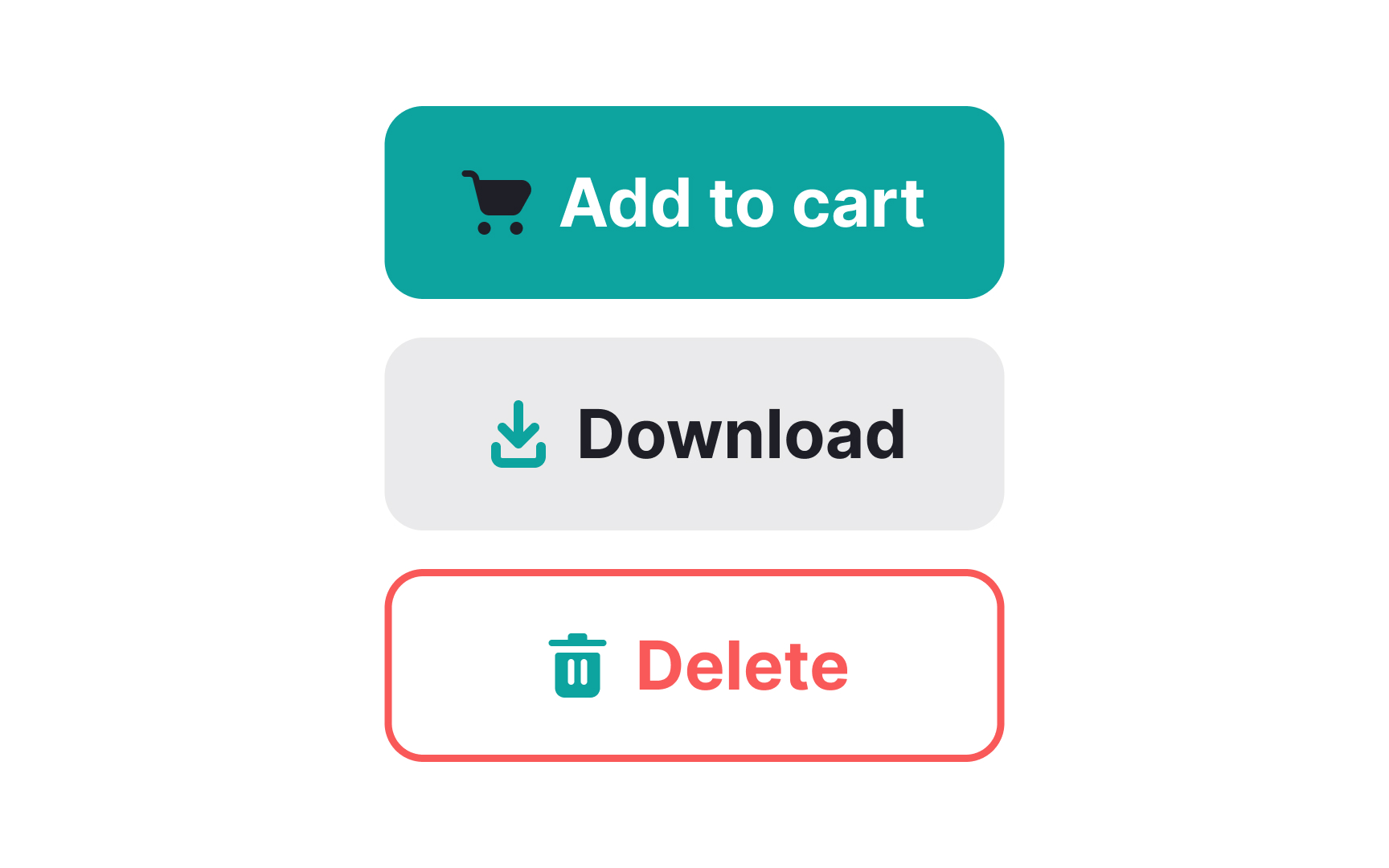
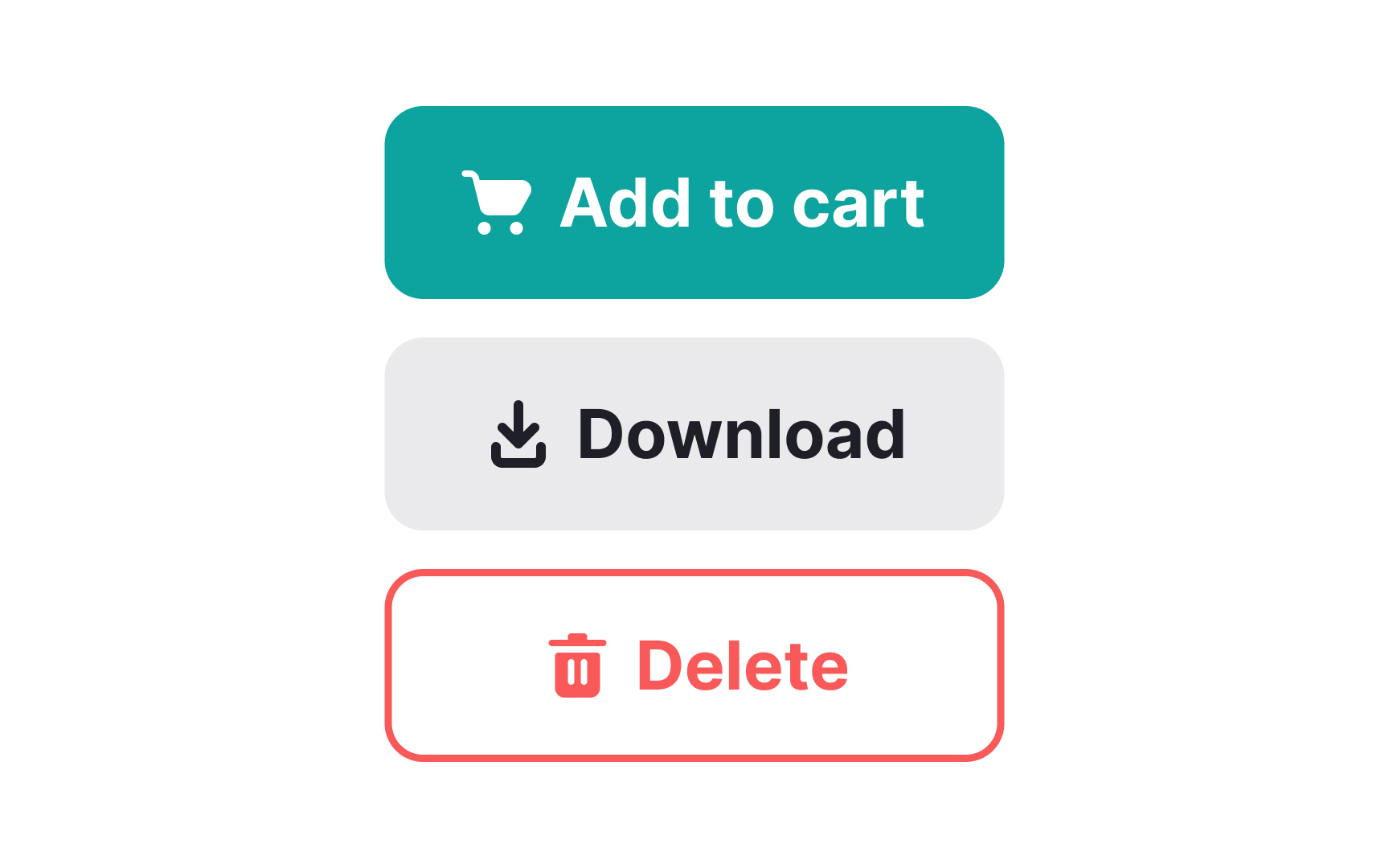
While establishing the visual hierarchy of your
Selecting the right
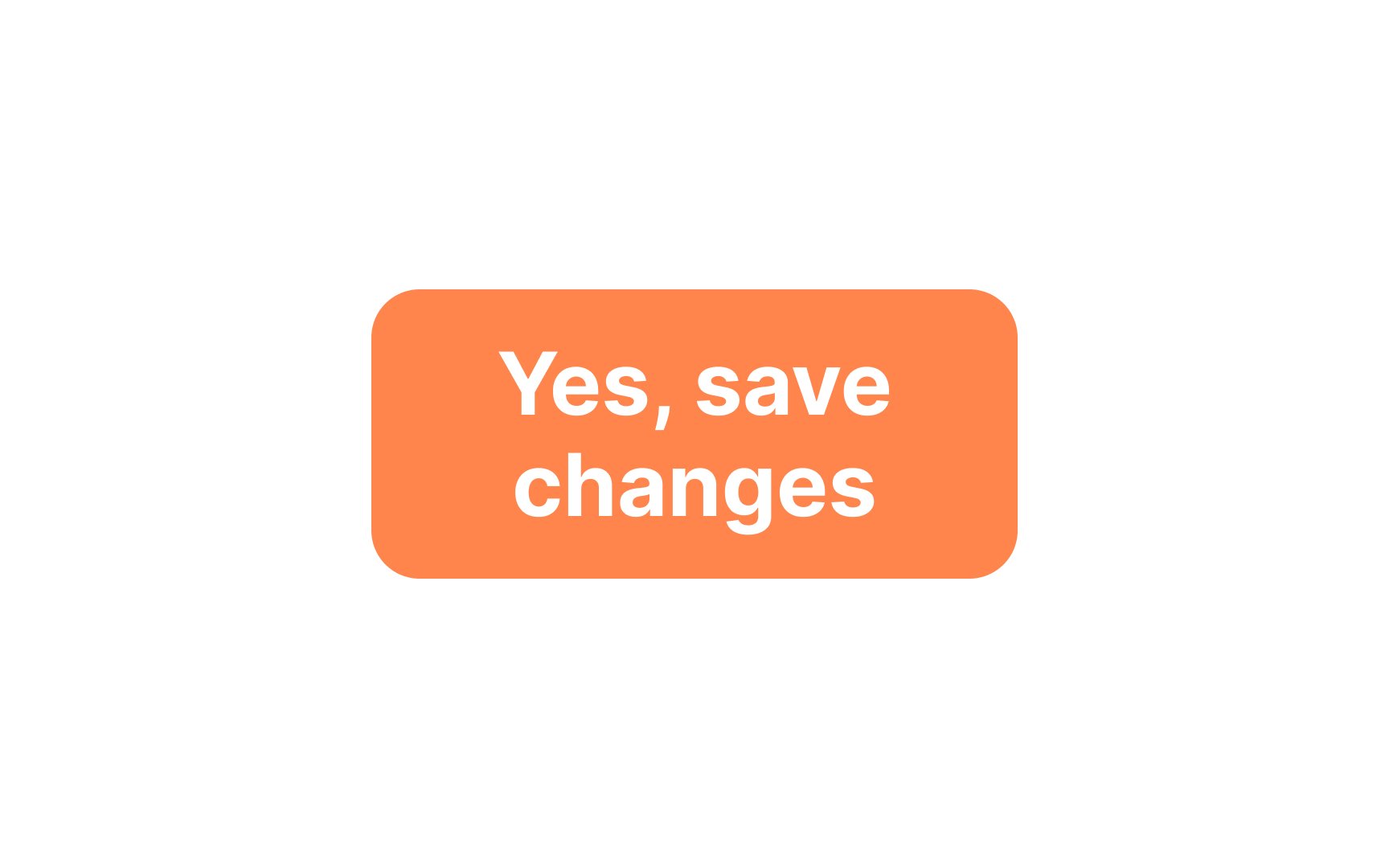
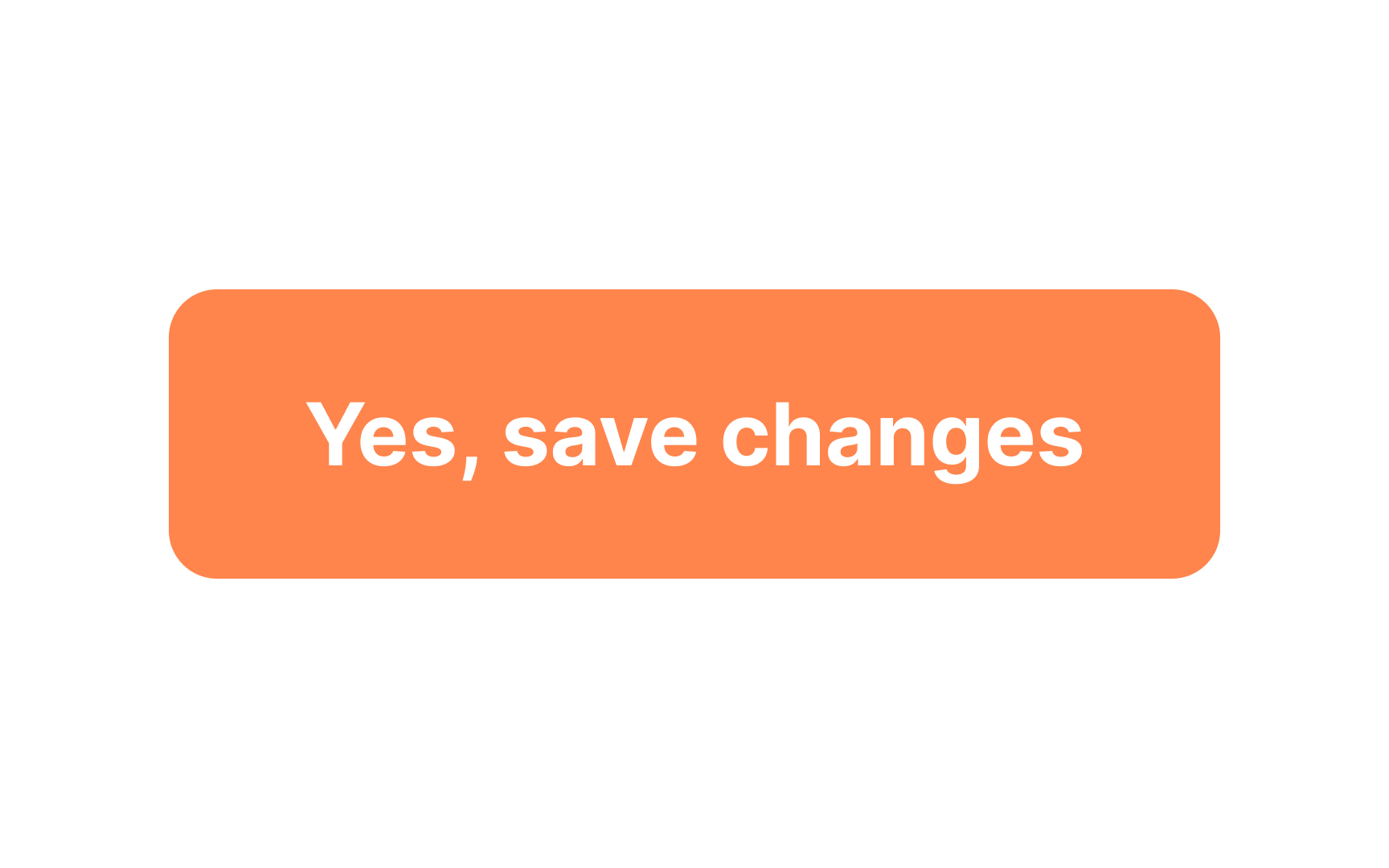
Breaking a button label into two lines usually creates confusion for users, making them more likely to choose the wrong action. To maintain user-friendly design, it's advisable to fit your button
However, exceptions do exist. For instance, some specialized call-to-action
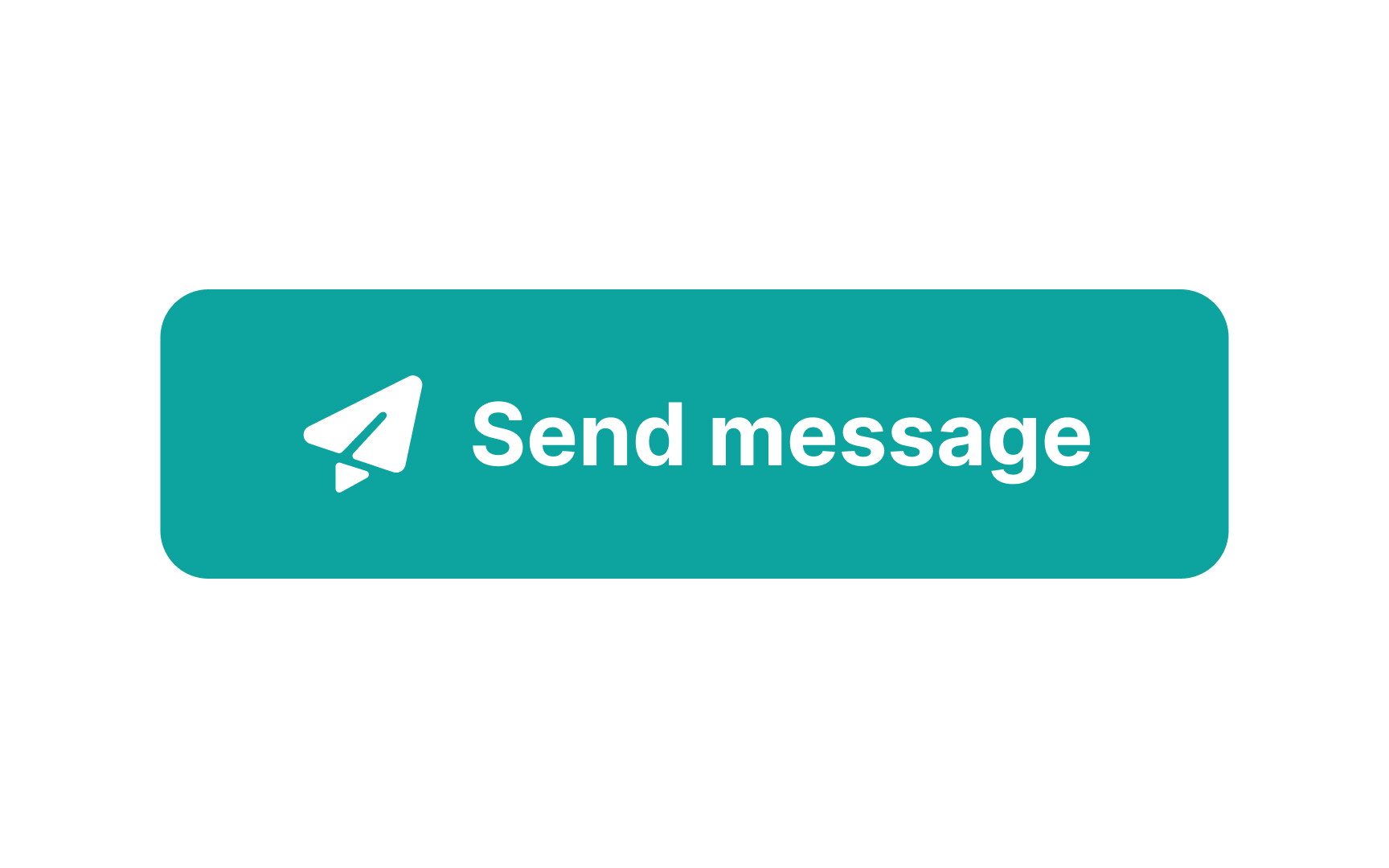
Pro Tip: If your button contains a label and an icon, align them as though they are one element.
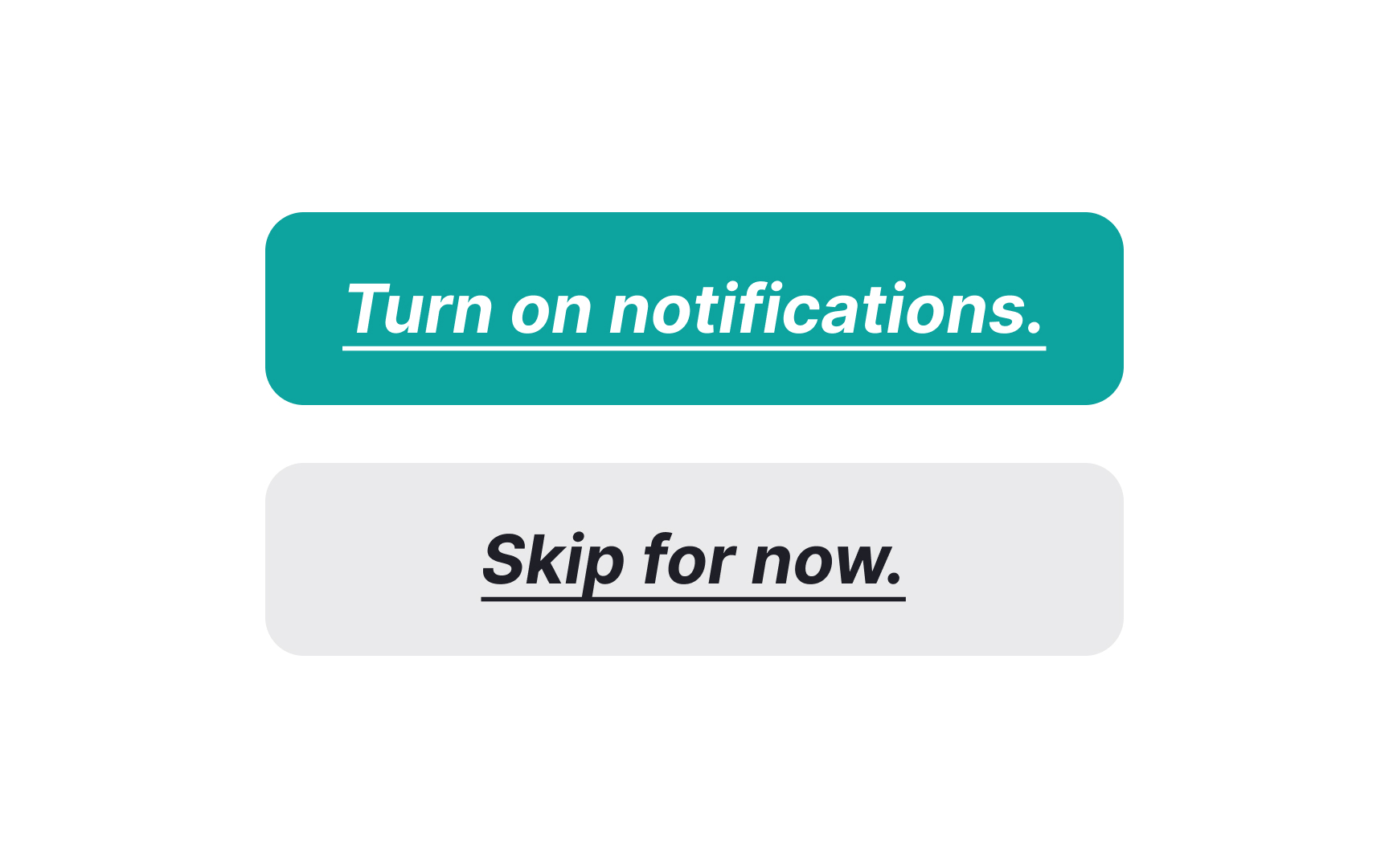
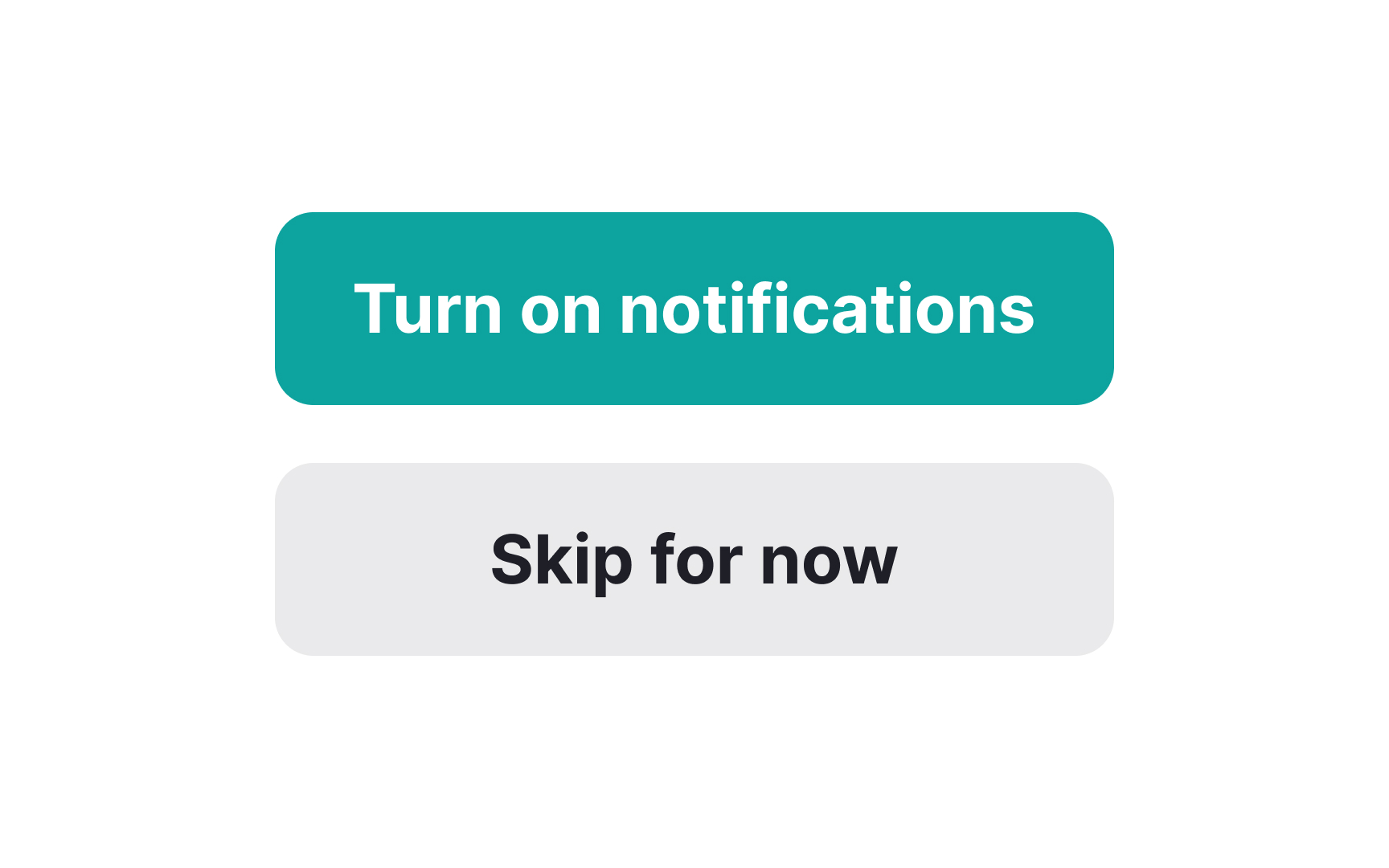
When it comes to button
Instead, consider using a heavier text weight than your body copy to make the label stand out. The goal is to make the label's message as clear and straightforward as possible, minimizing the chance of confusing users. Keep the styling simple and the message clear, and you'll create


When crafting microcopy for
Here are some go-to tips for choosing the right words:
- Use verbs: Words like "Buy," "Submit," or "Download" make it clear what action will occur.
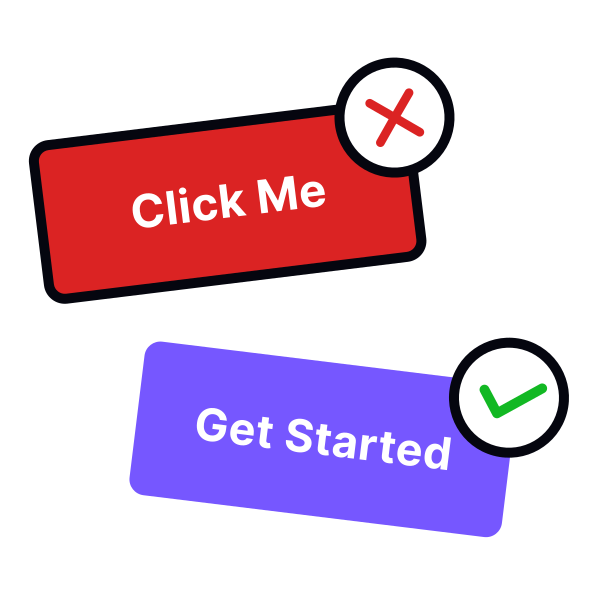
- Be specific: Instead of vague
labels like "Go" or "Send," use "Search" or "Subscribe" to provide more context. - Keep it short: Limit the label to two to three words to ensure it's scannable and fits well within the button.
Pro Tip: It’s okay to ignore some grammar rules — like leaving out articles or prepositions — in favor of better UX as long as the meaning is still clear.
References
- F-Shaped Pattern of Reading on the Web: Misunderstood, But Still Relevant (Even on Mobile) | Nielsen Norman Group
Top contributors


Topics
From Course

Share


Similar lessons
Intro to UX Copy
What is UX Writing?